


Bykski
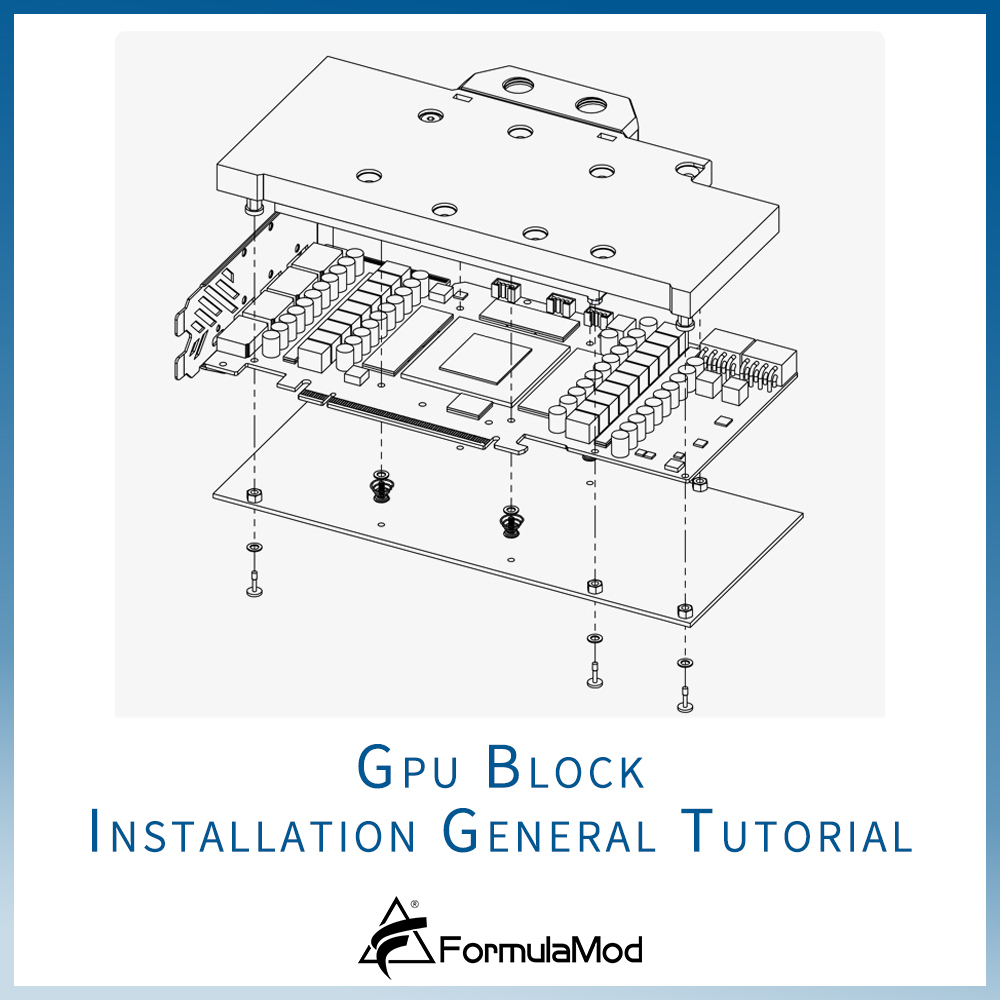
How to Water-Cool a GPU with a Full-Cover Water Block | Bykski
Replace Your GPU’s Stock Cooler with a Full-Cover Water Block
The Bykski video shows how to place thermal pads and mount a full-cover water block on a bare graphics card PCB. This page also explains how to match the block to your exact card model and PCB layout before disassembly, remove the stock cooler, and leak-test the custom loop before powering on the card.
Before You Remove the Stock Cooler
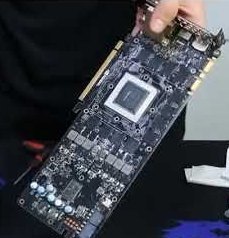
Example board from the Bykski tutorial.
Confirm the card and PCB layout
Check the block maker’s compatibility listing for your exact graphics card and match its PCB layout before you remove the cooler.
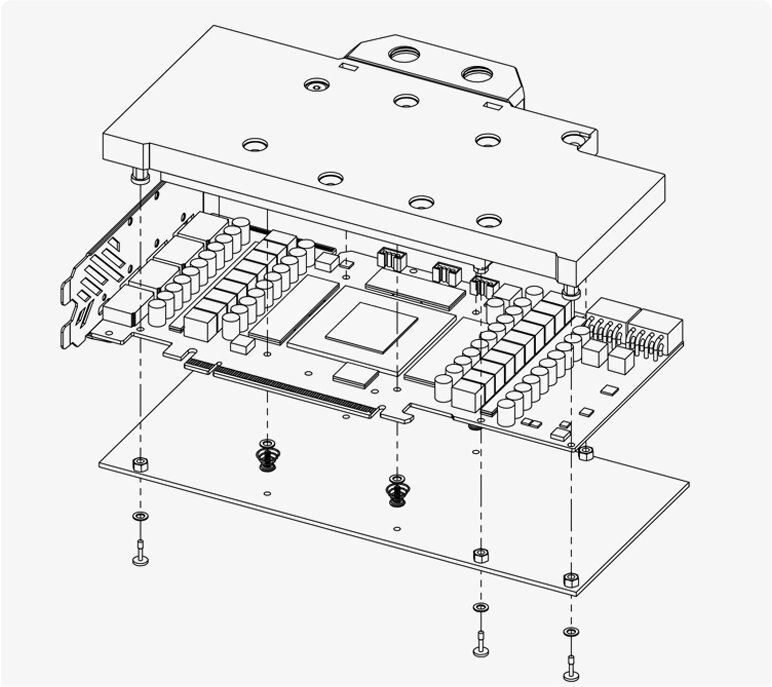
Example assembly. The water block sits above the PCB and the backplate sits below it.
Identify the mounting hardware
Lay out the screws, washers, and any standoffs shown in your block’s installation manual. Use that manual for the screw positions and backplate assembly.
What to Check in Your Block Manual
| Thermal pad map | The locations and pad thicknesses for the front of the PCB and the backplate, where specified. |
|---|---|
| Mounting sequence | The specified fasteners and tightening order for your block and backplate. |
| Loop connections | The water block’s inlet and outlet and the fittings to use. |
What You’ll Need
Installation & Use
FAQ
How do I check whether a water block fits my graphics card?
Look up the full card model in the block maker’s compatibility listing and compare the PCB layout to your card. Check the block revision before choosing its installation guide.
Where do the thermal pads go on the graphics card?
Use your block’s pad map to identify the memory (VRAM) and power delivery contact points that need pads. Use the thickness shown for each location.
How tight should I make the mounting screws?
Tighten the screws evenly in the sequence shown in your block’s manual. Follow any torque guidance given for that revision.
Should the graphics card have power during a leak test?
Keep the graphics card and the rest of the system unpowered. Supply power only to the pump while you check the loop for leaks.
- Do not purchase this link, only for viewing the tutorial video
- Find “Bykski GPU block installation general tutorial” on the FormulaMod Official Studio YouTube channel.
- As GPU block products have been upgraded and changed.
- The steps shown in the tutorial video may have been different from the actual operation of the new version of the GPU block.
- Please refer to it as appropriate, but the general installation ideas are common. And please install it in conjunction with the video and the installation instructions of the target GPU block.






