


Bykski

Installation Guide for Bykski TC GPU Water Blocks with Active Backplates
How to install a GPU water block with an active backplate
This viewing-only tutorial shows the general mounting sequence for a Bykski TC GPU water block and active backplate in a custom liquid cooling loop. Use the installation diagram for your exact block and PCB to place the thermal pads and check the mounting hardware.
Reference Model Compatibility
The video description names N-RTX3090FE-TC as its reference model. Bykski lists this block for the following PCB.
- ✓NVIDIA GeForce RTX 3090 Founders Edition
Compare your exact card and PCB layout with the block’s compatibility diagram before ordering or installing. If you have a different TC block, use its own pad layout, hardware list, and mounting instructions.
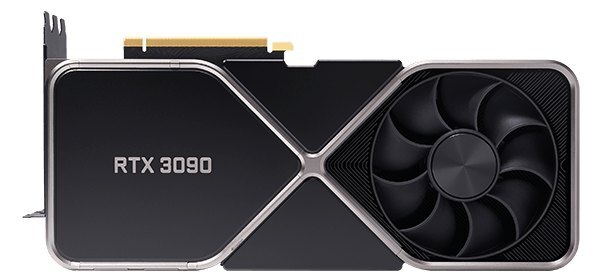
NVIDIA GeForce RTX 3090 Founders Edition with its stock cooler.
Watch the Installation Tutorial
Design Highlights
Front block contact points
The front block contacts the GPU die, memory, and power delivery components. Use the pad layout for your exact block to identify which components need pads.
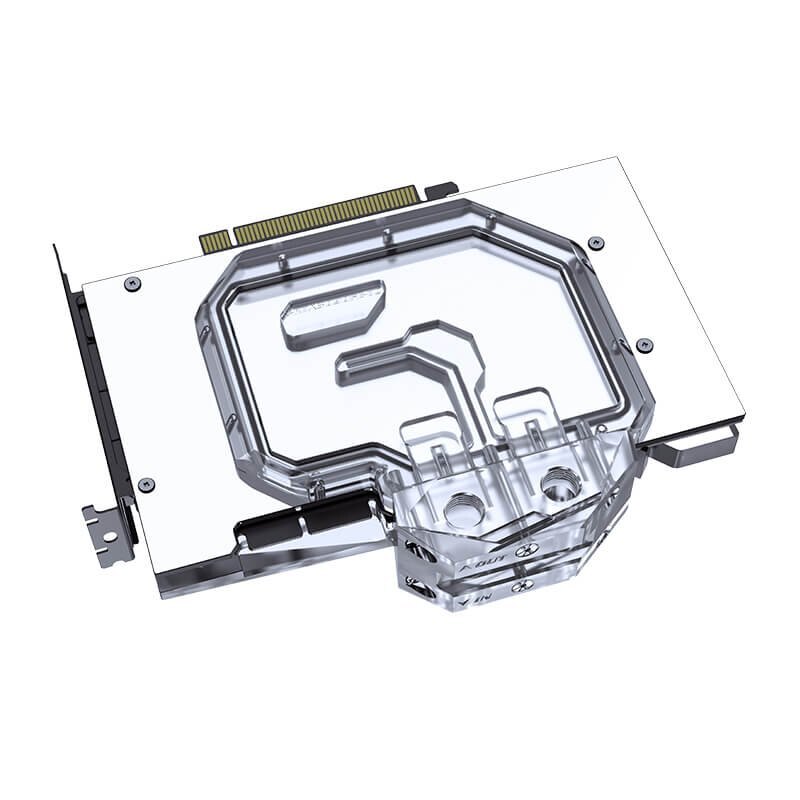
Coolant flows through the backplate
The active backplate contains a coolant channel. With the N-RTX3090FE-TC on an RTX 3090 Founders Edition, thermal pads transfer heat from the rear memory chips to the backplate.
Bykski Specifications for N-RTX3090FE-TC
| Model | Bykski N-RTX3090FE-TC |
|---|---|
| Materials | Nickel-plated copper and acrylic |
| Port thread | G1/4 |
| Lighting | 5V addressable RGB (RBW) |
Another Block for the RTX 3090 Founders Edition
Installation & Use
For the custom loop, have your fittings, tubing, pump, radiator, and coolant ready.
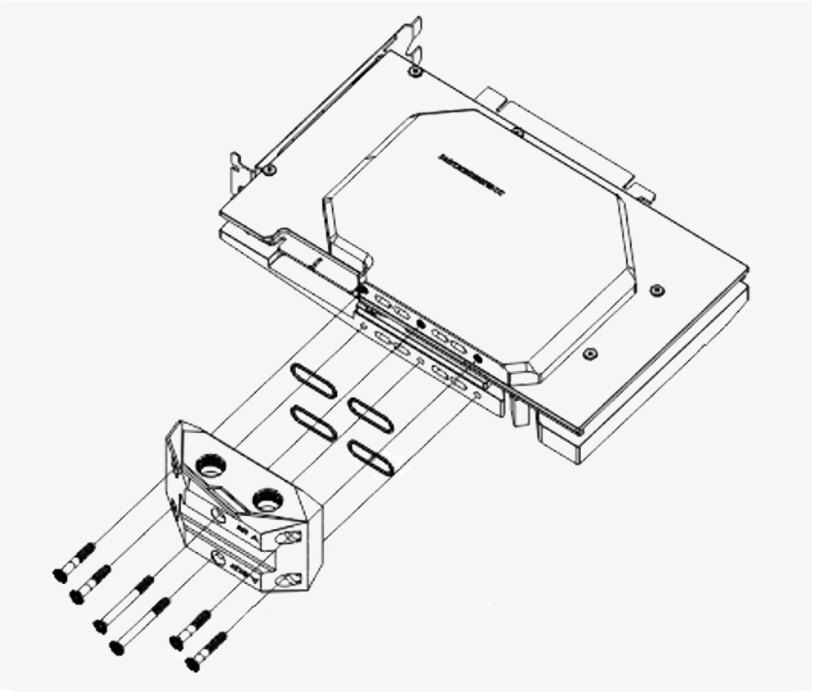
Bykski TC terminal and seal assembly.
FAQ
Can I follow this video for another Bykski TC block?
Use the video for the general sequence. Check your exact model’s instructions for pad thickness, pad locations, and mounting hardware.
Where do the thermal pads and paste go?
Apply paste to the GPU die. Put pads on the memory and power delivery components marked in your block’s diagram, including the rear memory positions if shown.
Which fittings does the N-RTX3090FE-TC use?
The N-RTX3090FE-TC uses G1/4 ports. Choose G1/4 fittings that match your tubing.
How do I connect the N-RTX3090FE-TC lighting?
Use a compatible 5V RBW controller or a 3-pin 5V ARGB header with the appropriate adapter. A 12V RGB header can damage the LEDs.
- Do not purchase this link, only for viewing the tutorial video






