


FormulaMod


White PSU Cable Extension Kit, 300 mm Sleeved | FormulaMod Fm-NCK1-I / Fm-NCK1-A
White sleeved extensions for PC power cables
The FormulaMod NCK1 kit adds 300 mm of white sleeved cable to the component ends of your original PSU leads. It serves PCs with an ATX 24-pin motherboard connector and matching CPU or graphics power leads. White connectors and cable combs give the visible wiring a consistent look. Choose straight or pre-bent cables to suit your route.
Compatibility
Connect the extensions to the component ends of your original PSU cables.
- ✓ATX 24-pin motherboard main power
- ✓EPS 8-pin (4+4) for an 8-pin or 4-pin CPU power socket
- ✓PCIe 8-pin (6+2) for an 8-pin or 6-pin graphics card power socket
Count your motherboard and graphics card power sockets before choosing Kit I or Kit A. Keep CPU EPS and GPU PCIe leads matched to their respective sockets.
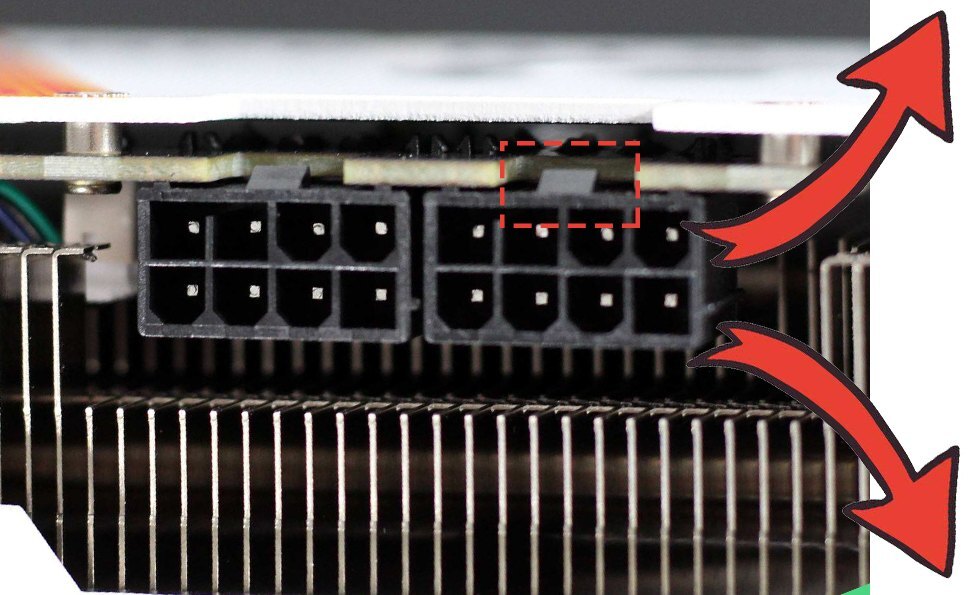
Backplate-side GPU latch example. Forward bends down and Opposite bends up.
Design Highlights
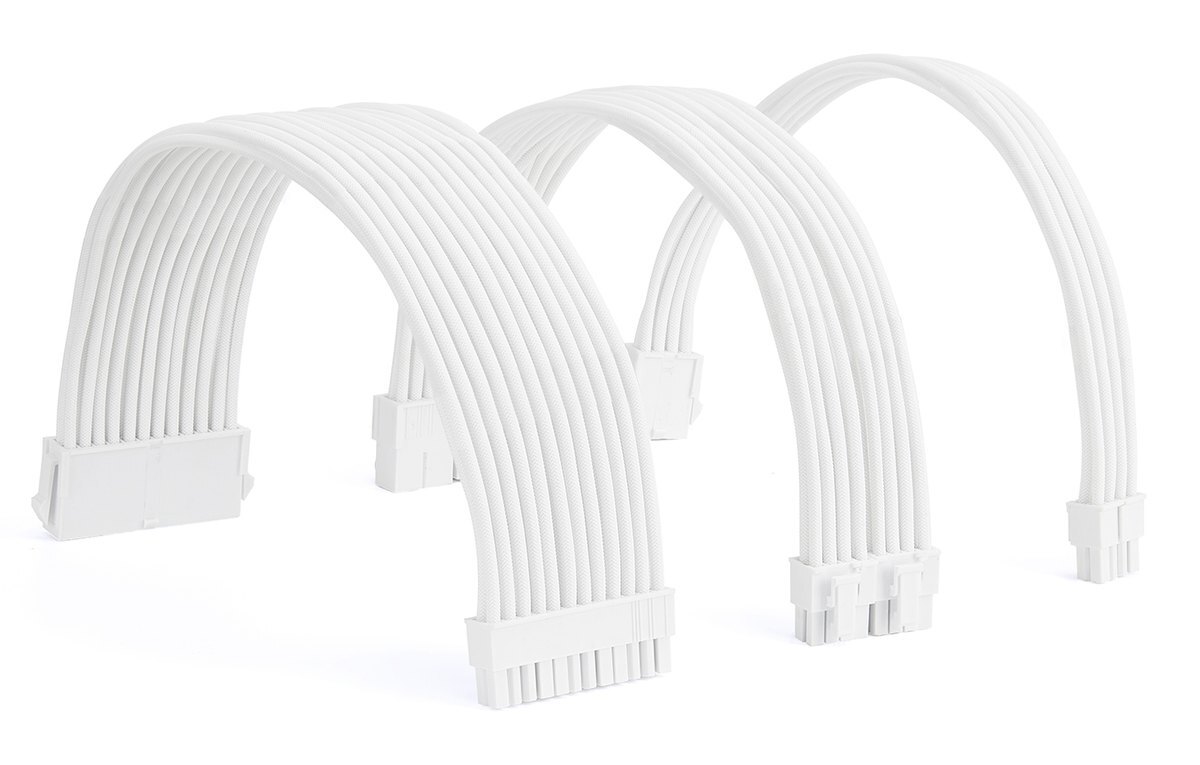
Match the bend to your route
Both kits come in Straight, Forward bending, and Opposite bending. Choose Straight if you want to shape the route yourself or you’re unsure where the GPU connector latch sits. Keep pre-bent cables in their original bend direction.

Manufacturer’s cable construction illustration.
Individually sleeved wires
The cable uses 18 AWG tinned copper conductors, PVC insulation, and a woven nylon outer sleeve. Use the included combs to keep the visible strands in parallel.
Key Specifications
| Model | Fm-NCK1-I (Kit I) / Fm-NCK1-A (Kit A) |
|---|---|
| Extension length | 300 mm |
| Wire gauge | 18 AWG |
| Cable diameter | 3 mm |
| Cable construction | Tinned copper, PVC insulation, woven nylon sleeve |
| Motherboard main power | ATX 24-pin |
| CPU power | EPS 8-pin (4+4) |
| Graphics card power | PCIe 8-pin (6+2) |
| Color | White sleeves, connectors, and combs |
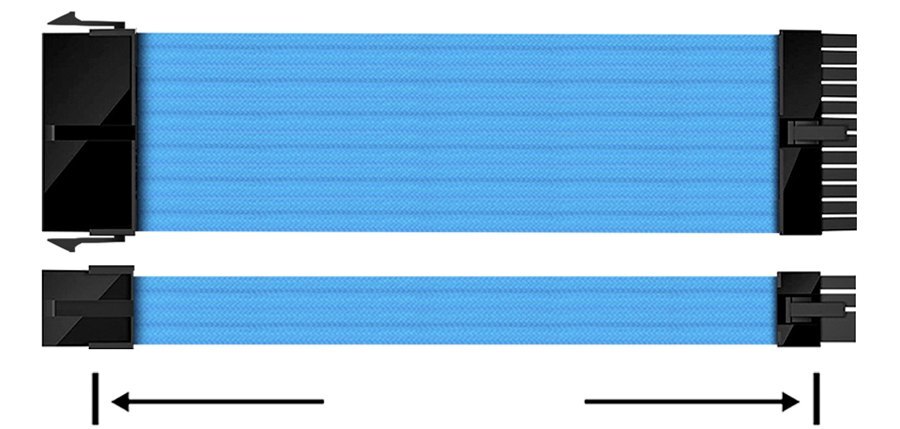
Manufacturer’s 300 mm length illustration, shown with blue sample cables.
Which Version Do I Need?
Choose your cable count and bend direction first.
What's in the Box
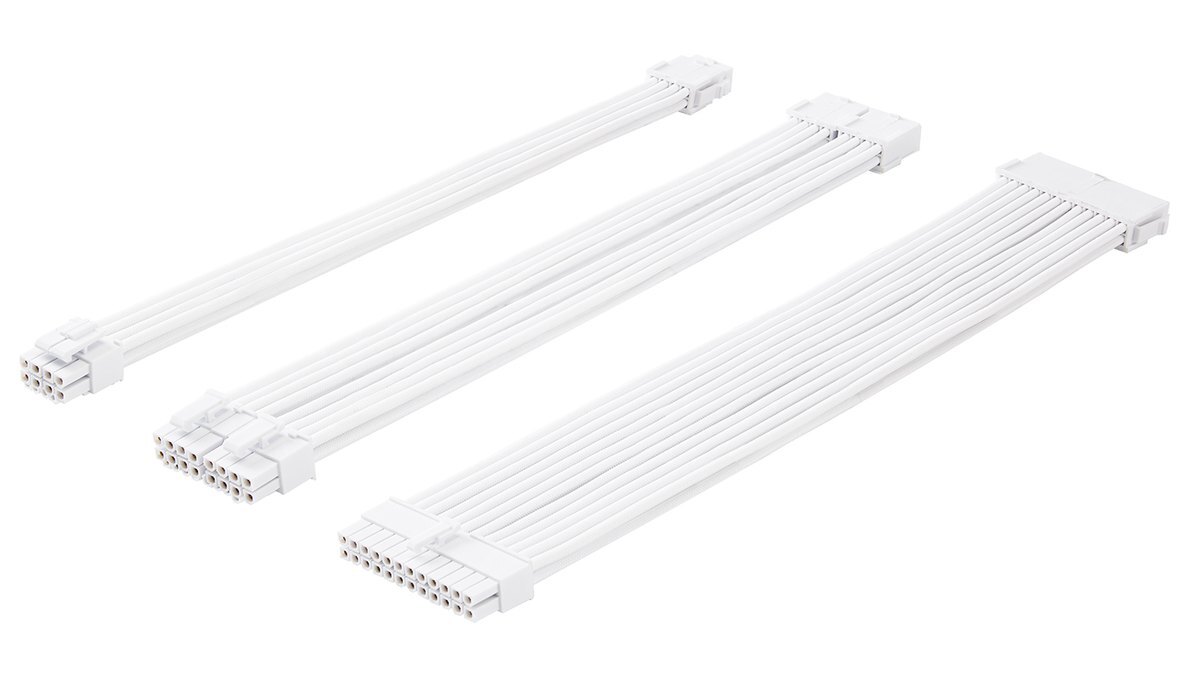
The three extension types, shown in the Straight configuration.
Installation & Use
Have your original PSU cables on hand and allow room in the case to route the extra 300 mm.
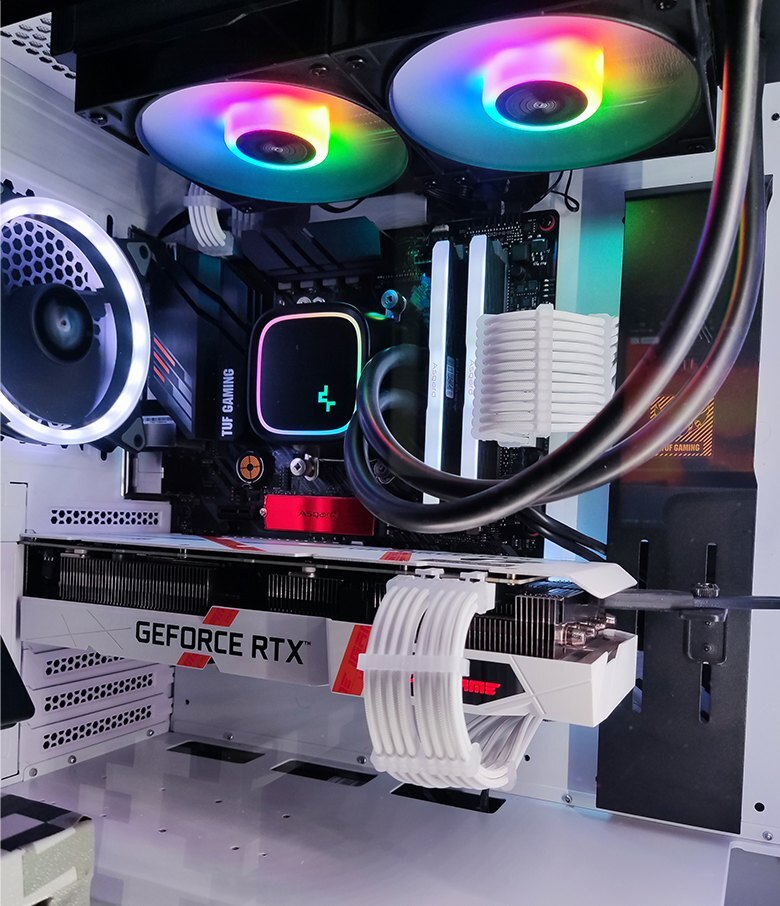
Example of white extensions routed to the motherboard and GPU.
FAQ
Do the extensions plug directly into a modular PSU?
Connect the extensions only to the motherboard or graphics card ends of the PSU’s original cables.
What’s the difference between Kit I and Kit A?
Kit I has six extensions and Kit A has four. Kit I adds one PCIe extension and one EPS extension to the cable count in Kit A.
Which bend should I choose for a horizontally mounted graphics card?
With the latch on the backplate side, choose Forward to route down or Opposite to route up. With the latch on the fan side, choose Forward to route up or Opposite to route down. Choose Straight if you’re unsure of the latch position.
Can I use these with a 6-pin GPU socket or a 4-pin CPU socket?
Yes. Use the 6-pin section of the PCIe 6+2-pin plug for the GPU, or one matching 4-pin half of the EPS 4+4-pin plug for the CPU.
- 1. Because of the different display setting of each computer, the pictures and real objects will be slightly color different.
- 2. All cables have been assembled, please don't disassemble at will.
- *If you need DIY adjustment, please pay attention to use special tools and not use too much force.
- 3. In case of upgrading to the appearance and structure, or different batches of material, no further notice, the real object shall prevail.
- 4. As extrusion or collision can not be avoided during transportation, the cable comb board may be slightly squeezed and bent. Due to the flexibility of the material, its use is generally not affected.
This shipping note applies only to batches supplied with a cable comb board. - The color of the cable on the detailed pictures (such as black cables) is only used for product display and introduction, and does not represent the sale of black products.








