

Bykski


MSI RTX 4060 Water Block — Bykski N-MS4060VES-X for Ventus 2X Black 8G OC and Gaming X
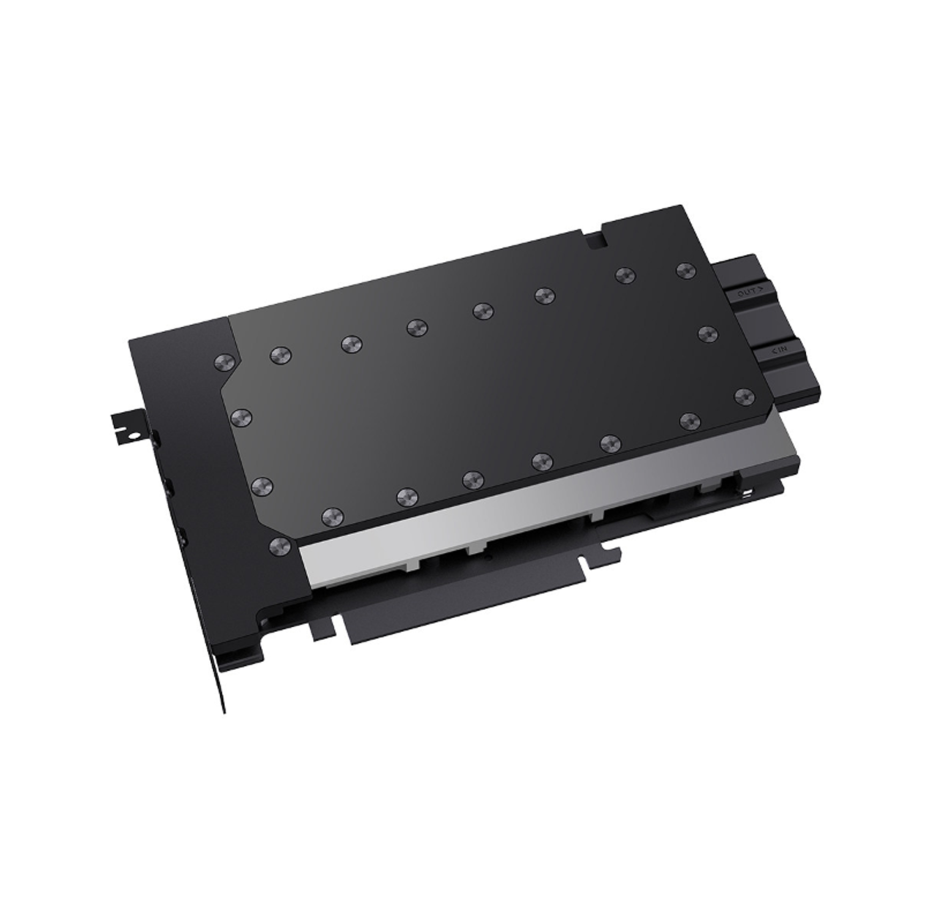
Full-cover MSI RTX 4060 water block with backplate
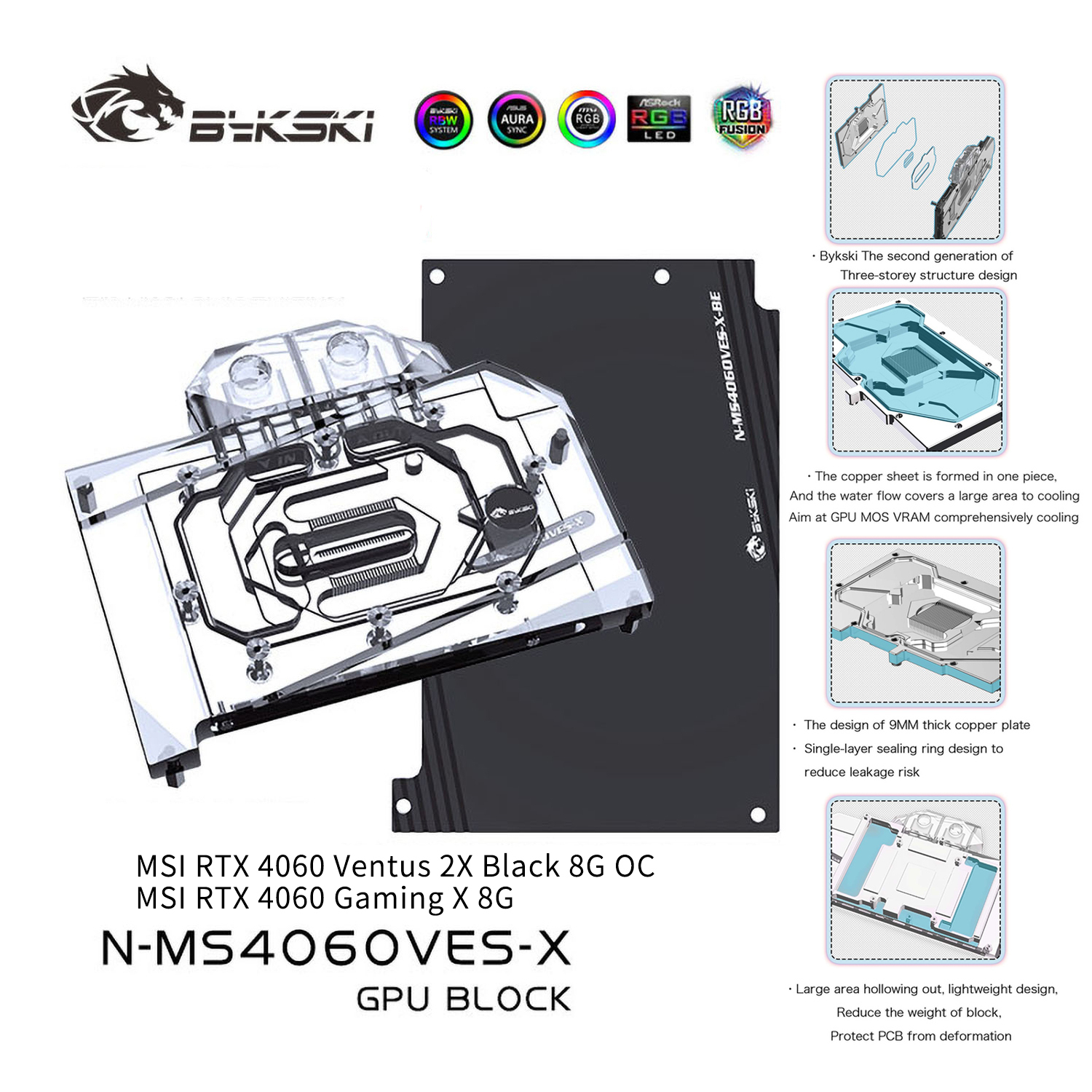
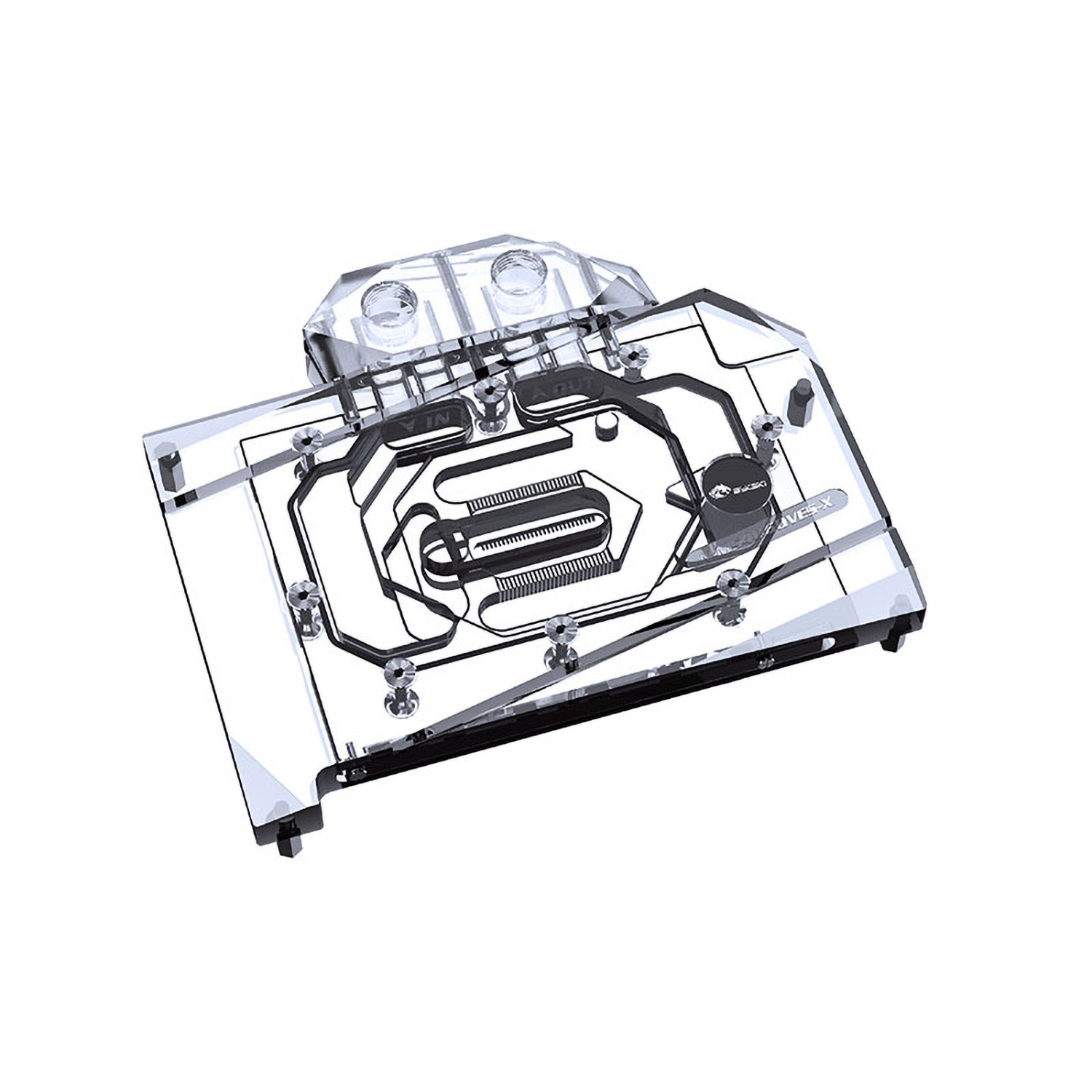
The Bykski N-MS4060VES-X replaces the stock cooler on supported MSI GeForce RTX 4060 cards such as the Ventus 2X Black 8G OC. The full-cover block cools the GPU core, memory, and power delivery components in a custom liquid cooling loop. It comes with a separate aluminum backplate and connects to the loop through G1/4 ports.
Compatibility
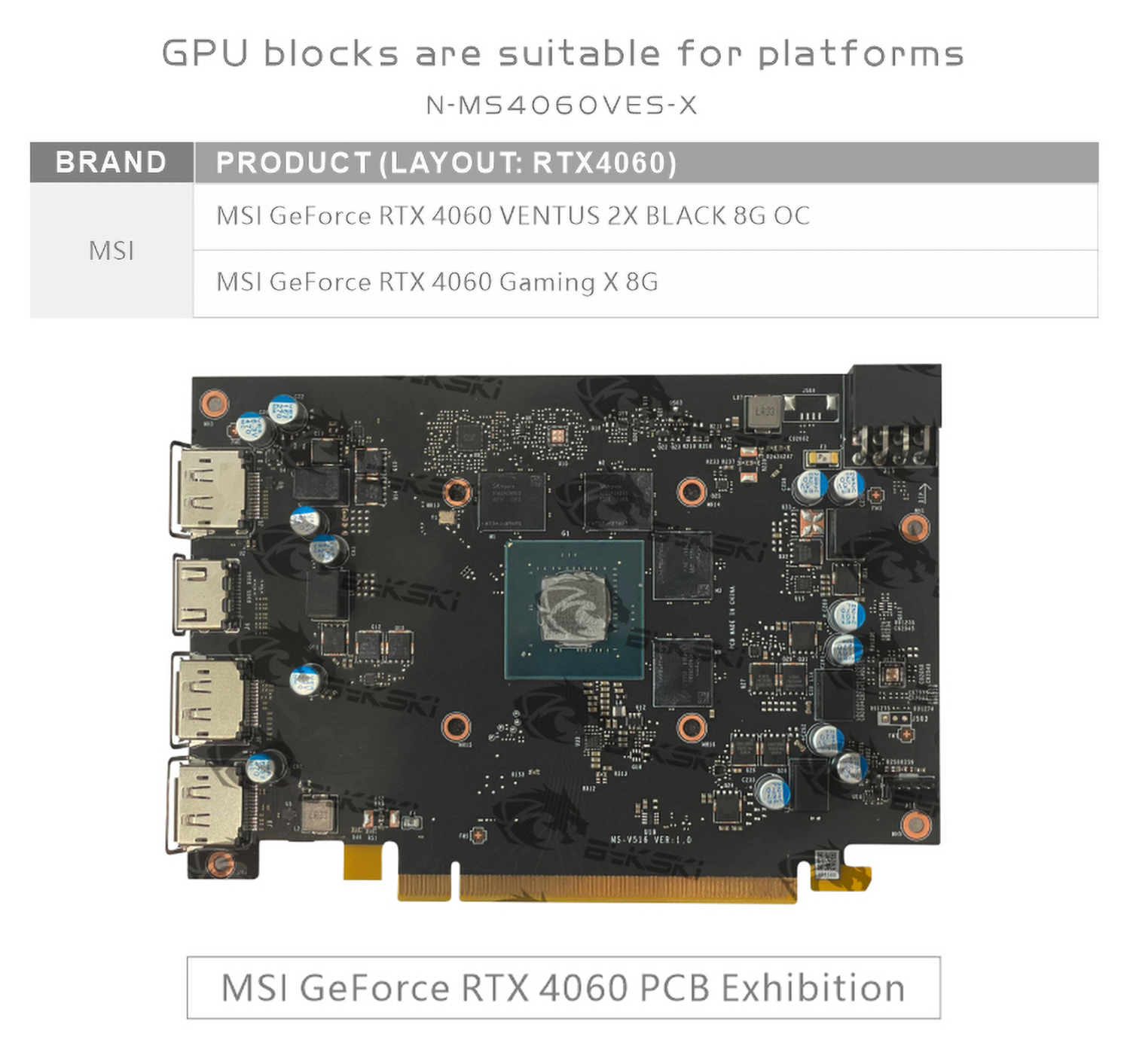
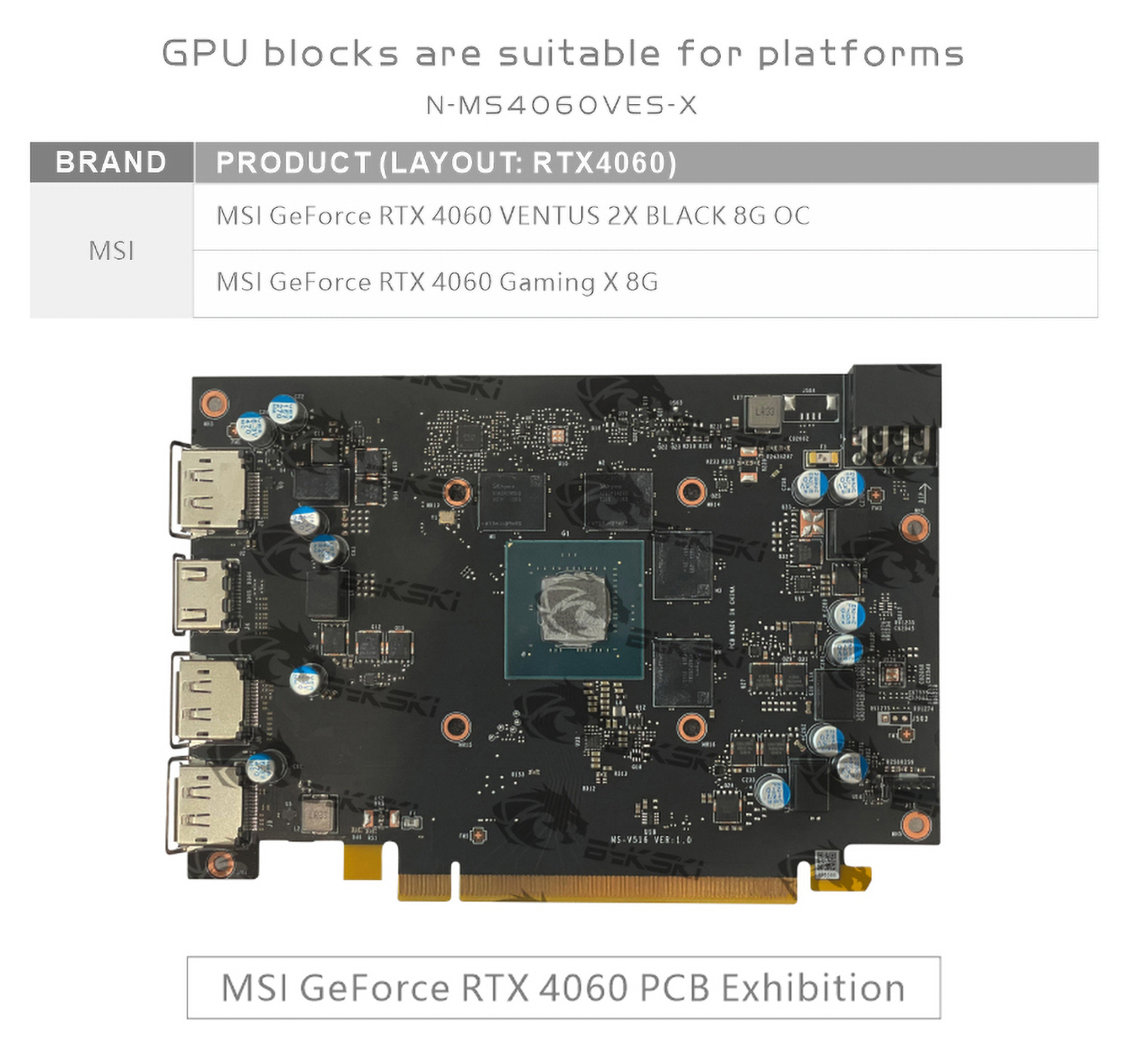
Bykski specifies these MSI graphics card models.
- ✓MSI GeForce RTX 4060 Ventus 2X Black 8G OC
- ✓MSI GeForce RTX 4060 Gaming X 8G
- ✓MSI GeForce RTX 4060 Gaming X 8G MLG
Not compatible:
- ✗MSI GeForce RTX 4060 Ti Ventus 2X 16GB
Bykski’s reference board is marked MS-V516 VER:1.0. Before ordering, confirm your exact card model and compare its PCB layout and mounting holes with the bare-board photo in the product gallery.
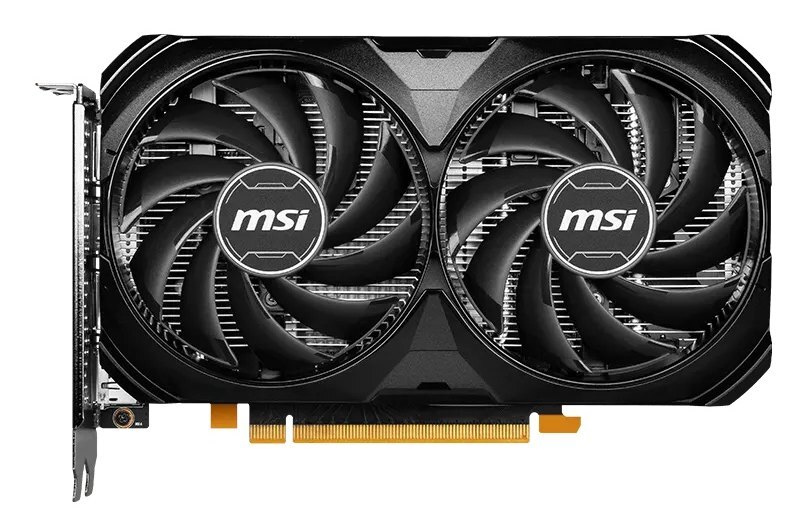
MSI GeForce RTX 4060 Ventus 2X Black 8G OC with its stock cooler.
Design Highlights
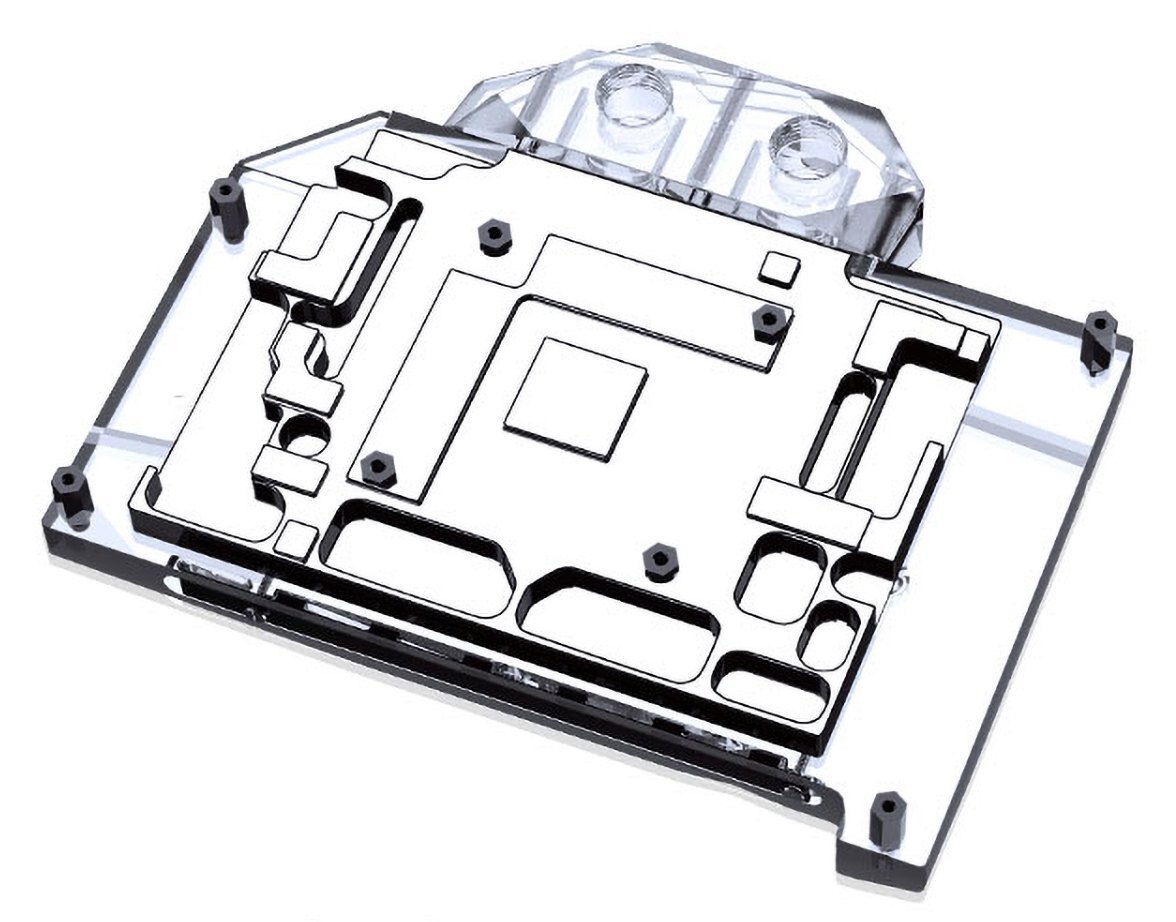
Contact for the GPU, memory, and VRM
The machined copper cold plate contacts the GPU and has raised surfaces for the thermal pads on the memory and power delivery components.
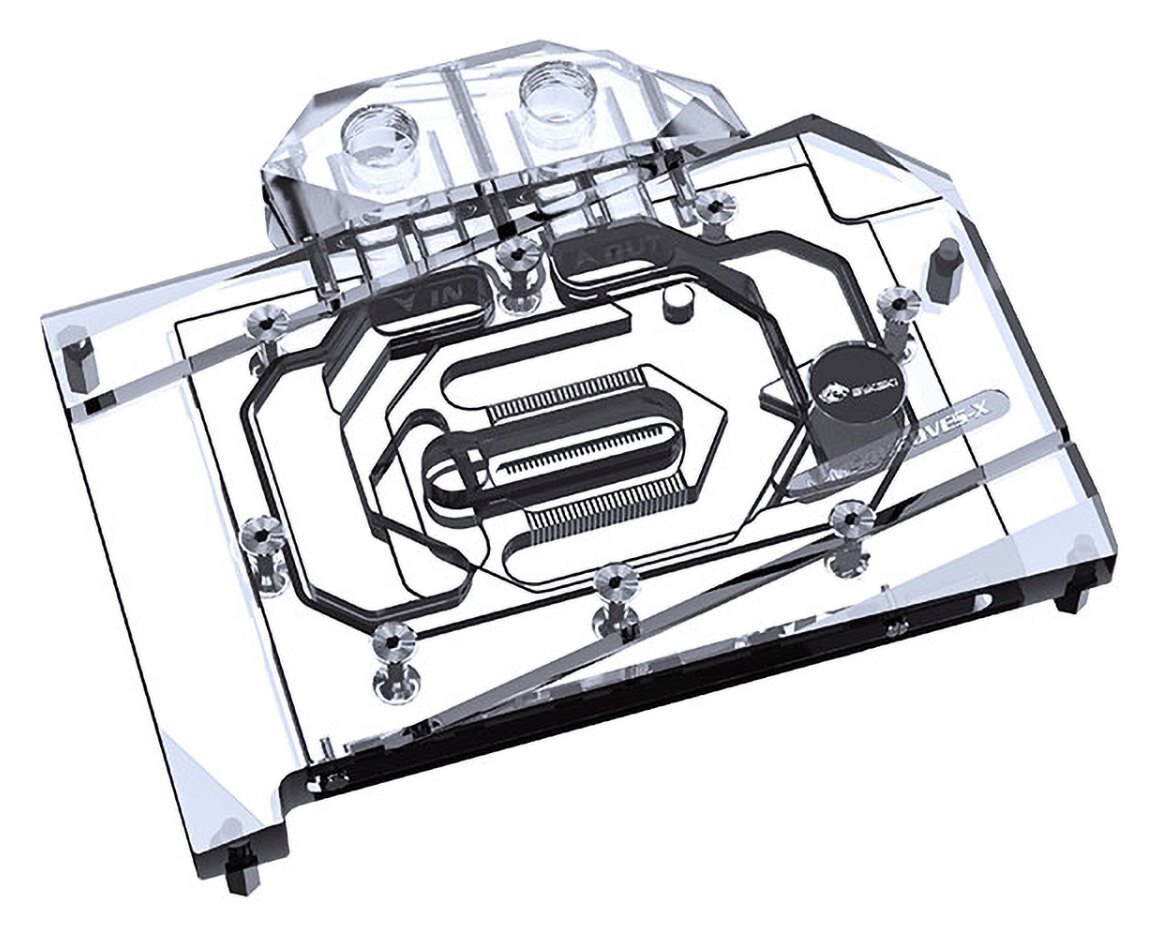
Visible coolant path
The clear acrylic cover exposes the coolant path over the GPU. Jet microchannels are machined into the cold plate above the core.
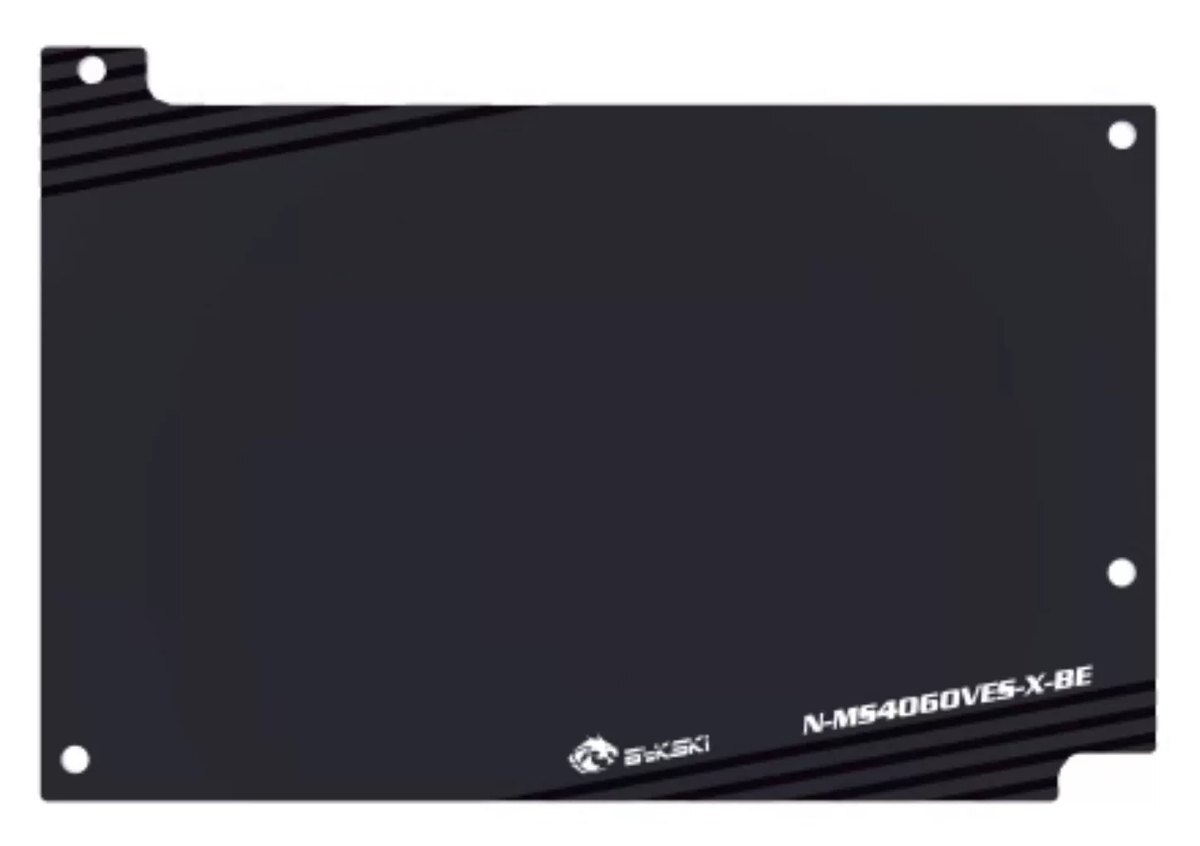
Separate aluminum backplate
The black aluminum backplate mounts behind the graphics card PCB and sits outside the coolant path.
Key Specifications
| Model (SKU) | N-MS4060VES-X |
|---|---|
| Cold plate | T2 high-purity copper |
| Cover | Clear acrylic |
| Backplate | Black aluminum |
| Water block (L × H × T) | 159.07 × 137.80 × 26.17 mm |
| Backplate (L × H × T) | 158.98 × 107.54 × 6.00 mm |
| Port thread | G1/4 |
| Lighting | 5V 3-pin addressable RGB (RBW) |
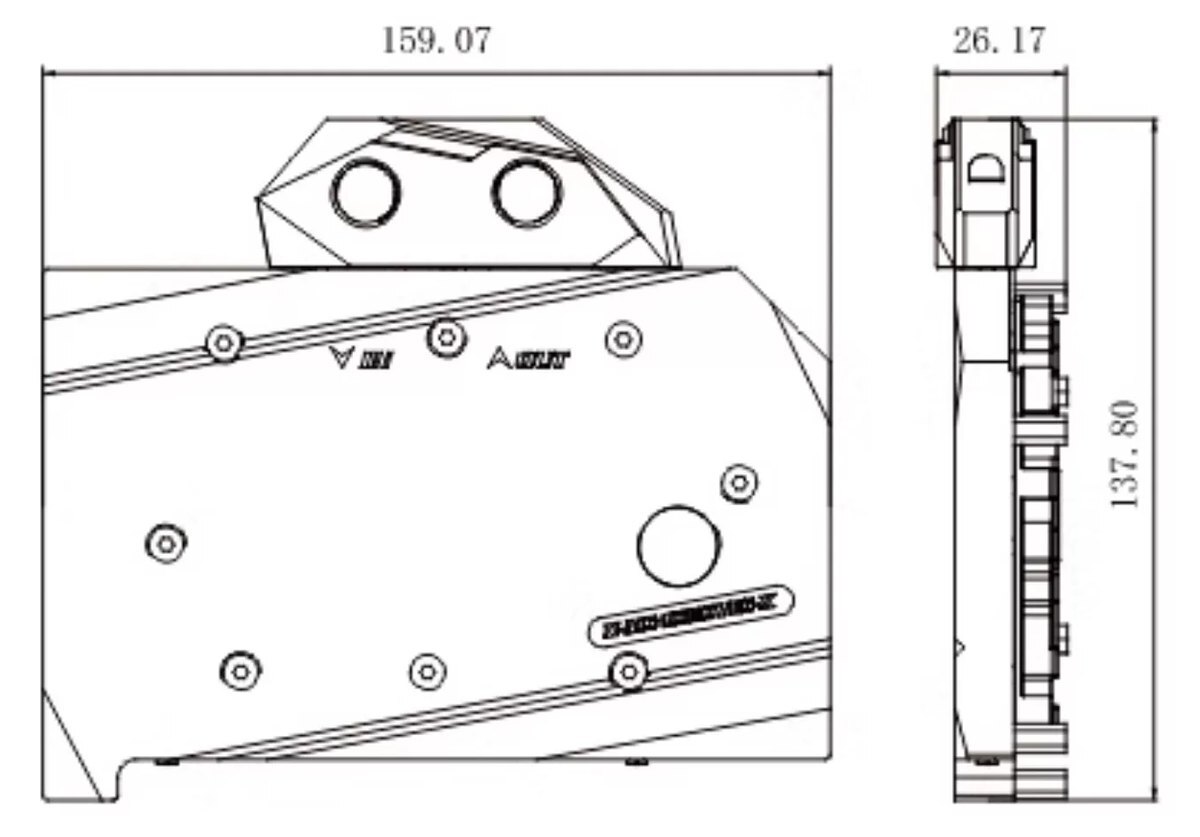
Water block dimensions in millimeters.
Which Version Do I Need?
Check the full model name on your card label, especially the RTX 4060 or RTX 4060 Ti designation.
What's in the Box
Thermal paste is not included (it cannot be shipped by air). Please use your own thermal paste during installation.
Installation & Use
You also need a pump, radiator, tubing, G1/4 fittings matched to that tubing, and coolant suitable for an acrylic loop. Follow Bykski’s coolant guidance and avoid oil-based, alcohol-based, high-concentration ethylene glycol, and corrosive coolants.
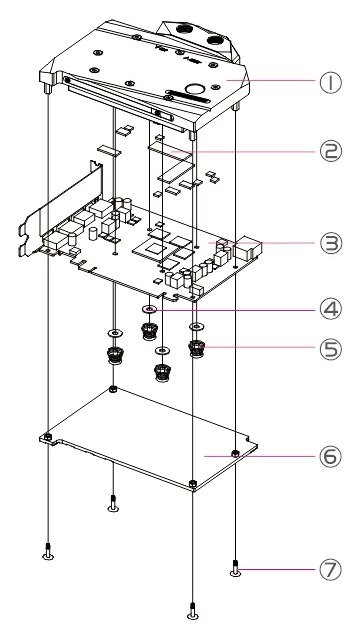
1 Water block · 2 Thermal pads · 3 Your graphics card PCB · 4 Gaskets · 5 Spring screws · 6 Backplate · 7 Backplate screws.
FAQ
Will it fit my MSI RTX 4060 Ventus 2X OC?
Bykski lists the MSI GeForce RTX 4060 Ventus 2X Black 8G OC. Check the full model name and PCB layout before ordering.
What fittings does this RTX 4060 water block use?
Use G1/4 fittings sized for your tubing. The block goes into a custom loop with a pump, radiator, and coolant.
How do I connect the lighting?
Connect the LED strip to a 5V 3-pin ARGB motherboard header using the included adapter cable. Match the arrow on the motherboard-side plug to the 5V pin on the 3-pin ARGB header. A 12V 4-pin RGB header can damage the lighting.
Does coolant run through the backplate?
The aluminum backplate mounts on the back of the card, outside the coolant path.
- This is a repair or replacement-only item. Returns are not accepted in principle on compatibility issues or if the block has had water/fluid run through it.
- The manufacturer reserves the right to alter the block design to expand compatibility or upgrade/modify the product. The delivered item may not 100% match the pictured item.
- Not responsible for any damage caused by or when using this product. Please use it at your own risk.