


AI & Server Cooling
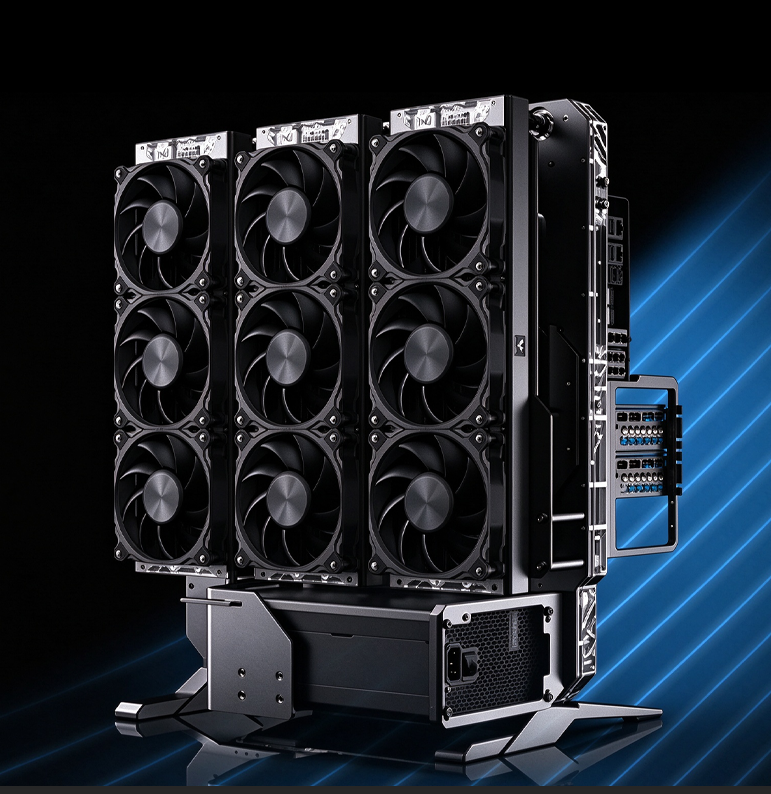
Can an H100 Work in a Homelab Loop? Check the Whole Platform First
Quick Answer
It can be possible to build a liquid-cooled H100 system outside a conventional rack, but a compatible block is only one part of the decision. Check the accelerator format, host platform, power, airflow and mounting before you buy cooling parts.
The block is not the whole project
If you are considering an H100 for a homelab, the practical question is whether the whole platform can support it, not simply whether a water block is available. Access to server-grade parts can be limited, and experimenting on an expensive accelerator carries real risk. Start with the card and host system you plan to use, then decide whether a cooling change solves a problem you actually have.
Start with the card you own or plan to buy. Confirm whether it is a PCIe add-in card or a module intended for an SXM platform. Check the host system, power connectors, slot arrangement, firmware support and physical clearance. If those pieces do not line up, a water block will not make the machine compatible.
Ask what problem the liquid loop is meant to solve
Is the goal to reduce fan noise in a home office, fit more accelerators into a workstation, or build a test system around hardware you already have? Each goal changes the answer. A dense multi-GPU setup may benefit from moving the heat to a radiator that can be placed elsewhere in the chassis. A single card in a supported server may be simpler to leave on its validated cooling system.
Liquid cooling also moves heat; it does not make that heat disappear. The radiator still needs a reliable supply of room air, and the system needs a pump, tubing, fittings and a way to inspect and service the loop. If a server depends on directed chassis airflow for other components, removing or changing the stock cooler can create a new problem even when the GPU block itself is compatible.
Be honest about risk and downtime
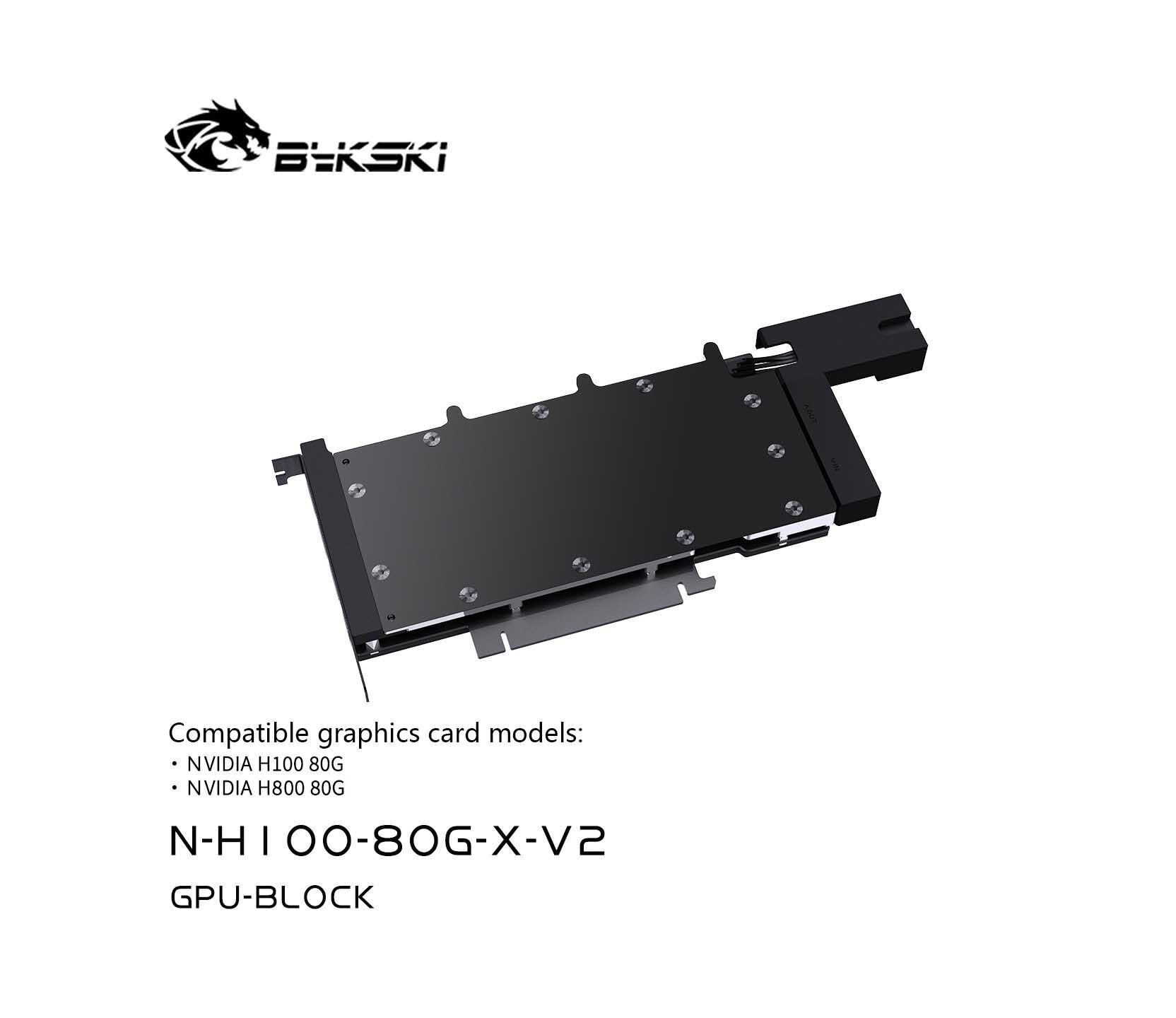
An H100 cooling conversion is a substantial hardware project, not a routine cooler swap. Before opening the card, check the exact block listing and its current installation information, photograph the original condition, keep the stock parts, and plan for downtime if the installation needs attention. If the card supports work, arrange a fallback rather than assuming the first installation will be uneventful.
For a first custom loop, it may be wiser to validate the pump, radiator and leak-check process on less expensive hardware first. If you do proceed, follow the block and loop component instructions, test the liquid path before powering the host, and avoid improvised machining unless a qualified engineer has validated the design.
Questions & Answers
Can I put an H100 in any desktop PC?
No. Check the exact card, host platform, power, firmware, slot spacing and airflow requirements. The GPU name alone does not guarantee desktop compatibility.
Will water cooling remove the need for server airflow?
Not necessarily. Other parts of the card, motherboard and system may still depend on directed airflow. Follow the system and accelerator documentation.
Is a custom-machined donor block a safe shortcut?
Do not assume so. Contact geometry, component coverage and sealing need engineering validation; a flat plate is not proof of a safe full-cover cooler.
0users like this.
