


Maintenance & Troubleshooting
Before You Install an H100 Water Block, Protect the Card You Already Own
Quick Answer
Before removing an H100 cooler, confirm the exact block SKU and its current instructions, photograph the card, and inventory every fastener and pad. Do not borrow pad thicknesses or screw torque from a different H100 block or another GPU.
A careful install starts before the first screw
An H100 is not the place to learn what happens when a tiny fastener goes missing. Before opening the card, set up a clean, well-lit work area and take photographs of the card, its labels, the stock cooler and every connector you can see. Put screws and small pieces in a tray in removal order. Keep the original cooler and its hardware together in a labeled bag.
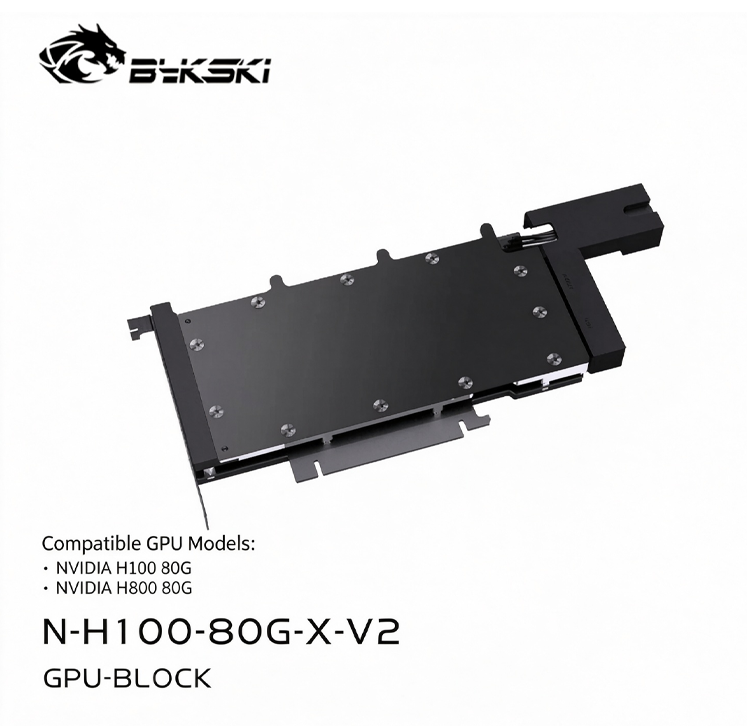
Most importantly, confirm the exact board configuration against the current Bykski N-H100-80G-X-V2 product information and installation images. If the board does not match the listed layout, stop and ask for a compatibility check. Do not use “it looks close” as a substitute for the correct PCB.
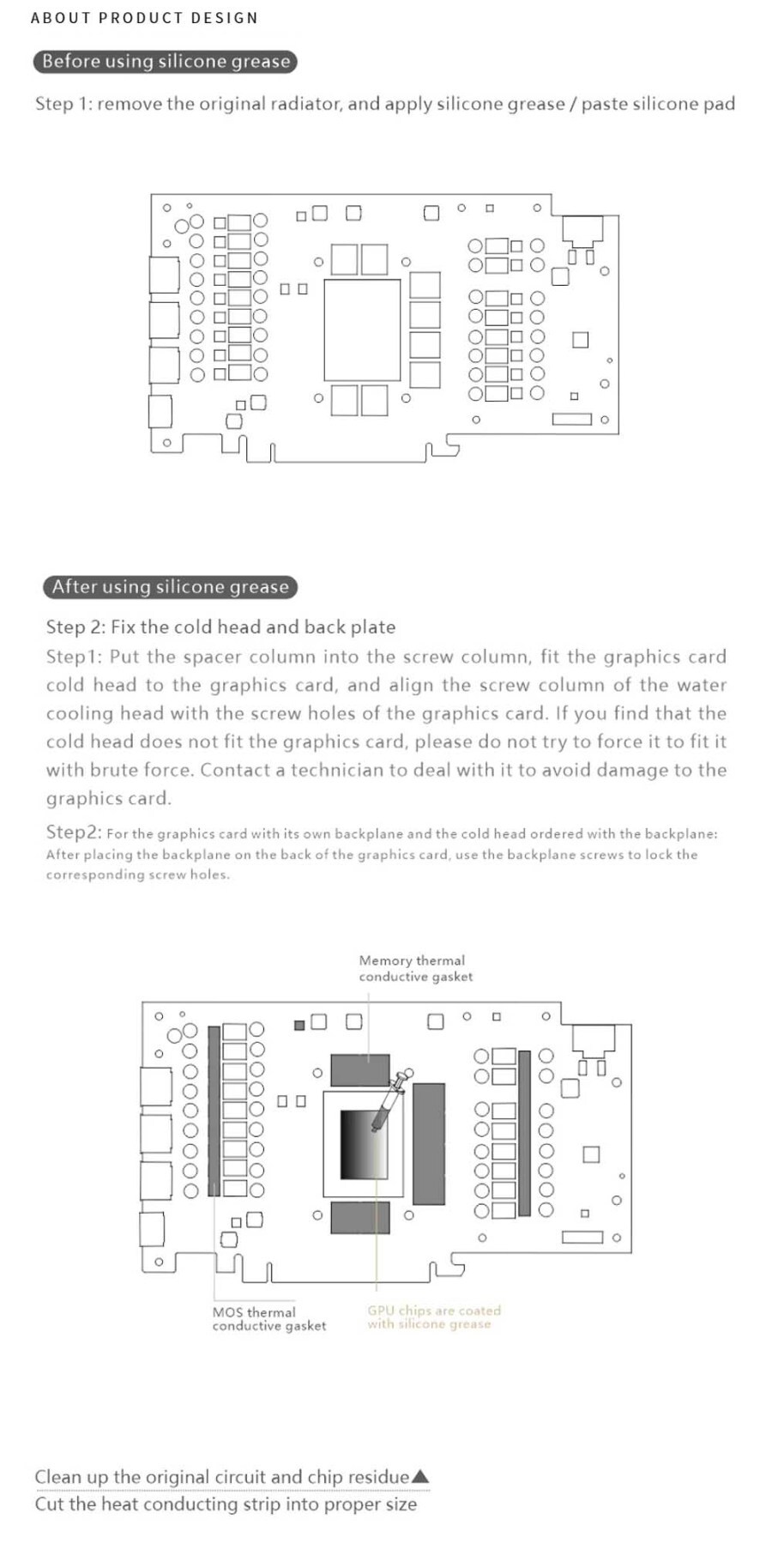
Let the supplied map set pad placement
Thermal pads are not generic spacers. Their job is to bridge particular components to the contact surfaces designed for them. Too much material, the wrong thickness or a pad placed on a component the cold plate does not reach can change how the block sits on the GPU. A photograph from a different revision can be misleading.
Use only the pad map and materials specified for the exact block. If the package has a diagram, compare each pad with the corresponding raised contact area before removing its liner. If the instructions do not state a thickness or a placement clearly, get clarification rather than guessing. The same caution applies to screw sequence and tightening force: use the manufacturer’s procedure, not a random torque value from a forum.
Stop when something does not sit naturally
A block that needs to be forced into place, a PCB that bows, or a backplate that will not align is a reason to pause. Check that standoffs, washers and screws are in the right locations and that no pad or cable is trapped. Do not tighten harder to close an unexplained gap. Expensive board components can be damaged by a small alignment mistake.
Once the card is assembled, inspect the edges and ports before connecting the loop. Follow the liquid-cooling components’ leak-check and filling instructions with the host electronics unpowered. Only after the loop has been checked should you reconnect the card and test it under a controlled workload while watching the readings available to your system.
Related FormulaMod products: Bykski N-H100-80G-X-V2 H100/H800 80GB block
Questions & Answers
Can I use a thermal-pad thickness chart from another H100 block?
No. Place pads only where the current diagram or manufacturer instructions for that exact SKU show contact. If the map is not clear, confirm before assembly.
Should I tighten until the block and PCB have no visible gap?
Do not use appearance alone. Follow the specified assembly sequence and stop if anything is misaligned or the board flexes.
Can I leak-test by powering on the whole server?
Use the leak-check method specified for your loop and keep the host electronics unpowered during the initial liquid check.
0users like this.
