


Barrow
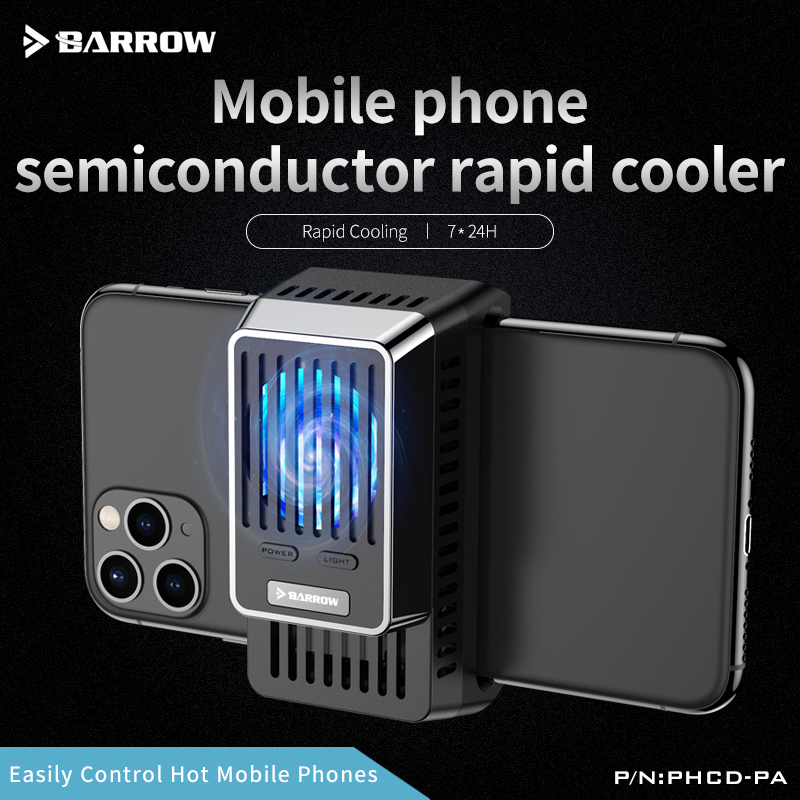


Peltier Phone Cooler, Clip-On USB-C for Mobile Gaming | Barrow PHCD-PA
Clip-on Peltier phone cooler for mobile gaming
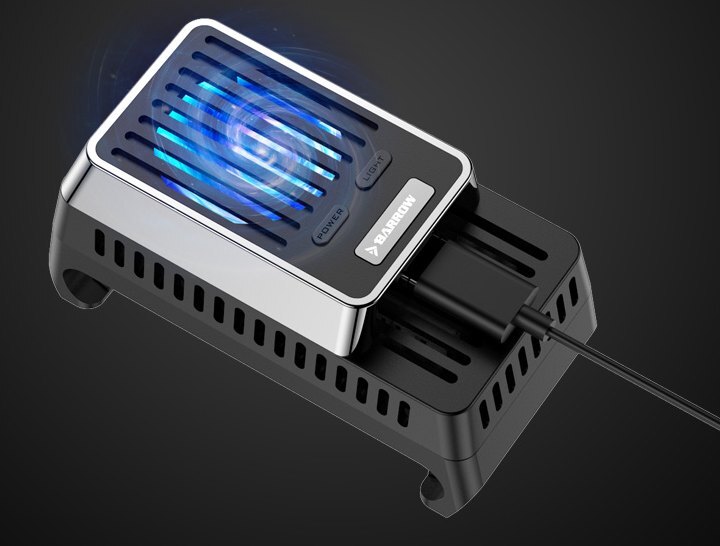
The Barrow PHCD-PA is a USB-C-powered Peltier cooler that clips onto the back of a smartphone during gaming or livestreaming. Its cold plate draws heat from the phone, and the built-in fan moves air through the heat sink to release it. The adjustable clip fits phones 65–80 mm wide.
Phone Fit
Measure your phone where the clip will sit.
- ✓Phone width of 65–80 mm
- ✓Phone thickness up to 9.5 mm
The cold plate should sit flat against the back of the phone.
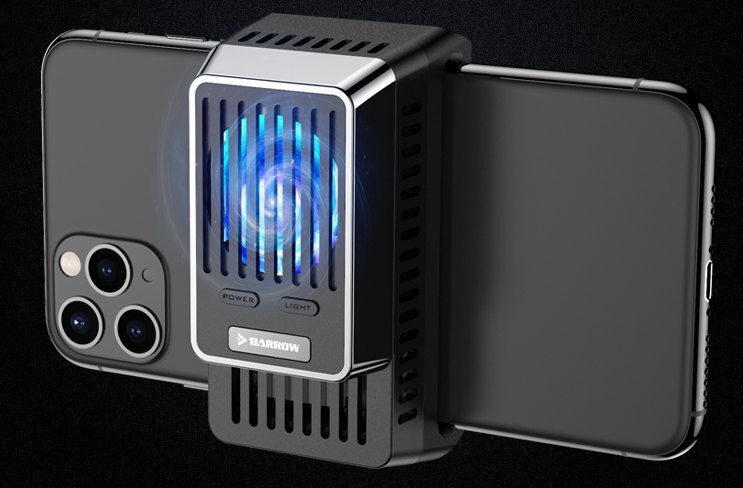
Design Highlights
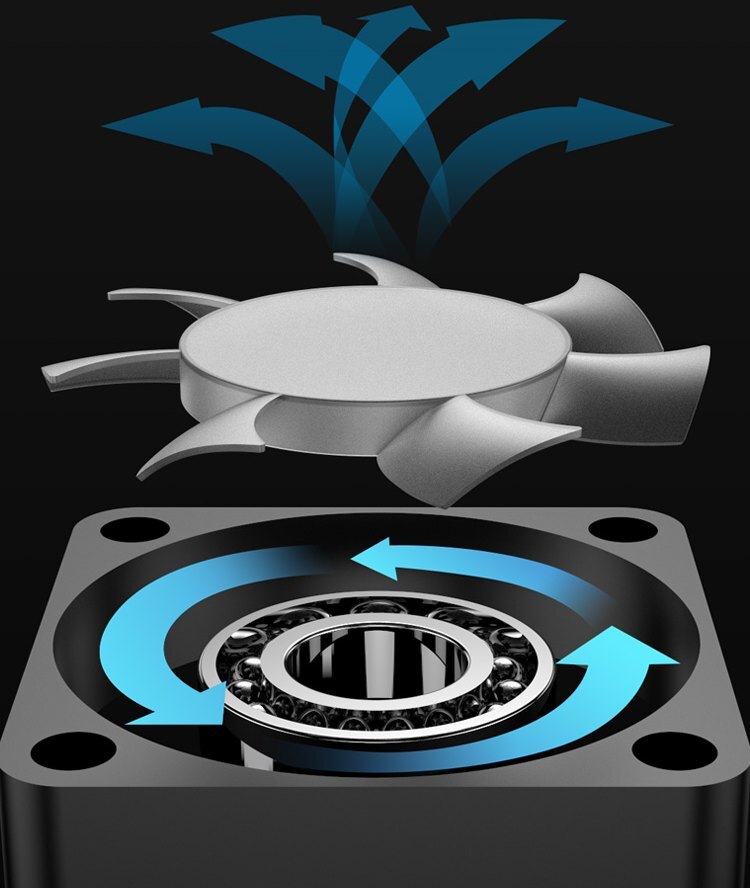
A fan carries heat away from the hot side
The thermoelectric module draws heat from the contact plate. A seven-blade centrifugal fan moves air to cool the finned heat sink on the hot side.
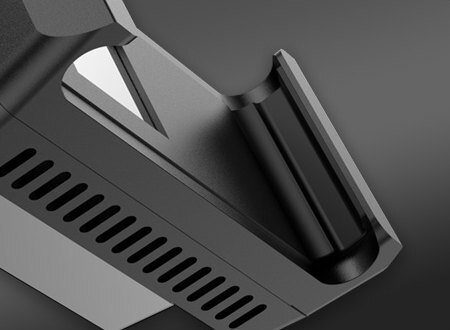
Soft pads grip the phone edges
The clip extends to grip both sides of the phone. Soft rubber pads inside the jaws help keep the cooler in place and protect the phone edges from scratches.
Key Specifications
| Model | PHCD-PA |
|---|---|
| Cooling system | Thermoelectric module, finned heat sink, and seven-blade centrifugal fan |
| Temperature control | Built-in control circuit |
| Cooler length | 78.5 mm closed, 92 mm extended |
| Cooler width | 39 mm |
| Cooler thickness | 37.3 mm |
| Weight | 50 g |
| Power input | USB-C |
| Required USB power adapter | 5 V, 2 A or higher |
| Lighting | Built-in fan light with a dedicated button |
What's in the Box
Installation & Use
FAQ
How does this Peltier phone cooler work?
The thermoelectric module draws heat from the back of the phone, and the fan helps the heat sink release it to the surrounding air.
How do I know if it fits my phone?
Measure where the clip will sit. The phone should be 65–80 mm wide and up to 9.5 mm thick there.
What USB adapter do I need?
Use a 5 V USB-A power adapter rated for at least 2 A with a USB-A to USB-C cable.
Can I turn off the fan light?
Yes. The dedicated Light button toggles the fan light.
Can condensation form on the cooler?
Yes. Barrow notes that moisture can condense on the cooler surface as it cools.
- Avoid running the cooler for extended periods off the phone. Prolonged operation without a heat load can permanently damage the internal cooling components.
- The fan may pause briefly at startup depending on the USB power adapter.
- Cooling performance varies with room temperature and what the phone is running.








