

Astralcooler


NVIDIA H200 NVL 141GB GPU AIO | Astralcooler AC-GBAIO-NVH200 | Single-Block 360 mm or Dual-Block 480 mm
AIO liquid cooling for the NVIDIA H200 NVL
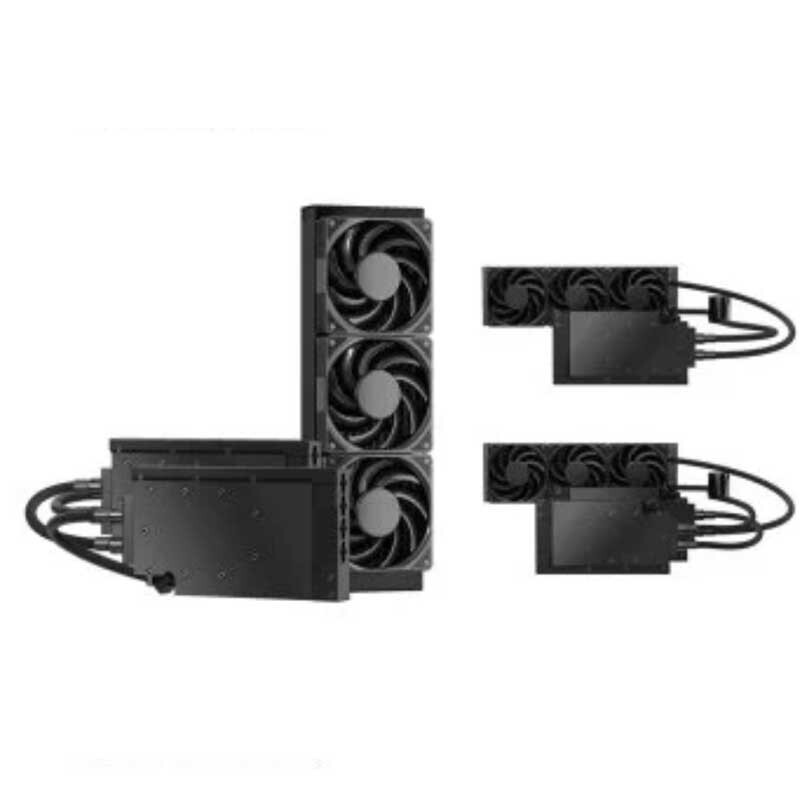
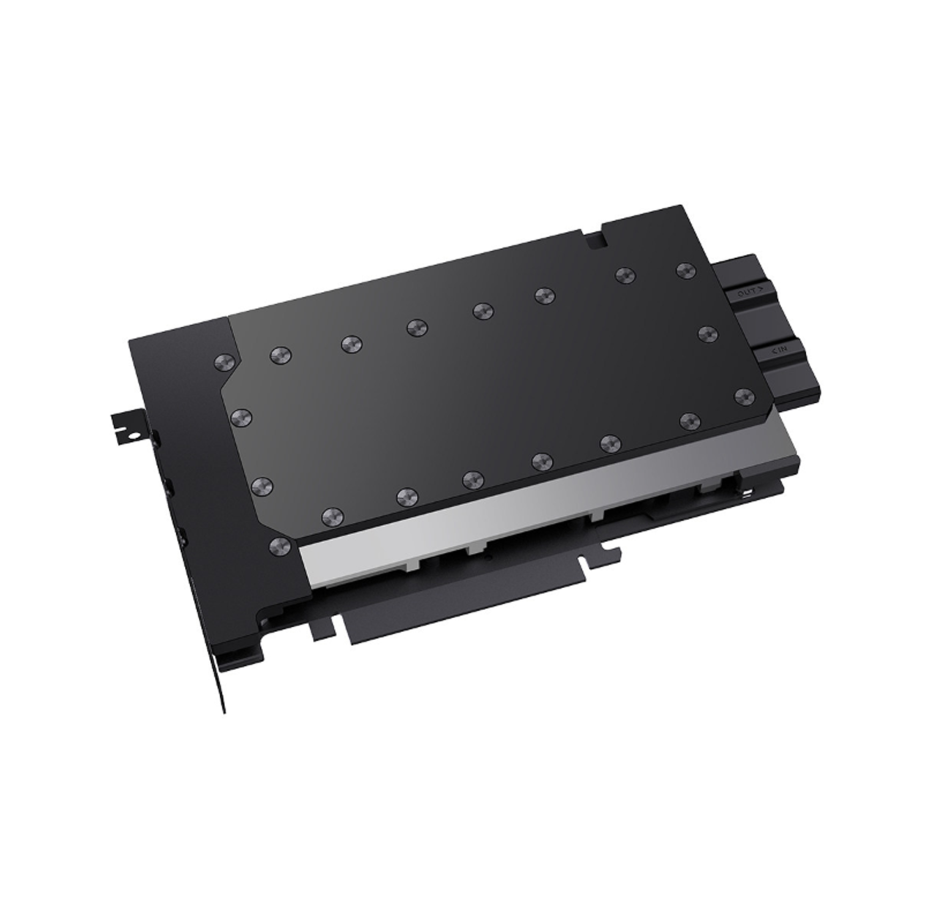
The Astralcooler AC-GBAIO-NVH200 is an AIO liquid cooler for the NVIDIA H200 NVL 141 GB PCIe GPU, available with one block and a 360 mm radiator or two blocks and a 480 mm radiator. Each full-cover block replaces the stock passive heatsink and uses a copper cold plate to draw heat from the GPU, memory, and power components.
1 block + 360 mm
AC-GBAIO-NVH200-B
2 blocks + 480 mm
Compatibility
- ✓NVIDIA H200 NVL Tensor Core GPU, 141 GB HBM3e, PCIe, with the PCB layout shown in the mounting guide
H200 SXM shares the 141 GB capacity and uses a separate module form factor.
Before ordering, match your PCB layout to the diagram in the product gallery and check the screw positions against the mounting diagram below.
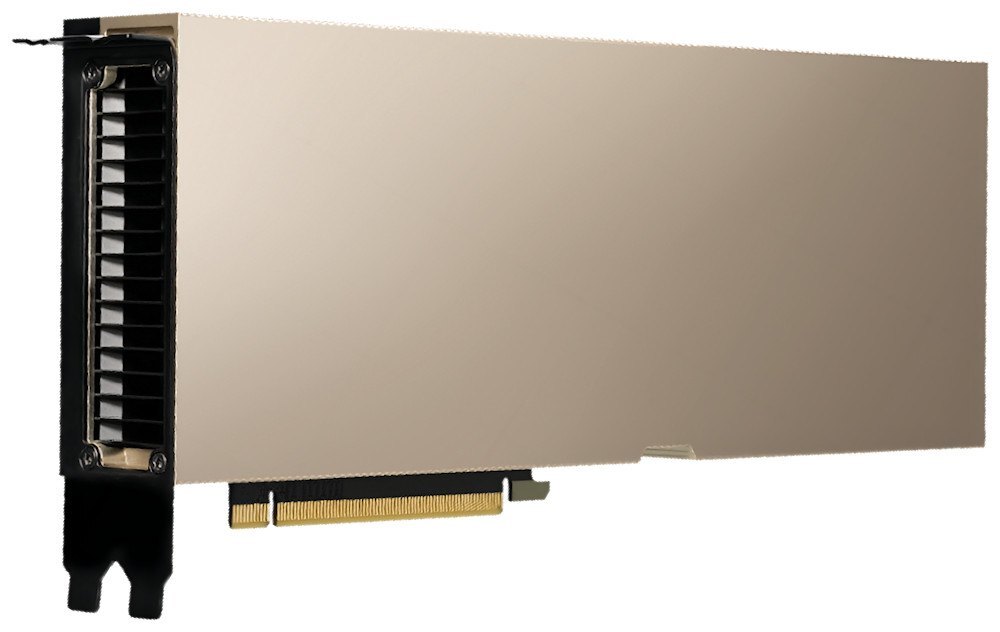
NVIDIA H200 NVL PCIe card with its stock heatsink. Photo from Lenovo.
Design Highlights
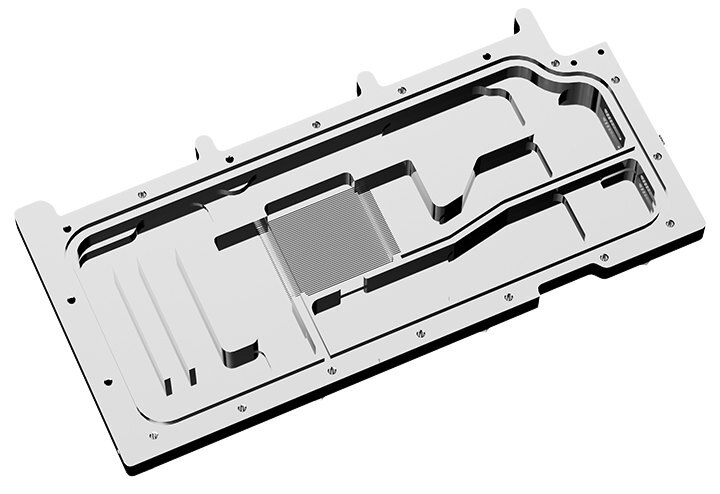
A copper plate for the GPU and memory
The 157 mm copper plate spans the main heat-producing areas of the PCB. The block routes coolant through up to 176 grooved microchannels.
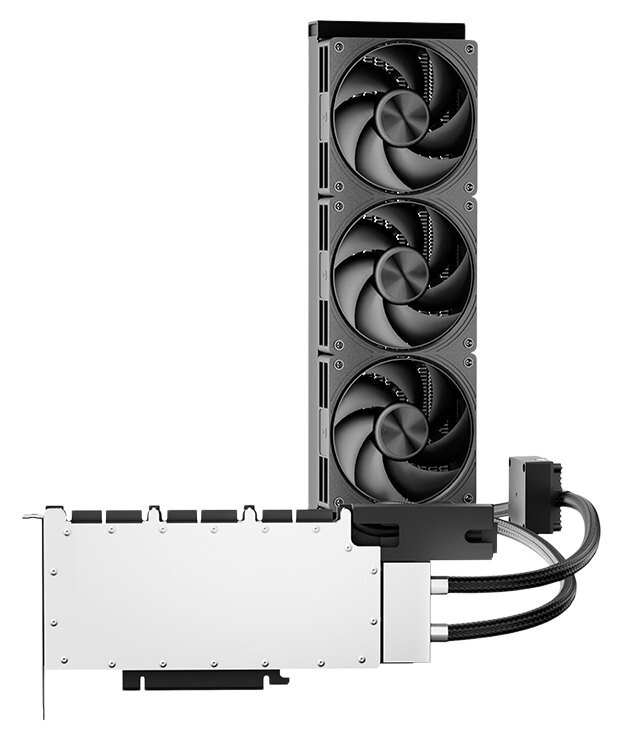
A separate radiator for the GPU
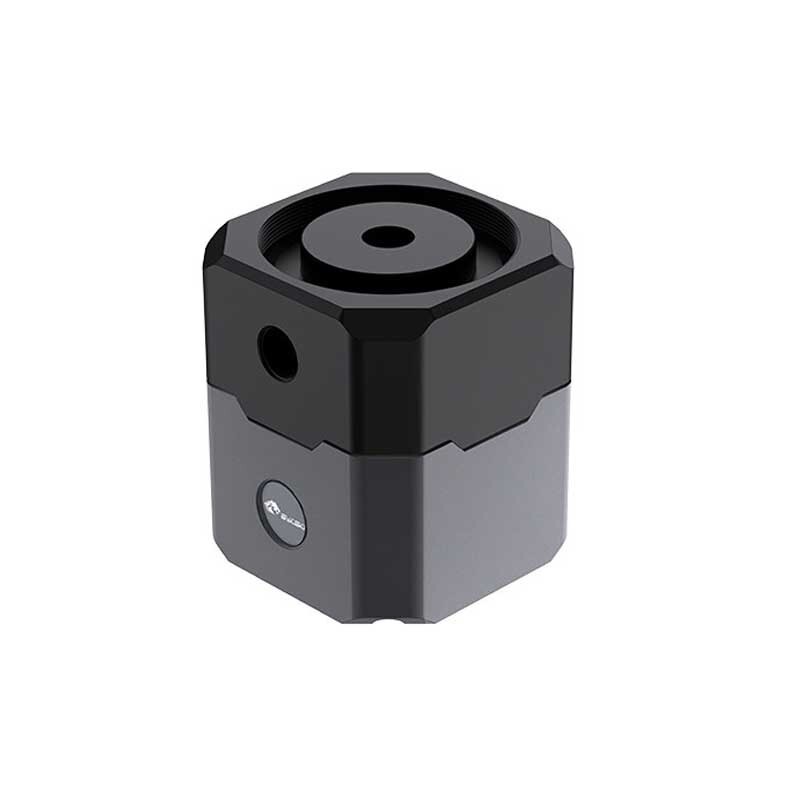
An inline pump with a ceramic shaft sleeve circulates coolant through braided EPDM tubing. The 360 mm kit shown uses three fans to move air through the radiator.
Key Specifications for the 360 mm Kit
| Model | AC-GBAIO-NVH200-A |
|---|---|
| Configuration | Single-GPU AIO with backplate |
| GPU block dimensions | 266 × 97 × 16.8 mm (L × H × T) |
| Cold plate | Copper, 157 mm long |
| Radiator | 360 mm class, aluminum |
| Radiator with fans | 399 mm long × 60 mm thick (manufacturer's drawing) |
| Tubing | Braided EPDM |
| Fan speed | 3,000 RPM ±10% |
| Fan static pressure | 5.3 mm H₂O |
| Fan airflow | 99.5 CFM |
| Fan noise | 41 dB(A), manufacturer specification |
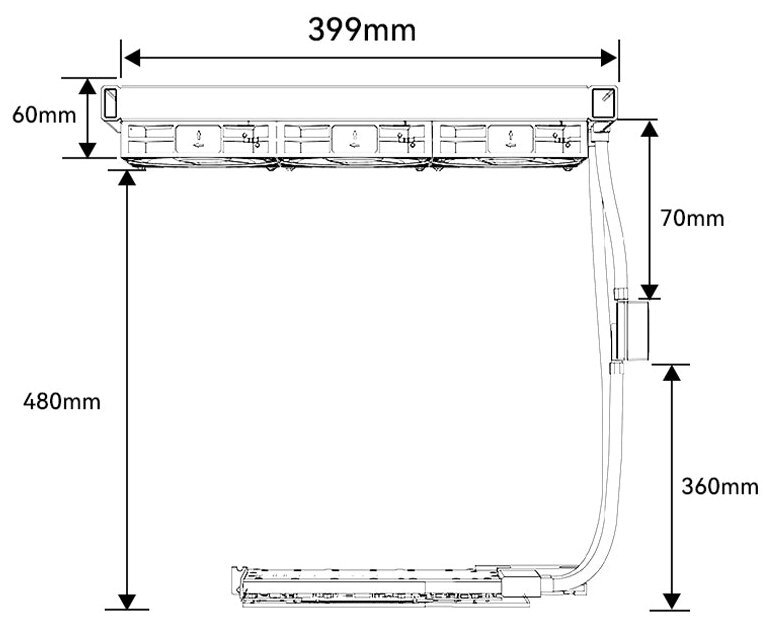
Astralcooler single-card assembly drawing. Dimensions are in millimeters.
Which Version Do I Need?
Choose an AIO for a dedicated GPU loop or a standalone block if you are building a custom loop.
AC-GBAIO-NVH200-B pairs two GPU blocks with a 480 mm radiator.
What's in the 360 mm Kit
Thermal paste is not included (it cannot be shipped by air). Please use your own GPU thermal paste during installation.
Installation & Use
You will also need your own GPU thermal paste, the tools for your card's stock cooler, and a chassis with clearance for the radiator and tubing.
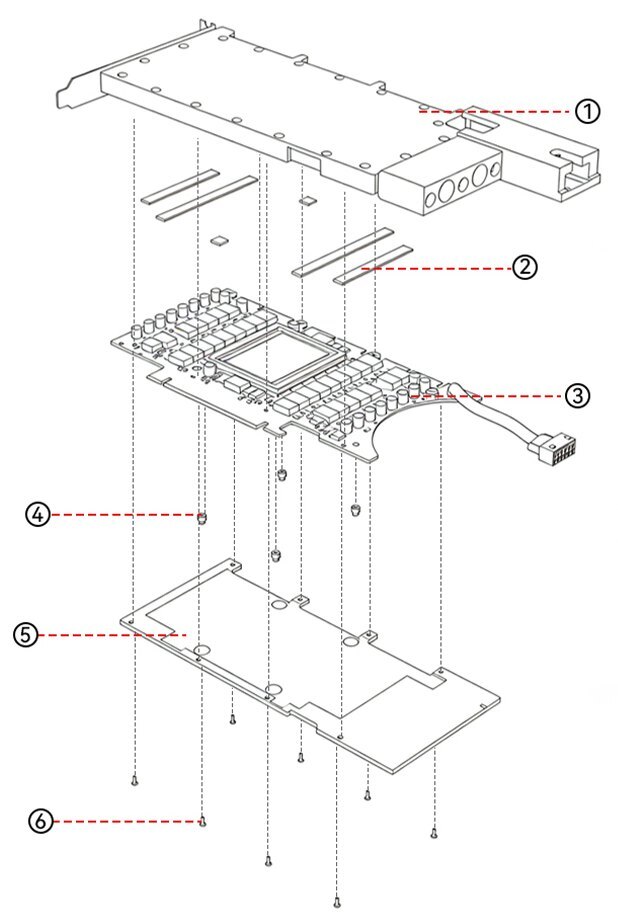
1 Graphics card top cover · 2 Thermal pads · 3 GPU board · 4 Spring screws · 5 Backplate · 6 Backplate screws
FAQ
How is the H200 NVL cooled from the factory?
The stock full-height, dual-slot H200 NVL PCIe card uses a passive heatsink and relies on chassis airflow. The AIO replaces that heatsink and moves GPU heat to a fan-cooled radiator.
Does the 360 mm kit need a separate pump and radiator?
The kit includes the inline pump, tubing, radiator, and fans.
What case clearance does each kit need?
For the single-block kit, use a 360 mm radiator mount and allow 399 mm of length and 60 mm of thickness with the fans installed, per the manufacturer's drawing. For the dual-block kit, use a 480 mm radiator mount, allow 517 mm of length per the manufacturer's drawing, and allow up to 66 mm (radiator + fans) of clearance. Allow extra room for the hoses to turn toward the card.
Does 141 GB identify the right board?
Check the complete model name and the PCB. NVIDIA lists 141 GB for both the H200 NVL PCIe card and the H200 SXM module.
- The 480 mm callout shows the vertical distance from the bottom of the radiator fans to the bottom edge of the GPU block in the drawing.