

Bykski


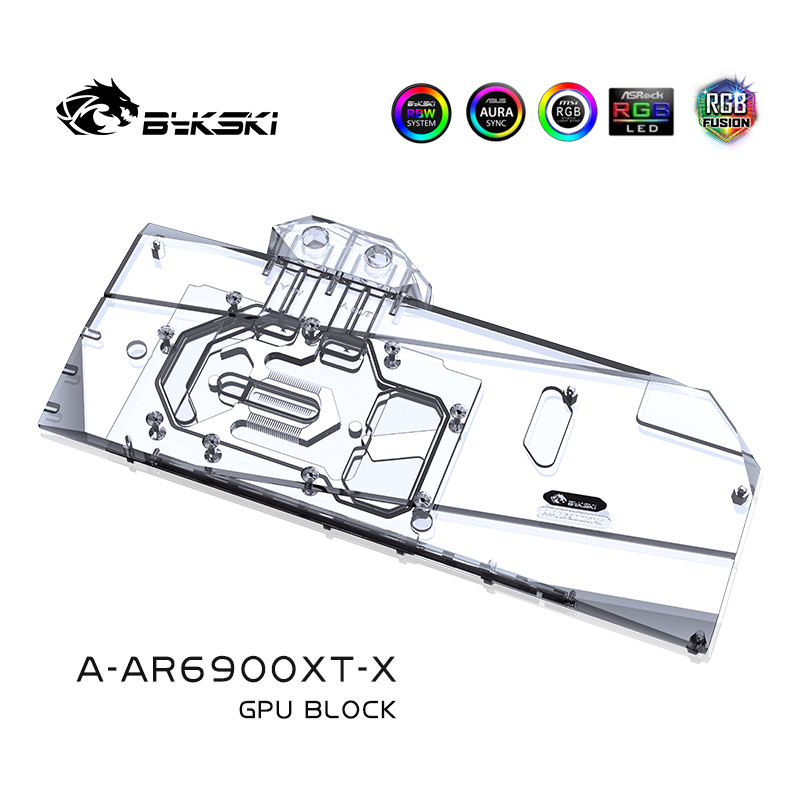
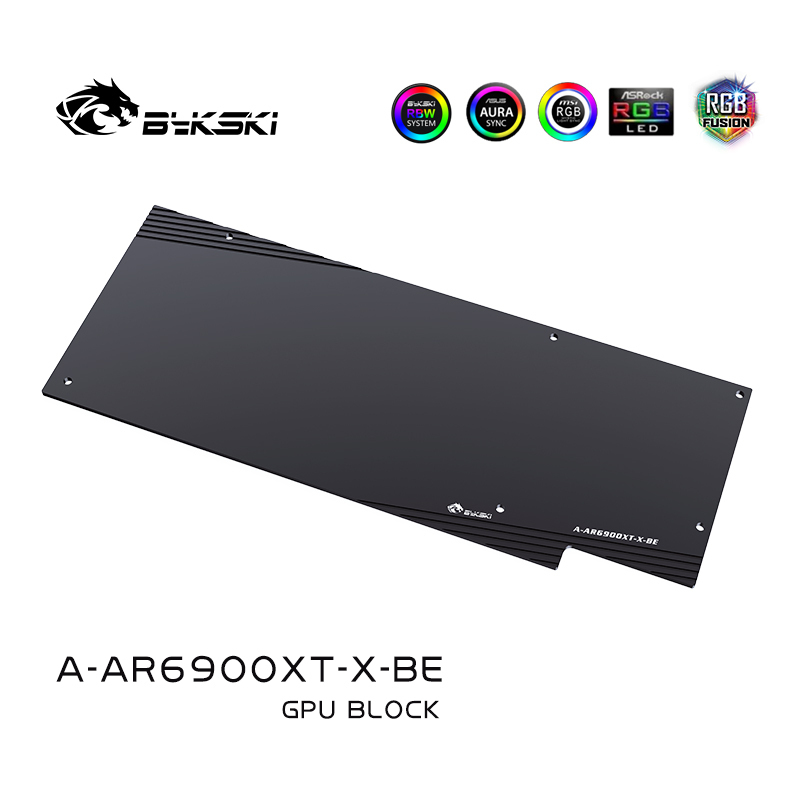

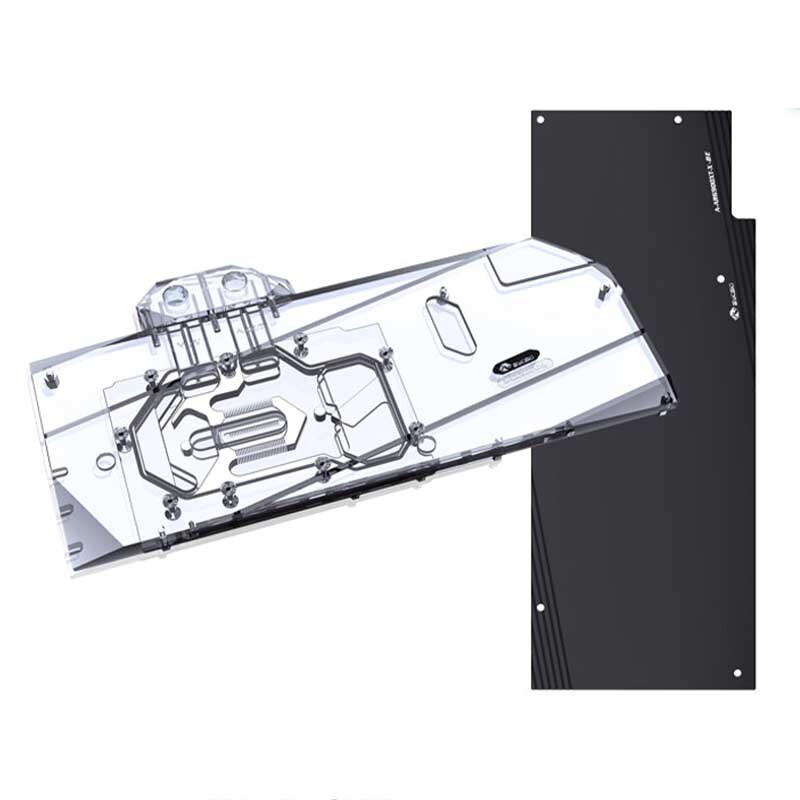
ASRock RX 6800 XT / 6900 XT GPU Water Block for Phantom Gaming D & Taichi X | Bykski A-AR6900XT-X
Full-cover water block for ASRock RX 6800 XT and RX 6900 XT
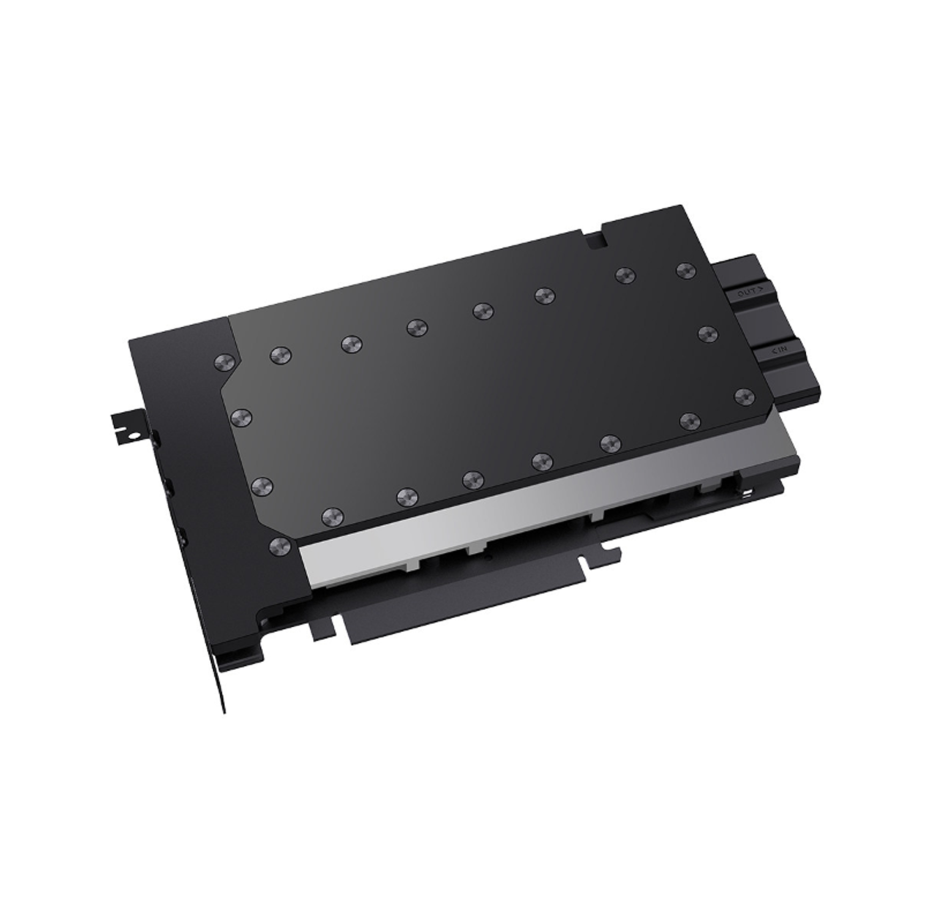
The Bykski A-AR6900XT-X replaces the stock cooler on the ASRock Radeon RX 6800 XT and RX 6900 XT Phantom Gaming D and Taichi X 16G OC boards listed below. It cools the GPU core, memory, and voltage regulators through a custom liquid cooling loop. The block has G1/4 ports and includes a backplate.
Compatibility
Check the exact ASRock card and PCB layout.
- ✓ASRock Radeon RX 6800 XT Phantom Gaming D 16G OC
- ✓ASRock Radeon RX 6800 XT Taichi X 16G OC
- ✓ASRock Radeon RX 6900 XT Phantom Gaming D 16G OC
- ✓ASRock Radeon RX 6900 XT Taichi X 16G OC
Not compatible:
- ✗ASRock Radeon RX 6900 XT OC Formula 16GB
Before ordering, match your exact model and PCB layout to Bykski’s compatibility listing. The same GPU or similar cooler styling can appear on different boards.
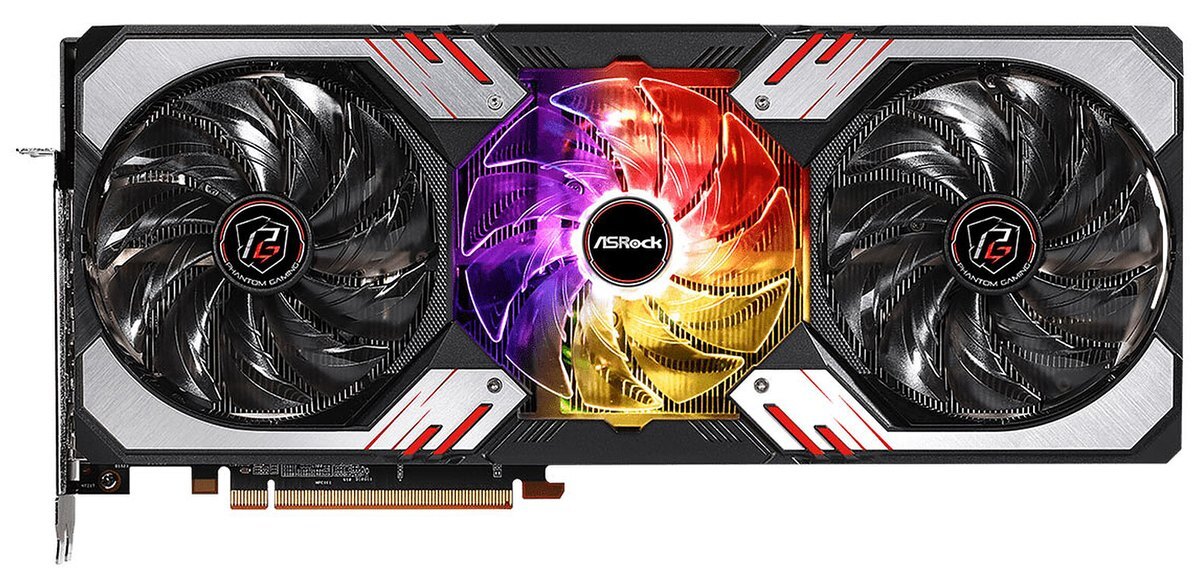
ASRock Radeon RX 6800 XT Phantom Gaming D 16G OC with its stock cooler.
Design Highlights
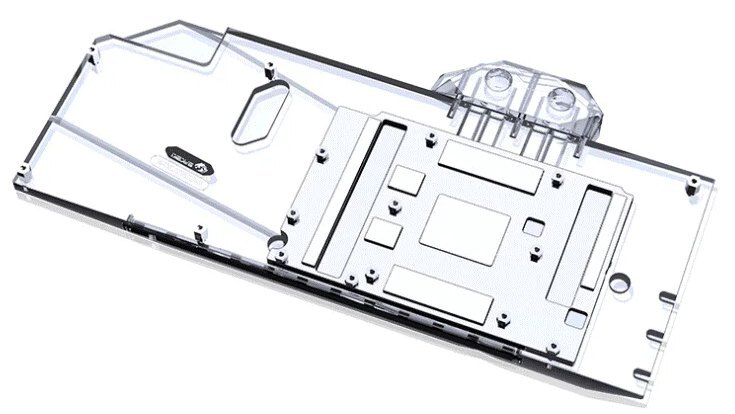
One cold plate for the core, memory, and VRM
Raised areas on the cold plate line up with the GPU core, memory chips, and voltage regulator stages. The clear acrylic top lets you see the coolant channels.
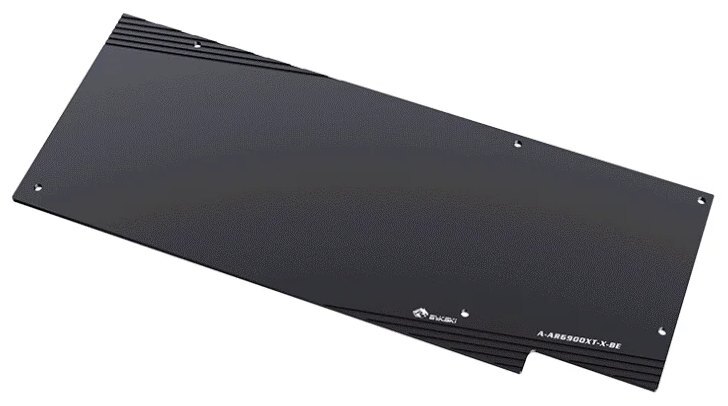
Black aluminum backplate
The aluminum backplate mounts behind the PCB and stays outside the coolant path.
Key Specifications
| Model | A-AR6900XT-X |
|---|---|
| Cold plate | Copper |
| Top | Clear acrylic |
| Backplate | Black aluminum |
| Cooling coverage | GPU core, VRAM, and VRM |
| Block dimensions (L × W × T) | 314.9 × 152.29 × 24 mm |
| Inlet and outlet thread | G1/4 |
| Lighting | 5V 3-pin addressable RGB (RBW) |
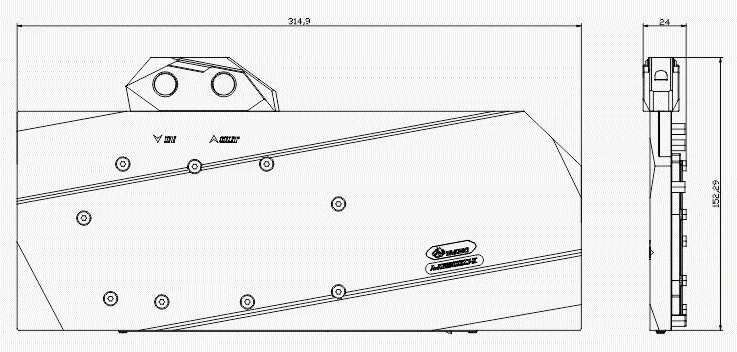
Manufacturer drawing. Dimensions are in millimeters.
Which Version Do I Need?
Choose by the complete ASRock model name and PCB layout.
What's in the Box
Thermal paste is not included (it cannot be shipped by air). Please use your own thermal paste during installation.
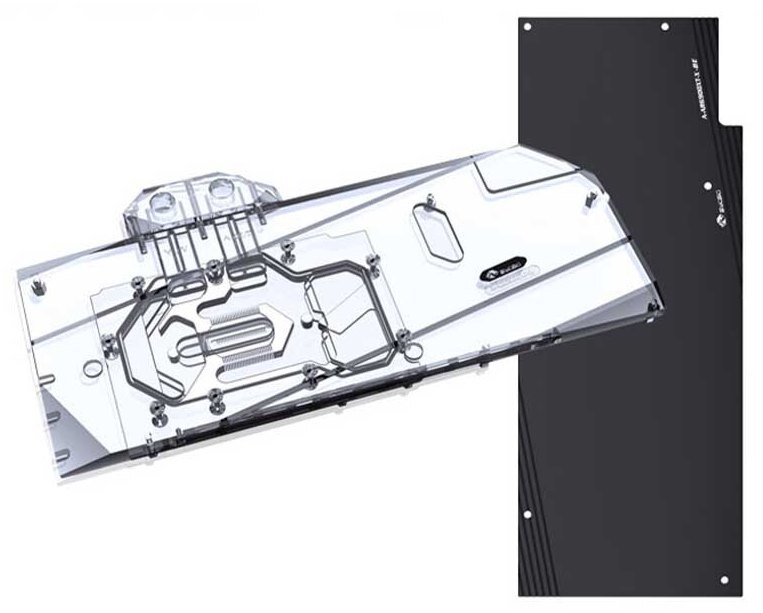
Installation & Use
For a new loop, also have a pump, reservoir, radiator and fans, G1/4 fittings, matching tubing, and coolant.
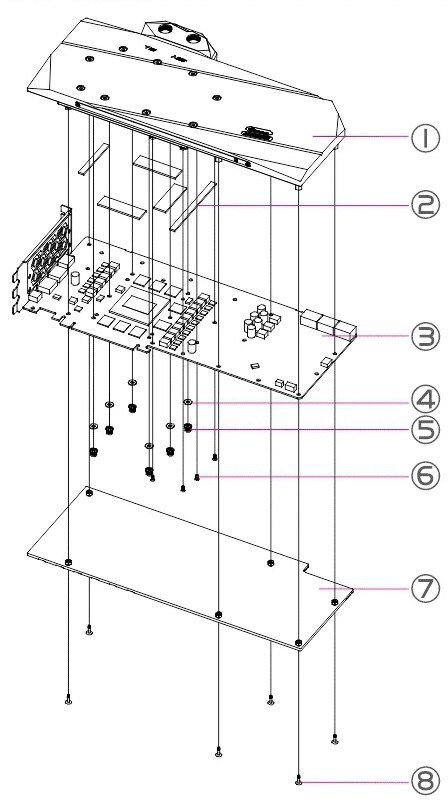
Manufacturer mounting diagram. 1 water block, 2 thermal pads, 3 graphics card PCB, 4 mounting washers, 5 and 6 screws, 7 backplate, 8 mounting hardware.
FAQ
Will this fit another Phantom Gaming or Taichi card?
Match the complete graphics card name and PCB to the four entries in Compatibility before ordering.
Which water block fits the ASRock RX 6900 XT OC Formula 16GB?
Use Bykski A-AR6900XTOCF-X for that board.
What fittings connect this block to a loop?
Use G1/4 fittings sized for your tubing. Seal the unused ports with the included stop plugs.
How do I connect the lighting?
Use a compatible adapter cable for a motherboard’s 5V 3-pin ARGB header, or use a compatible 5V ARGB controller. A 12V 4-pin RGB header can damage the light strip.
Does the backplate need its own coolant line?
The included aluminum backplate sits outside the coolant path. Connect your tubing to the water block.
- This product is only offered for repair or replacement. Returns due to compatibility issues or water/liquid contamination of the water block will not be accepted.
- The manufacturer reserves the right to change the water block design to expand compatibility. The delivered product may not be exactly the same as the one shown in the pictures.
- We are not responsible for any damage caused by using this product. Use at your own risk.