

Bykski


Sapphire RX 6600 XT NITRO+ / PULSE GPU Water Block — Bykski A-SP6600XT-X
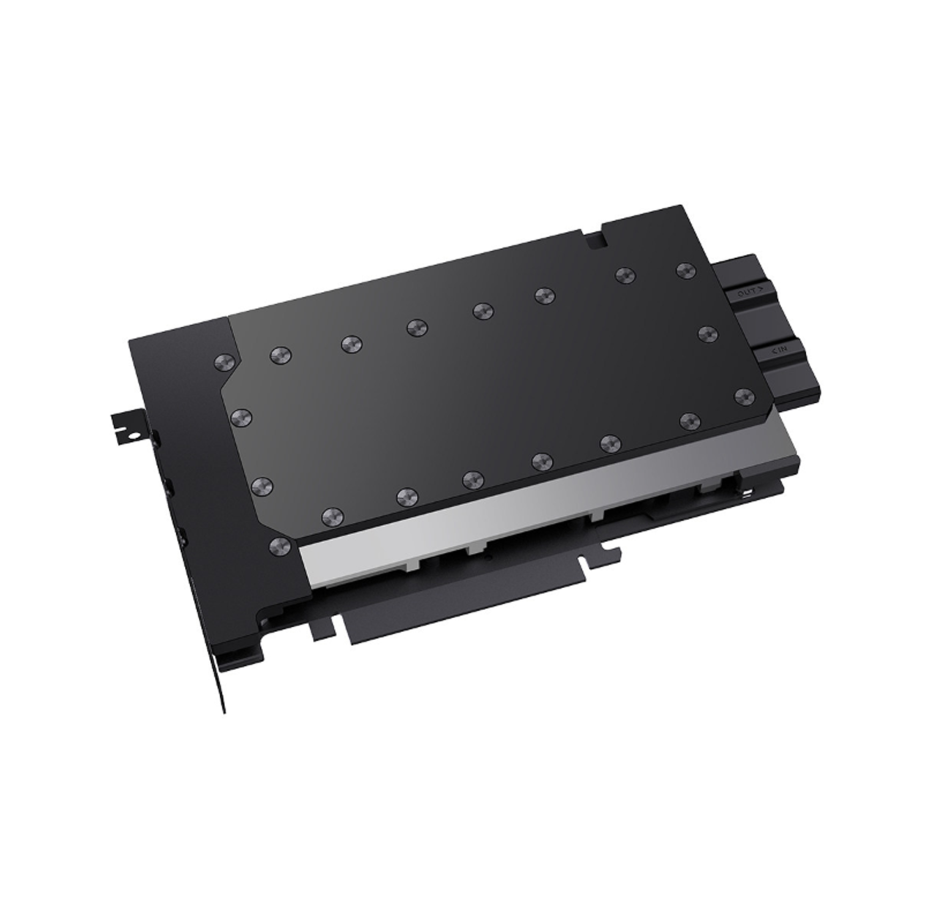
Full-cover GPU water block for Sapphire Radeon RX 6600 XT
The Bykski A-SP6600XT-X replaces the stock cooler on select Sapphire Radeon RX 6600 XT graphics cards with the supported PCB layouts. It cools the GPU core, memory, and voltage regulators through a custom liquid cooling loop. The block uses G1/4 fittings and comes with a separate backplate.
Compatibility
Supported Sapphire cards with a single PCIe power connector
- ✓Sapphire NITRO+ AMD Radeon RX 6600 XT
- ✓Sapphire PULSE AMD Radeon RX 6600 XT
Before ordering, check the exact card model and confirm that its PCB matches the supported layout. If you’re unsure which board revision you have, contact support to confirm fit.

Sapphire PULSE RX 6600 XT shown with its stock cooler for identification.
Key Specifications
| Model | A-SP6600XT-X |
|---|---|
| Cold plate | Plated copper |
| Top | Clear acrylic |
| Port thread | G1/4 |
| Water block (L × W × H) | 190.40 × 128.89 × 23.54 mm |
| Backplate (L × W × H) | 190.40 × 98.48 × 6.00 mm |
| Lighting | 5V 3-pin addressable RGB (RBW) |
What's in the Box
Thermal paste is not included (it cannot be shipped by air). Please use your own thermal paste during installation.

Installation & Use
For the custom loop, you’ll also need a pump, radiator, tubing, coolant, and G1/4 fittings.
FAQ
How do I verify that this block fits my card?
Match your exact Sapphire card model and PCB layout to the compatibility list. The listed boards use one PCIe power connector.
What fittings do I need?
Use G1/4 fittings that match your loop’s tubing.
Which RGB header does the block use?
Use a compatible 5V 3-pin addressable RGB connection. Keep the RBW lighting off 12V RGB headers.
- This is a repair or replace only item. Returns not accepted on compatibility issues or if block has had water/fluid run through it.
- Manufacturer reserves right to alter block design to expand compatibility. Delivered item may not 100% match pictured item. Please see product gallery images for install guide if available. Generally, thermal pads should be installed on the card where the block has corresponding raised contact points with the exception of the GPU core, which uses thermal paste. Installing pads on other components can lead to improper contact and poor performance.
- Not responsible for any damage caused by or when using this product. Please use at your own risk.