

Bykski


Tesla V100 Waterblock for a Specific PCIe PCB - Bykski N-TESLA-V100-32G-SR
Full-cover water block for a specific Tesla V100 PCB
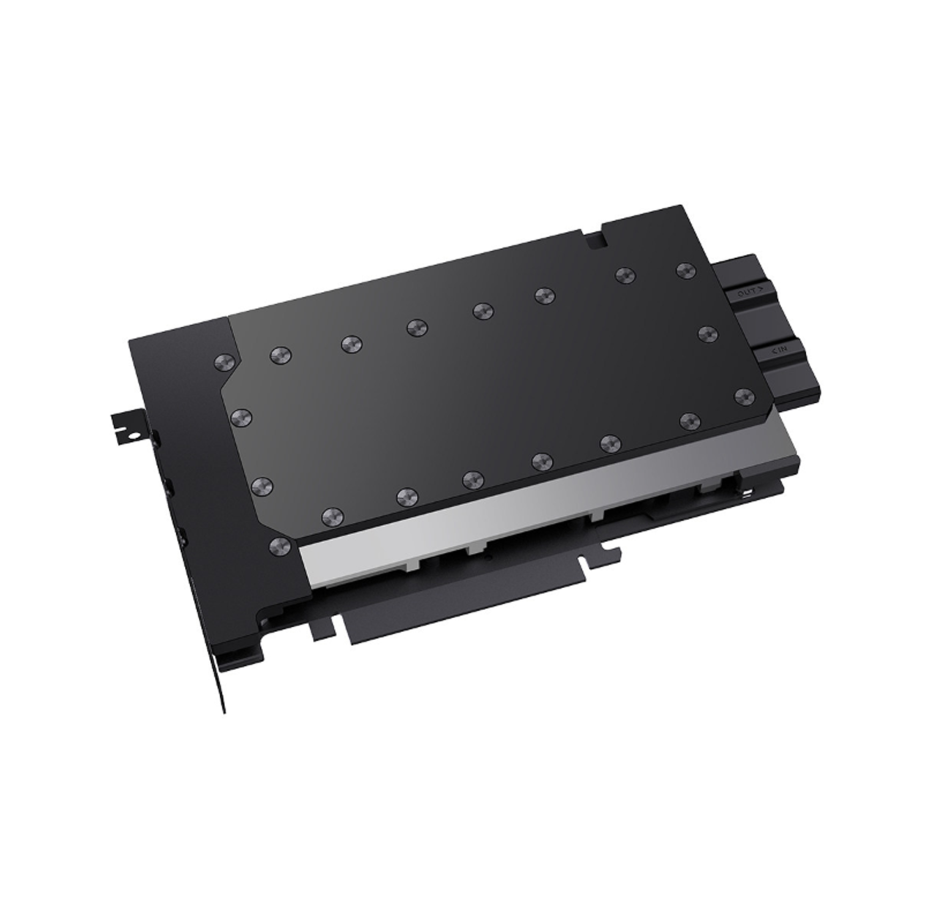
The Bykski N-TESLA-V100-32G-SR is a full-cover GPU water block with a backplate for a custom liquid cooling loop. It fits only the PCIe PCB layout shown in Bykski’s compatibility image for the NVIDIA Tesla V100 32GB FHHL. The block replaces the stock cooler and transfers heat from the GPU, memory, and power stages to the loop.
Compatibility
Fits only this PCIe board layout
- ✓The specific PCB Bykski labels NVIDIA Tesla V100 32GB FHHL
Bykski lists a separate block, N-TESLA-V100-16G-X-V2, for the Tesla V100 FHHL 16GB.
Compare your bare PCB with the image before ordering. If you’re unsure, send support your card’s part number and a clear photo of the bare PCB.
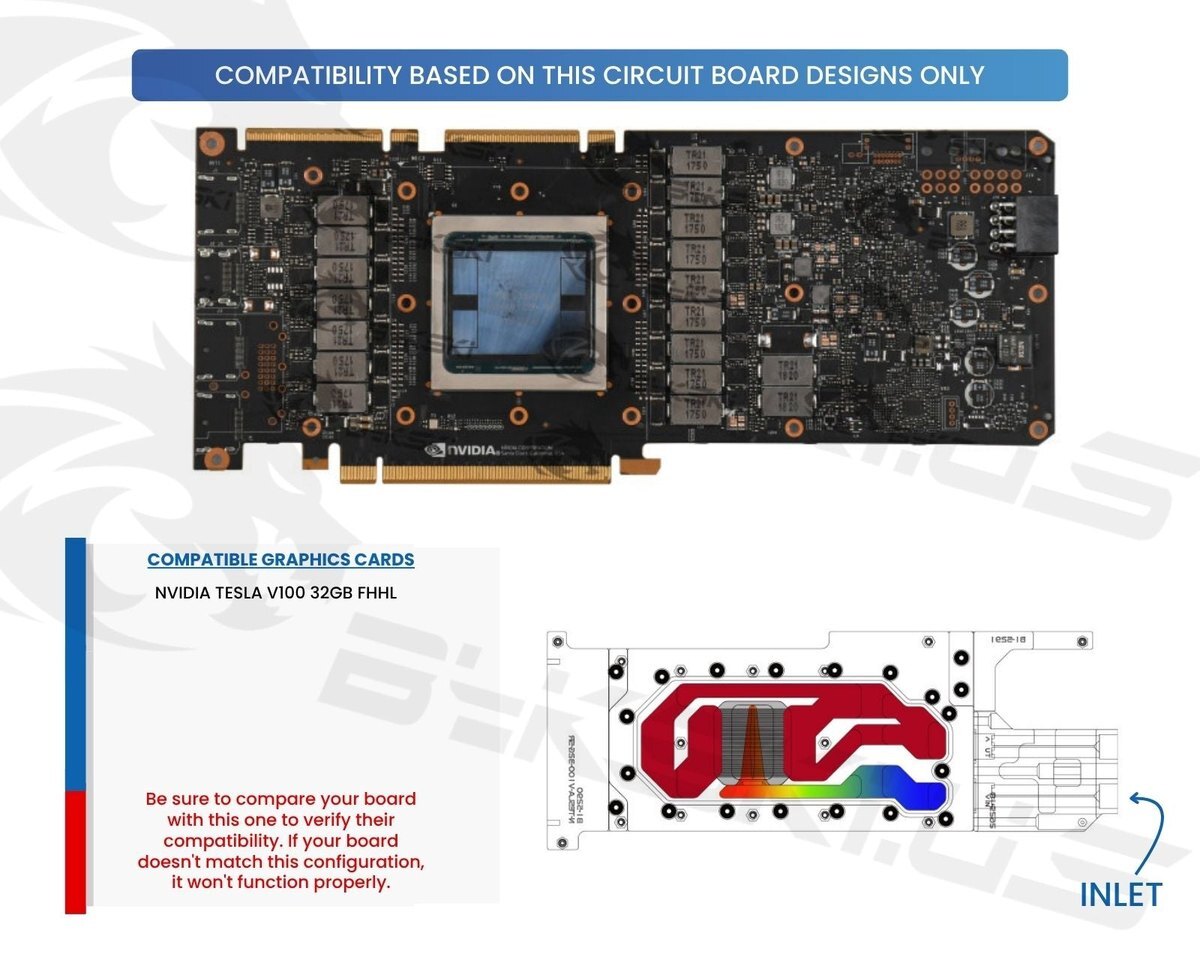
Select the image to enlarge it and compare your PCB’s mounting holes and connectors. The INLET arrow at the lower right marks the block’s inlet.
Design Highlights
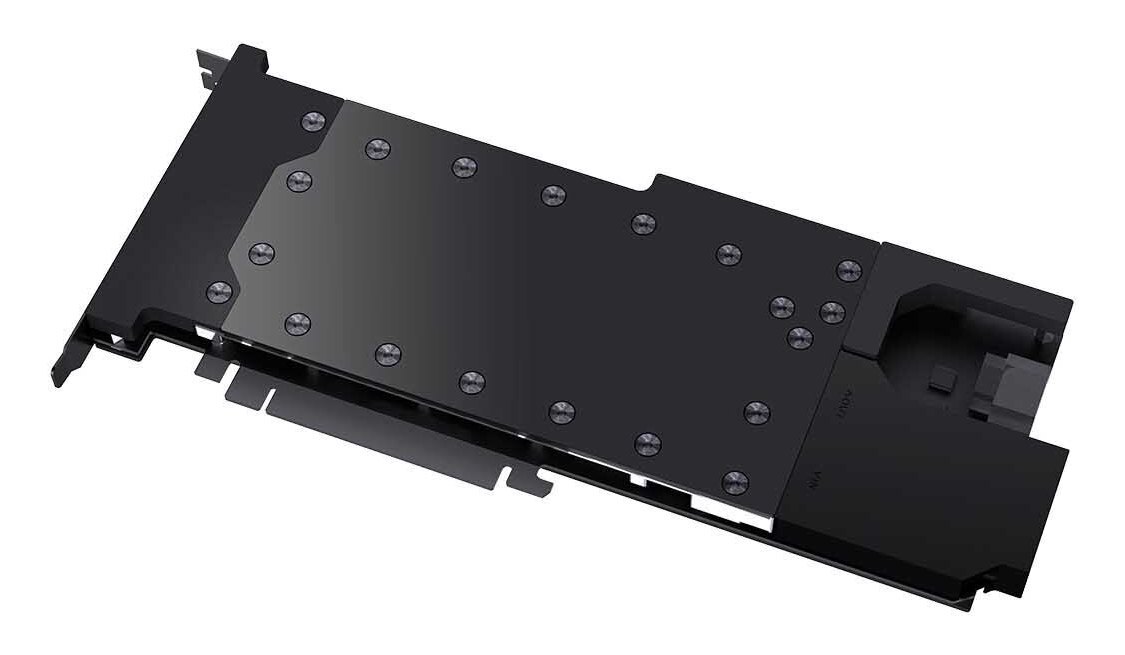
Rear connections for a custom loop
The inlet and outlet sit at the end opposite the mounting bracket. Leave room at that end of the card for the fittings and tubing.
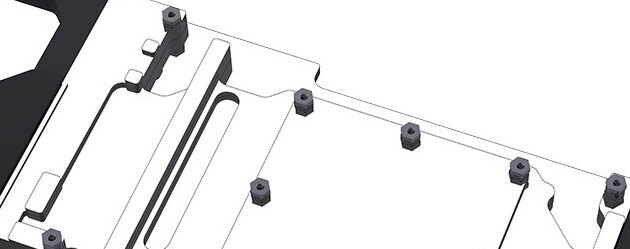
Full-cover copper cold plate
The full-cover cold plate draws heat from the GPU, memory, and power stages. Thermal paste at the GPU and pads at the specified contact points couple the board to the cold plate.
Key Specifications
| Model | N-TESLA-V100-32G-SR |
|---|---|
| Type | Full-cover GPU water block for a custom loop |
| Cold plate | Copper |
| Cooling coverage | GPU core, memory, and power stages |
| Port location | End opposite the mounting bracket |
| Backplate | Included |
Which Version Do I Need?
Bykski’s compatibility images for both part numbers show the same PCIe PCB layout. Use the assembly diagram for the part number you plan to install.
If you’re switching from X-V2 to SR, use the SR assembly diagram to check the mounting hardware, and confirm fitting connections and tubing clearance in your loop before ordering.
What's in the Box
Thermal paste is not included (it cannot be shipped by air). Please use your own GPU thermal paste during installation.
Installation & Use
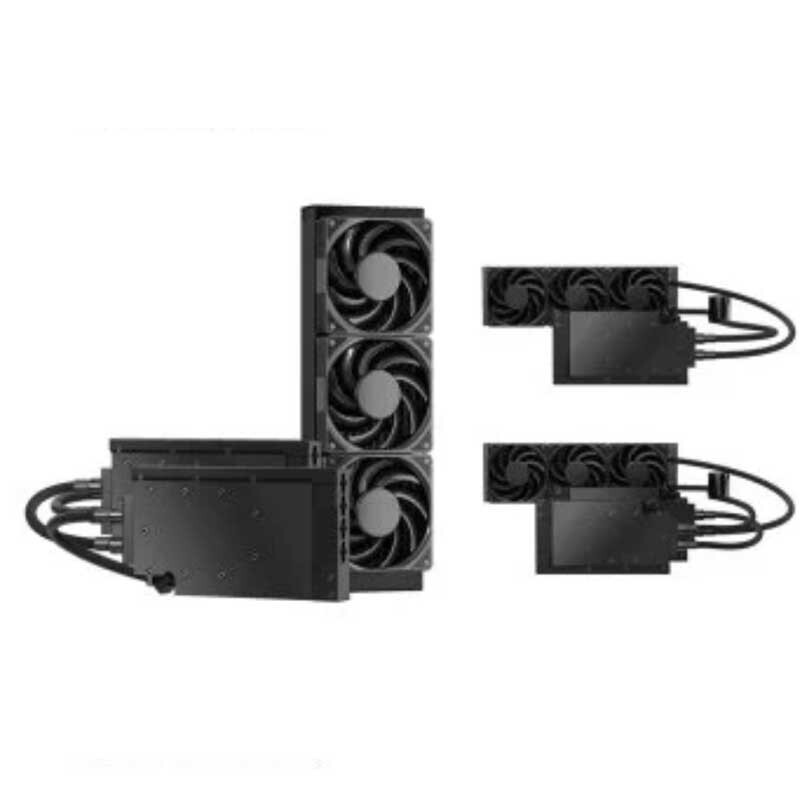
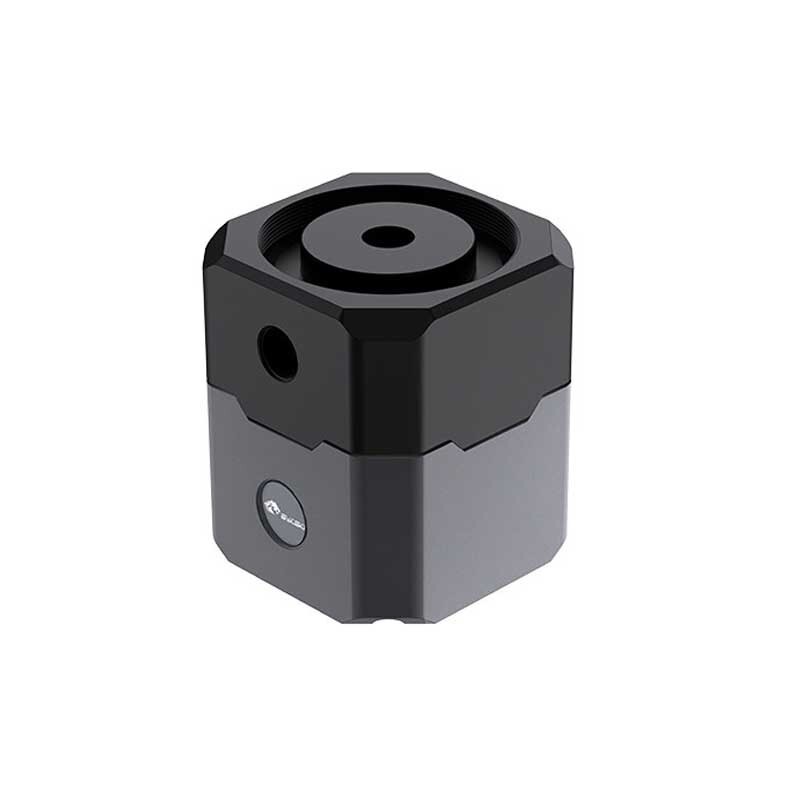
Connect the block to a custom loop with a pump, radiator, matching fittings and tubing, and compatible coolant. Choose the reservoir and radiator fans to suit your loop design.
FAQ
Will this waterblock fit my Tesla V100 PCIe card?
It fits only the PCIe PCB layout shown in Bykski’s compatibility image for the NVIDIA Tesla V100 32GB FHHL. Compare your bare PCB with that image before ordering.
Can I use this block on a V100 SXM2?
The Tesla V100 SXM2 16GB and 32GB are SXM2 modules. This block is machined for the specific PCIe board listed under Compatibility.
Do I need to buy a pump?
Yes, unless you already have a pump in your custom loop.
What should I check for case fit?
Check space for the card with the block installed, clearance for the fittings and tubing at the end of the card, and a mount for your chosen radiator.
What fittings should I use?
Ask support to confirm the port thread before buying fittings. Choose fittings that match the confirmed ports and your tubing.
- This is a repair or replacement-only item. Returns are not accepted on compatibility issues or if the block has had water/fluid run through it.
- The manufacturer reserves the right to alter the block design to expand compatibility. The delivered item may not 100% match the pictured item. Generally, thermal pads should be installed on the card where the block has corresponding raised contact points, except the GPU core, which uses thermal paste. Installing pads on other components can lead to improper contact and poor performance.
- Not responsible for any damage caused by or when using this product. Please use it at your own risk.