


FormulaMod


Motherboard RGB Backplate for ATX, Micro-ATX & Mini-ITX - FormulaMod Fm-MBRGB, 5V 3-Pin ARGB
ARGB lighting around your motherboard
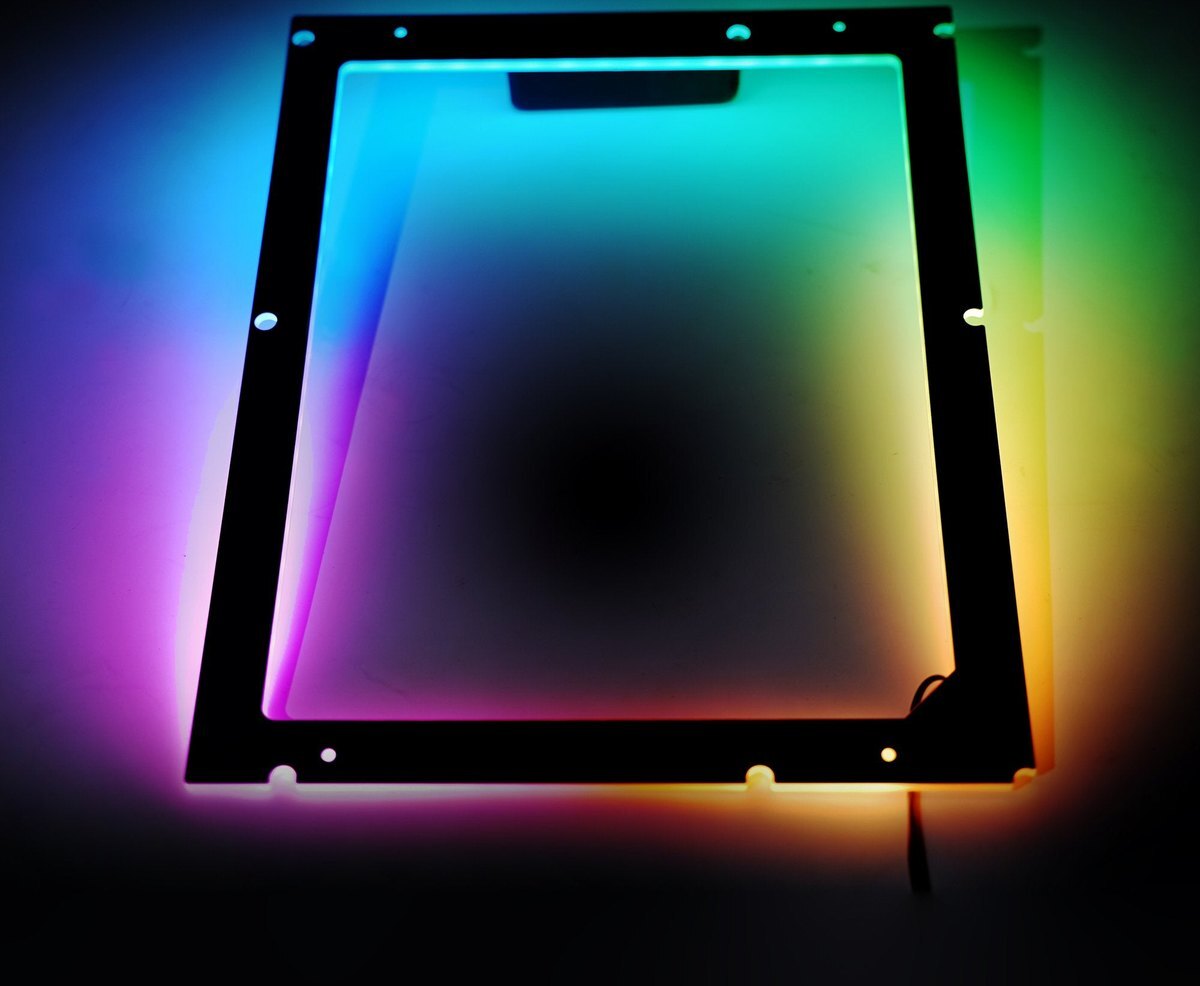
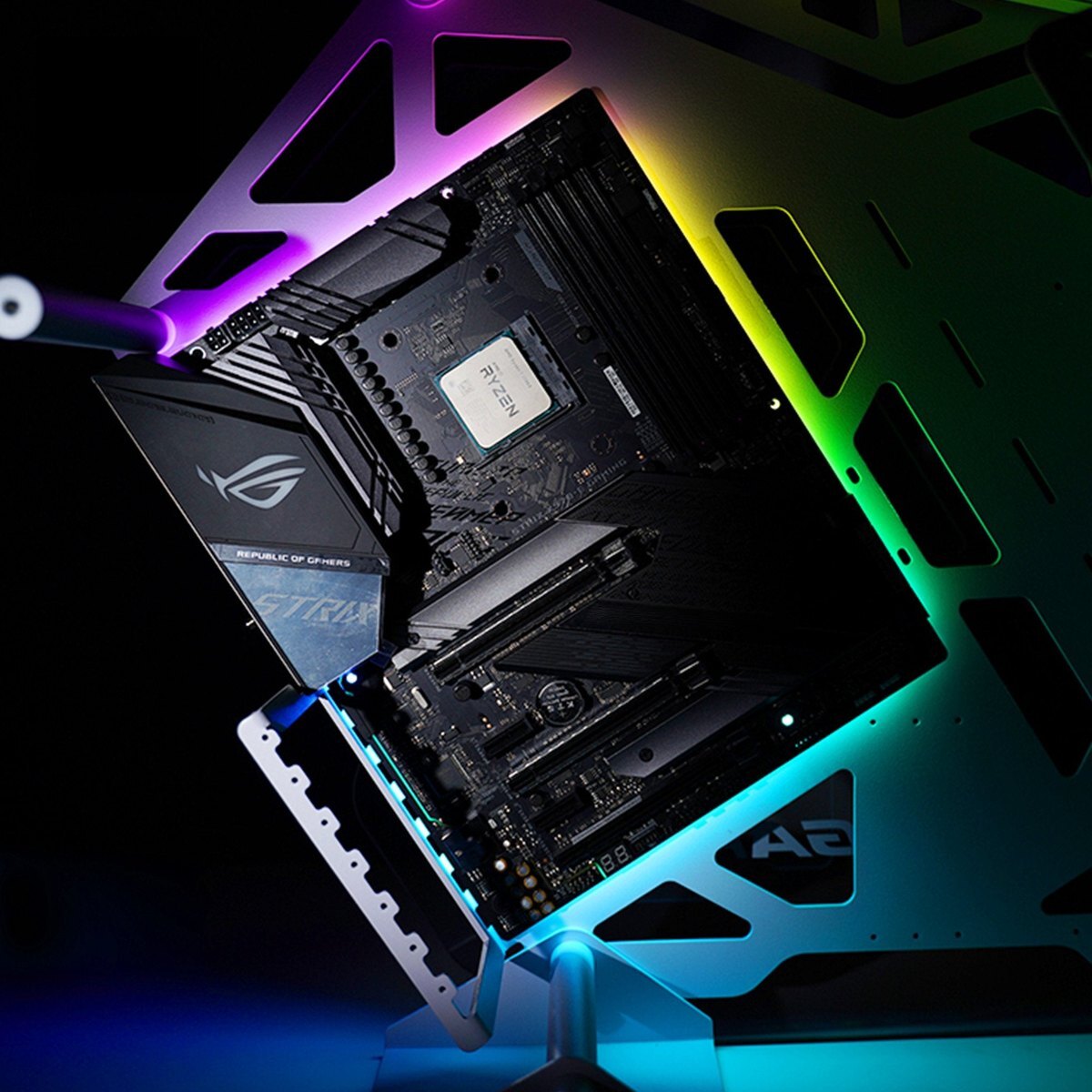
The FormulaMod Fm-MBRGB is an addressable RGB lighting backplate that sits between the motherboard and the case tray, casting a glow around the board. Choose the frame that matches your motherboard form factor, then power the lighting from a 5V 3-pin ARGB header. A frosted acrylic shell softens the light along the edges.
Compatibility
Fits motherboards without armor. Choose the size that matches your board.
- ✓ATX → Fm-MBRGB_ATX
- ✓Micro-ATX (M-ATX) → Fm-MBRGB_MATX
- ✓Mini-ITX (ITX) → Fm-MBRGB_ITX
Not compatible:
- ✗Motherboards with armor
- ✗12V 4-pin RGB headers
Before ordering, check that the frame lines up with your motherboard mounting points and that there is room for the 5 mm frame between the board and the case tray.
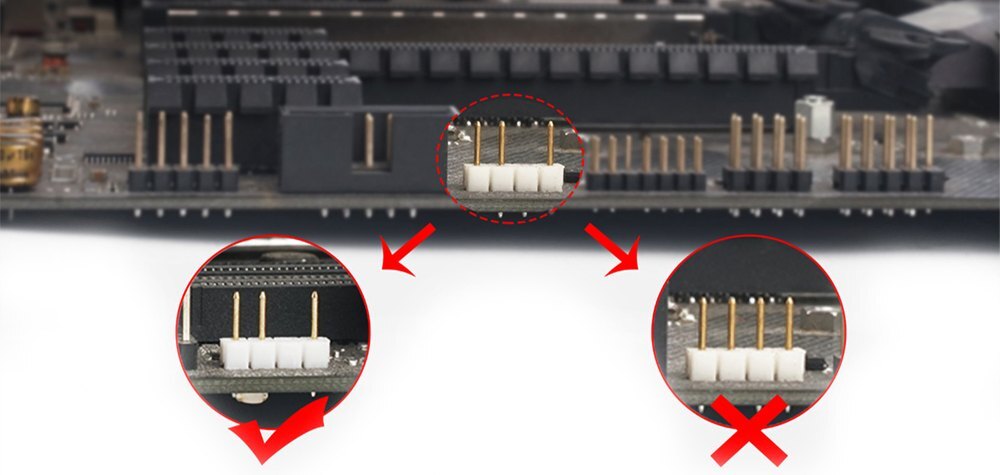
Manufacturer connector guide. Use the 5V 3-pin ARGB header shown on the left.
Design Highlights
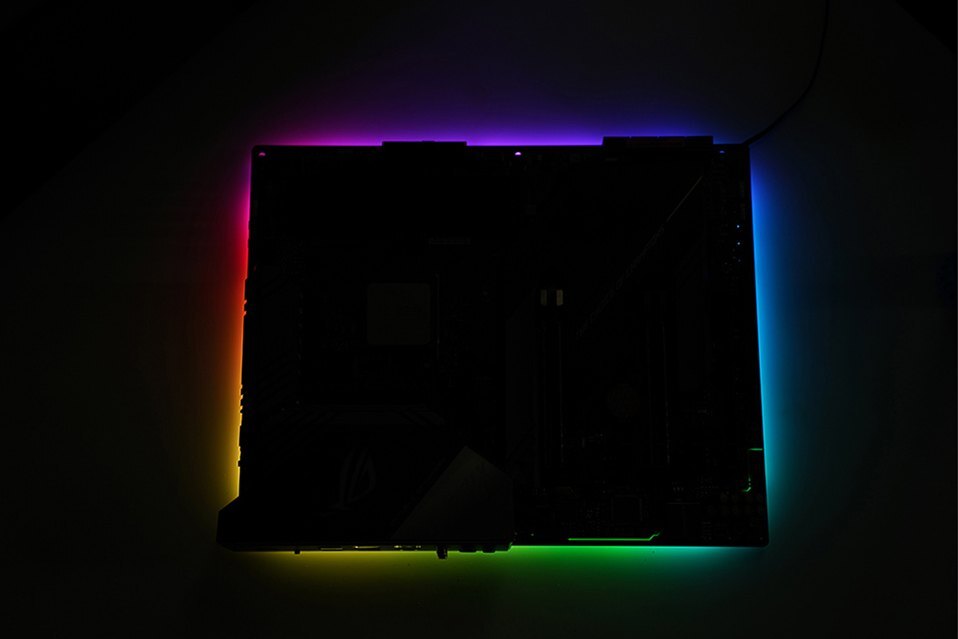
Backlight around the motherboard
The frosted acrylic shell spreads the LED light around the board for a softer outline. FormulaMod shows both single-color and multicolor effects.
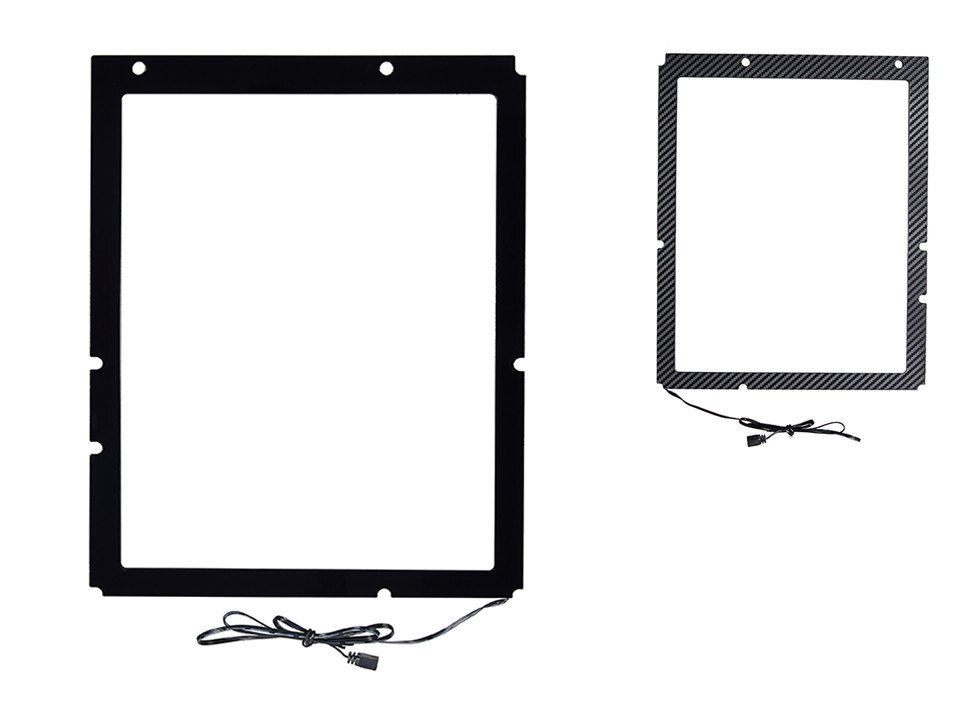
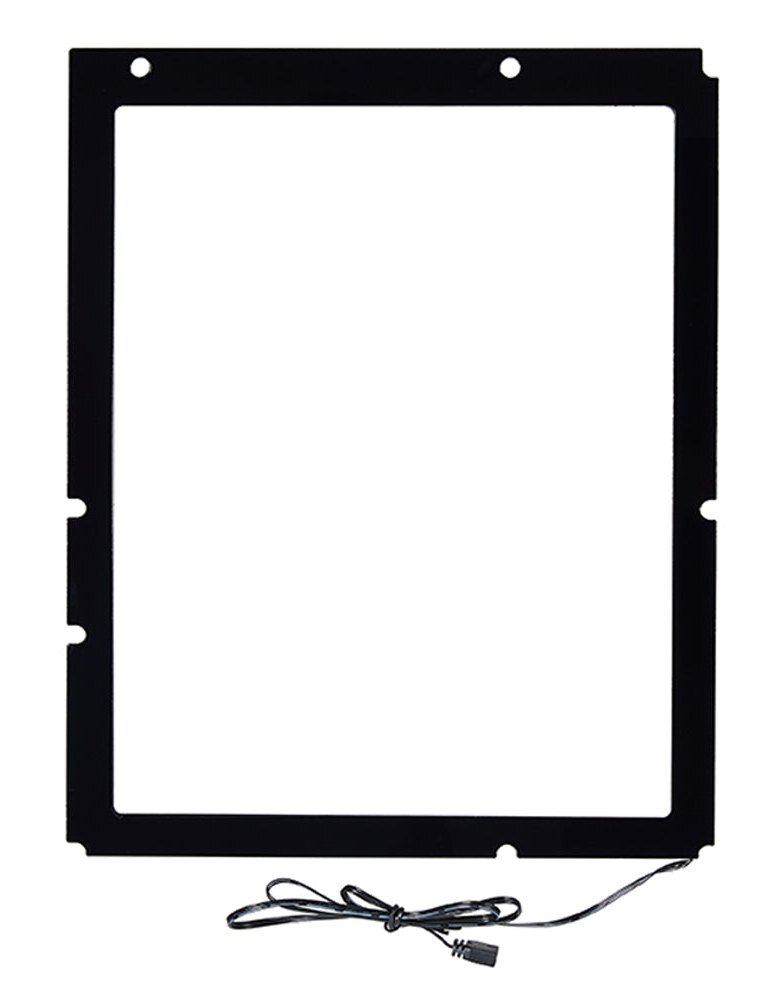
Open frame with an attached lead
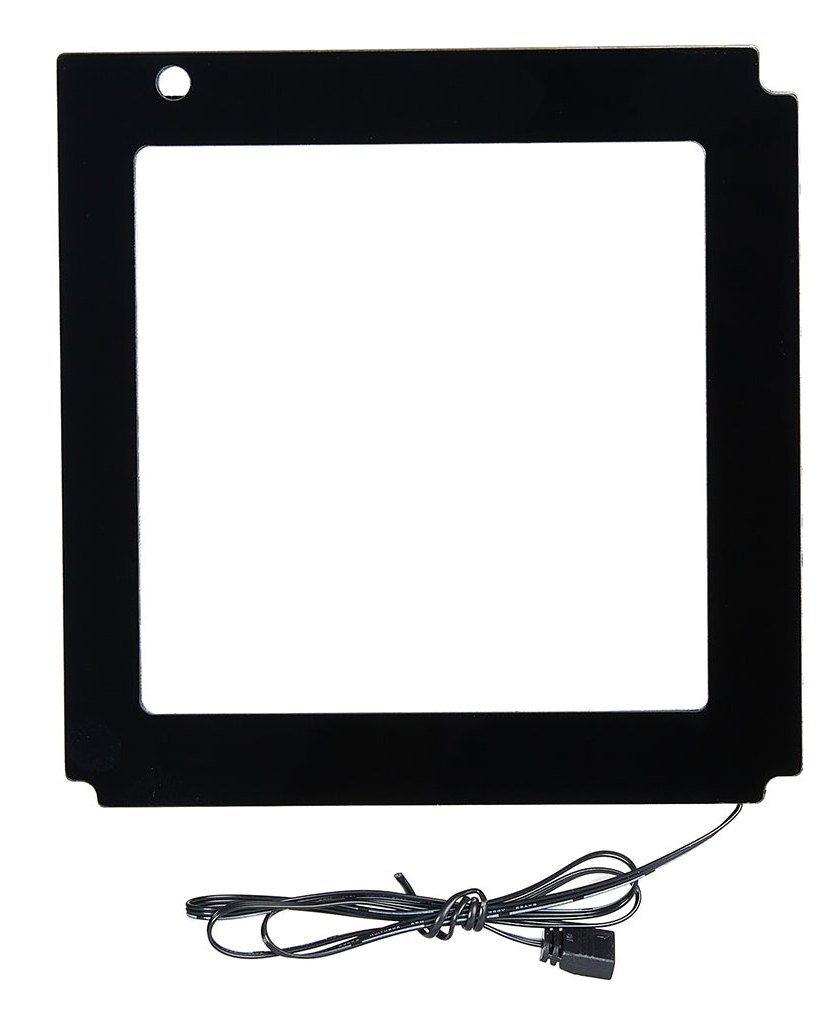
The backplate forms a frame around the board’s edge. Its attached lead runs to the motherboard’s 5V ARGB header.
Key Specifications
| Model | Fm-MBRGB |
|---|---|
| Shell | Frosted acrylic |
| Lighting connector | 5V 3-pin addressable RGB (ARGB) |
| ATX dimensions | 234 × 290 × 5 mm |
| Micro-ATX dimensions | 234 × 238 × 5 mm |
| Mini-ITX dimensions | 163 × 167 × 5 mm |
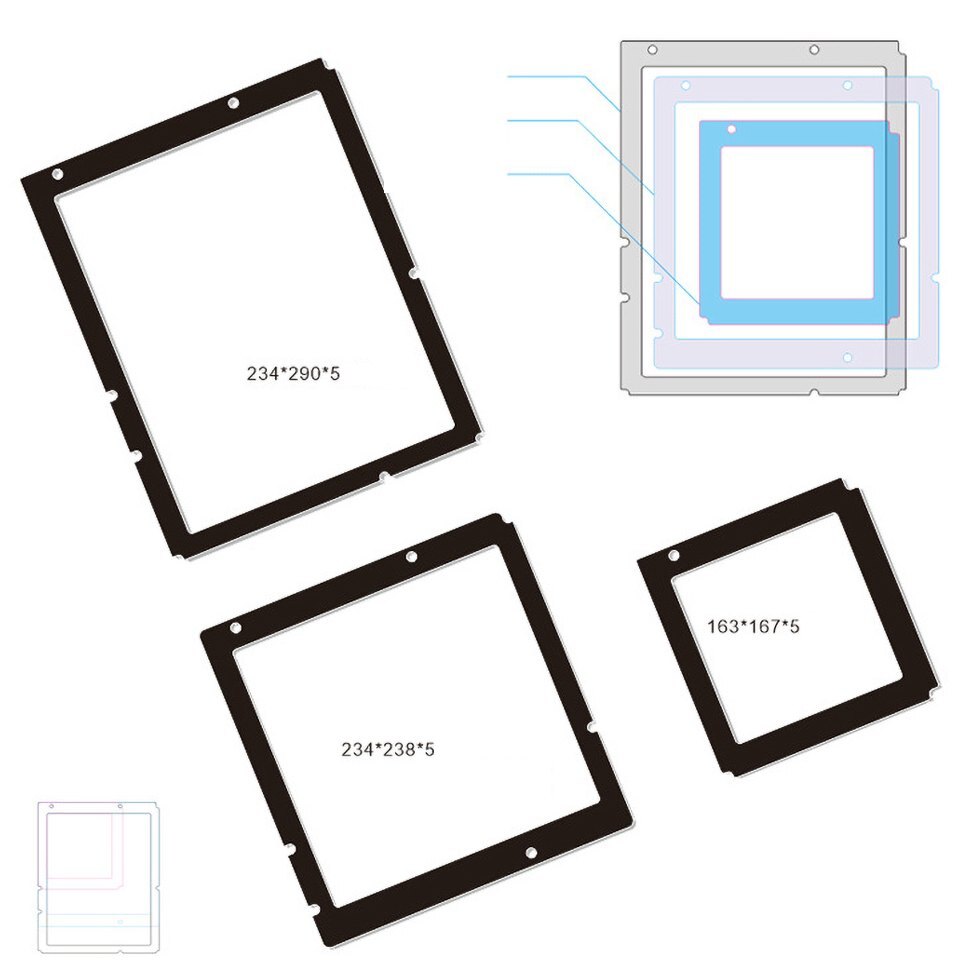
Manufacturer drawing. ATX at upper left, Micro-ATX below, Mini-ITX at right. Measurements are width × length × thickness.
What's in the Box
Installation & Use
You’ll need a motherboard with the matching 5V 3-pin ARGB header and a case with room behind the board.
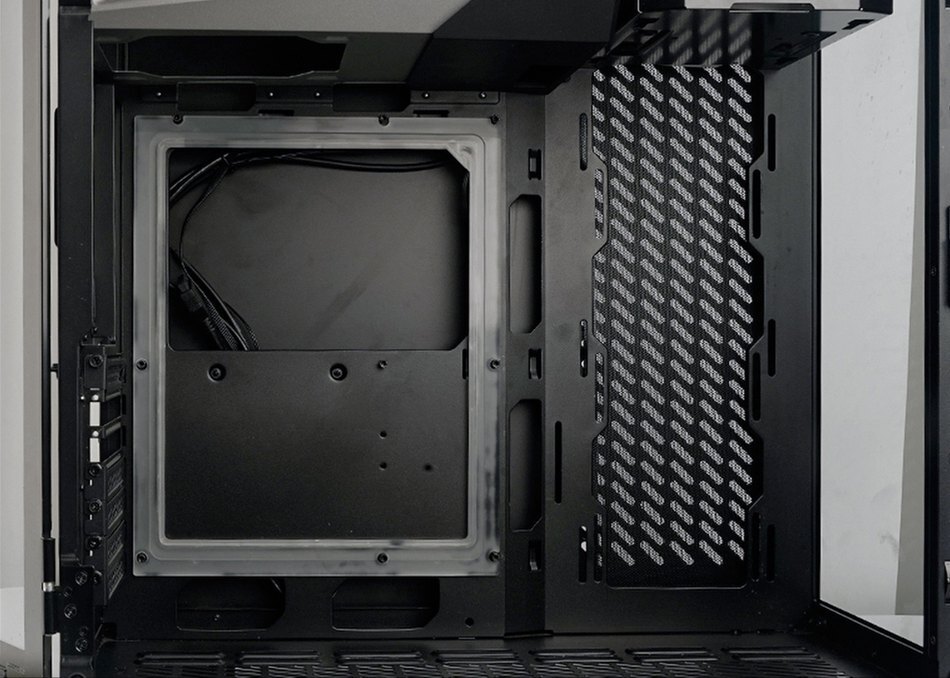
Manufacturer installation photo showing the frame in position before the motherboard goes in.
FAQ
Which backplate size fits my motherboard?
Match the option to your board’s form factor. Select ATX for ATX, M-ATX for Micro-ATX, or ITX for Mini-ITX.
Can I use this backplate if my motherboard has armor?
Only motherboards without armor are supported. Check the mounting points and space behind your board before ordering.
Can I plug it into a 12V RGB header?
Use a 5V 3-pin ARGB header. Connecting it to a 12V 4-pin RGB header can damage the LEDs.
Does the frame go in front of or behind the motherboard?
Place it against the case tray behind the motherboard, with the translucent white side facing the board.
Product Gallery
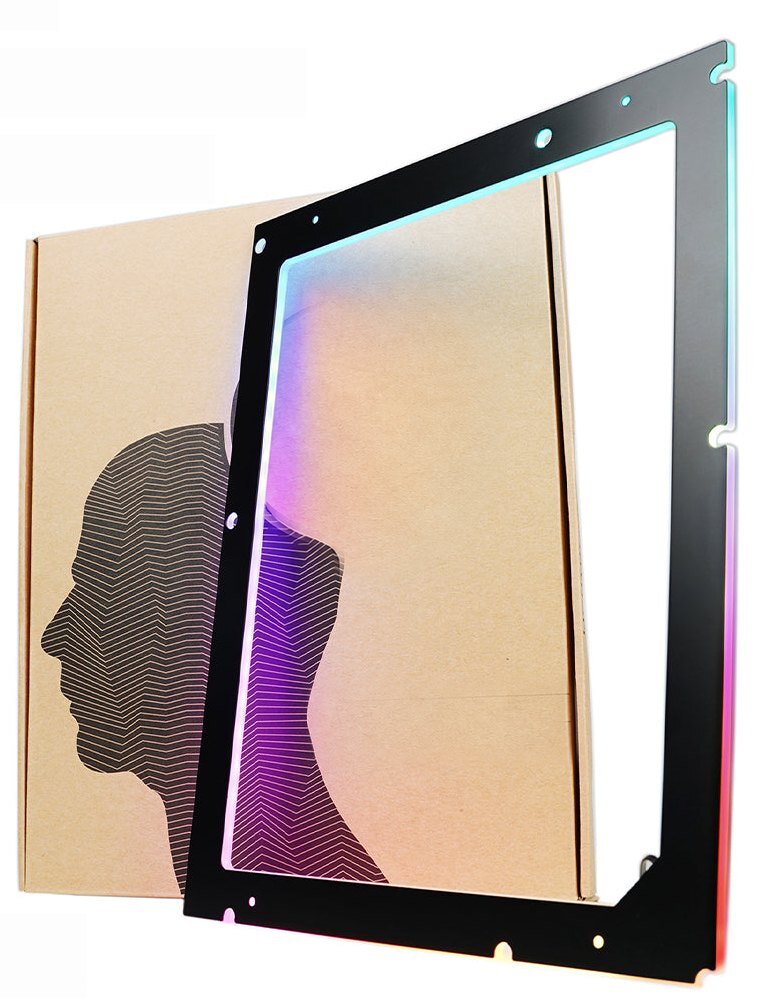
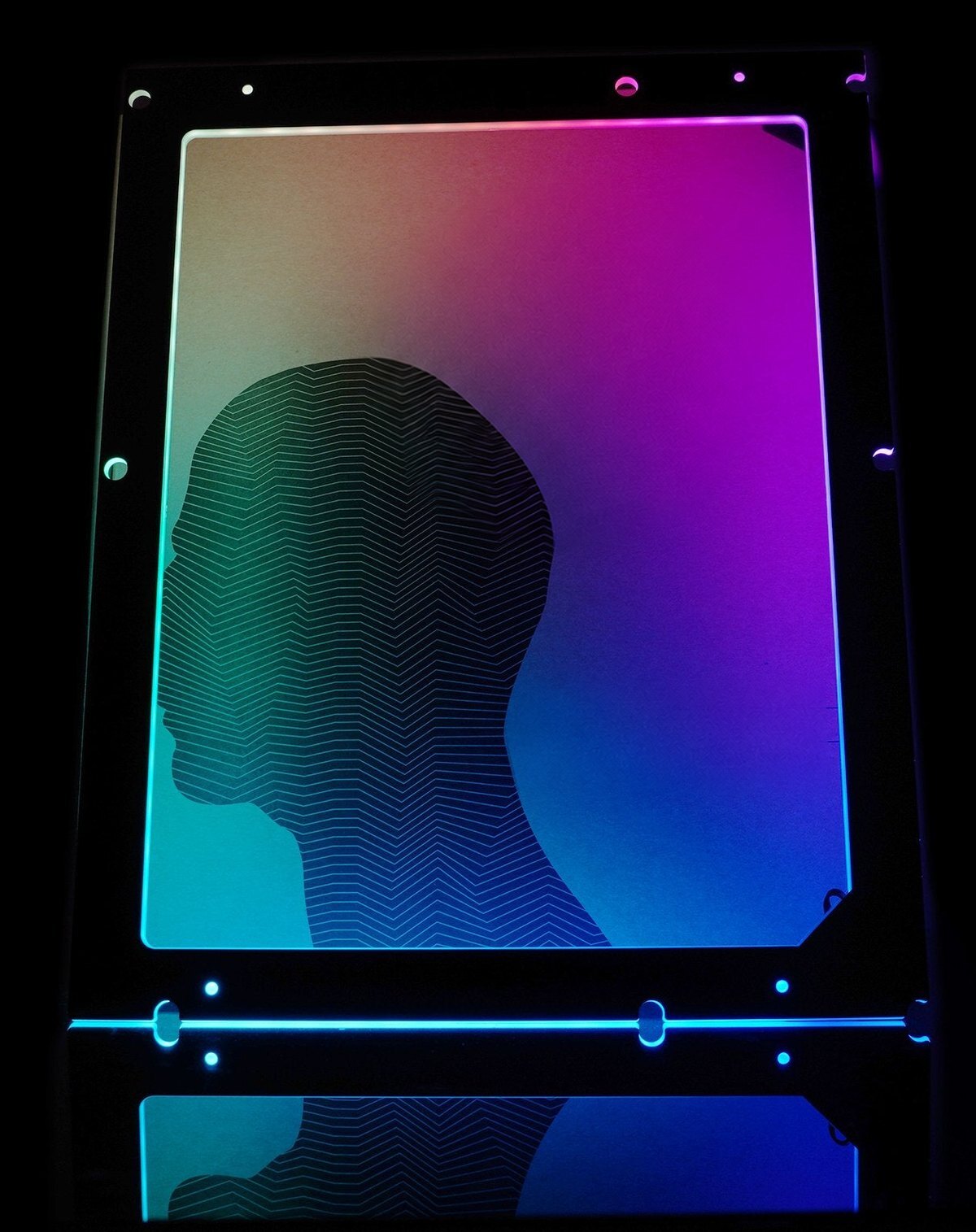
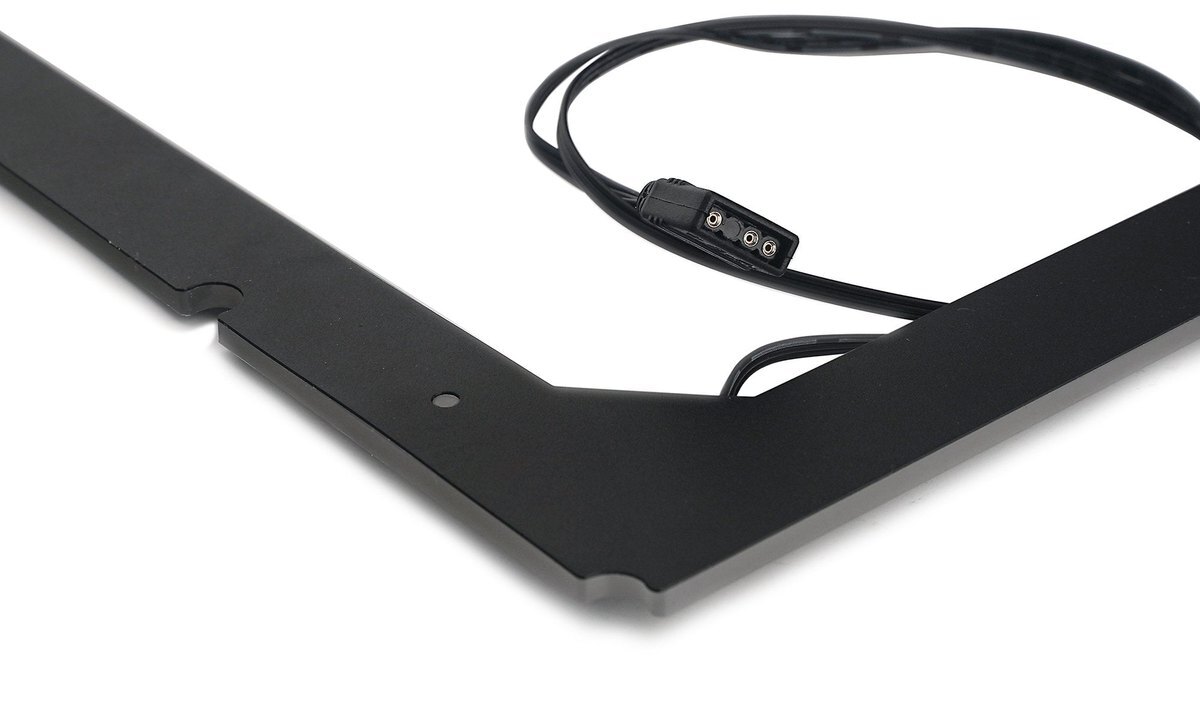
5V 3-pin ARGB plug
ATX
Mini-ITX (ITX)
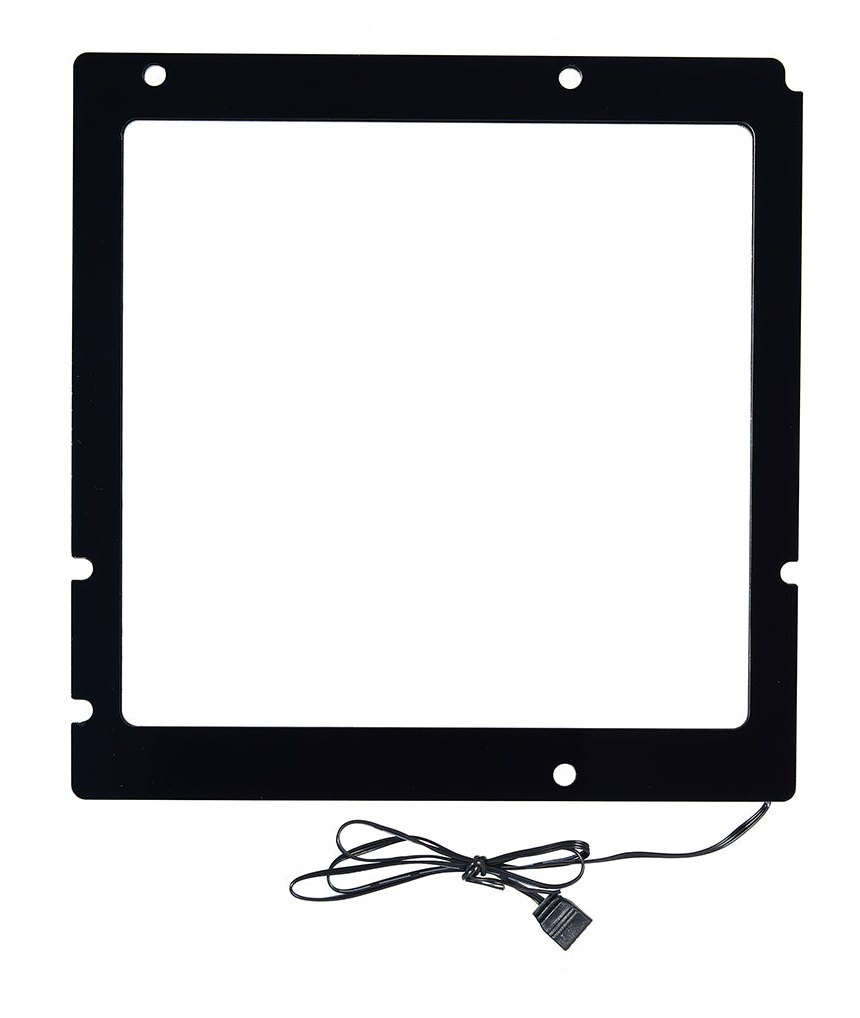
Micro-ATX (M-ATX)
- The motherboard and case in the pictures are for reference and display purposes only.
- Due to product upgrades, the new appearance of the product may be slightly different from the video and some product picture.
- In case of upgrading to the appearance and structure, no further notice, the real object shall prevail








