


Bykski


Sapphire NITRO+ RX 7800 XT Full-Cover GPU Water Block with Backplate | Bykski A-SP7800XT-X
Full-cover water block for Sapphire NITRO+ RX 7800 XT
The Bykski A-SP7800XT-X replaces the stock air cooler on the Sapphire NITRO+ Radeon RX 7800 XT 16GB so you can connect the card to a custom liquid cooling loop. The copper cold plate draws heat from the GPU, memory, and voltage regulators. The block uses G1/4 fittings and includes a black aluminum backplate.
Compatibility
Confirmed graphics card
- ✓Sapphire NITRO+ AMD Radeon RX 7800 XT 16GB GDDR6 (11330-01-20G)
Not compatible:
- ✗AMD reference Radeon RX 7800 XT
Before ordering, check the card’s model number and confirm that its PCB layout and mounting holes match the block.
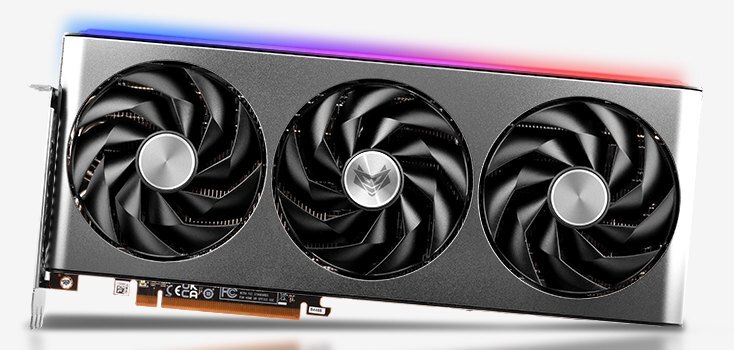
Sapphire product photo for model identification.
Design Highlights
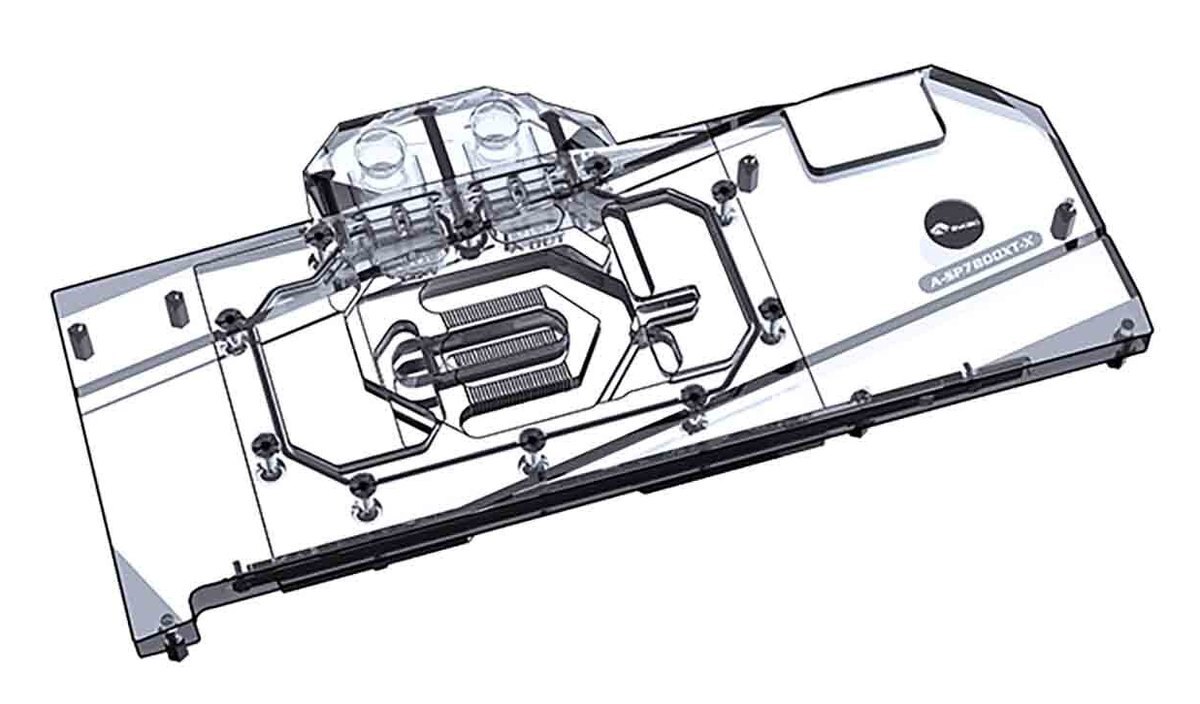
Copper cold plate with jet microchannels
The copper cold plate transfers heat from the card to the coolant. The coolant passes through 0.3 mm jet microchannels over the GPU core.
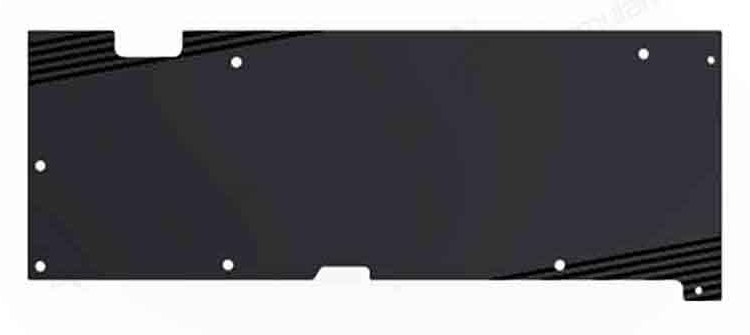
Separate aluminum backplate
The included backplate screws onto the rear of the board and sits outside the coolant path.
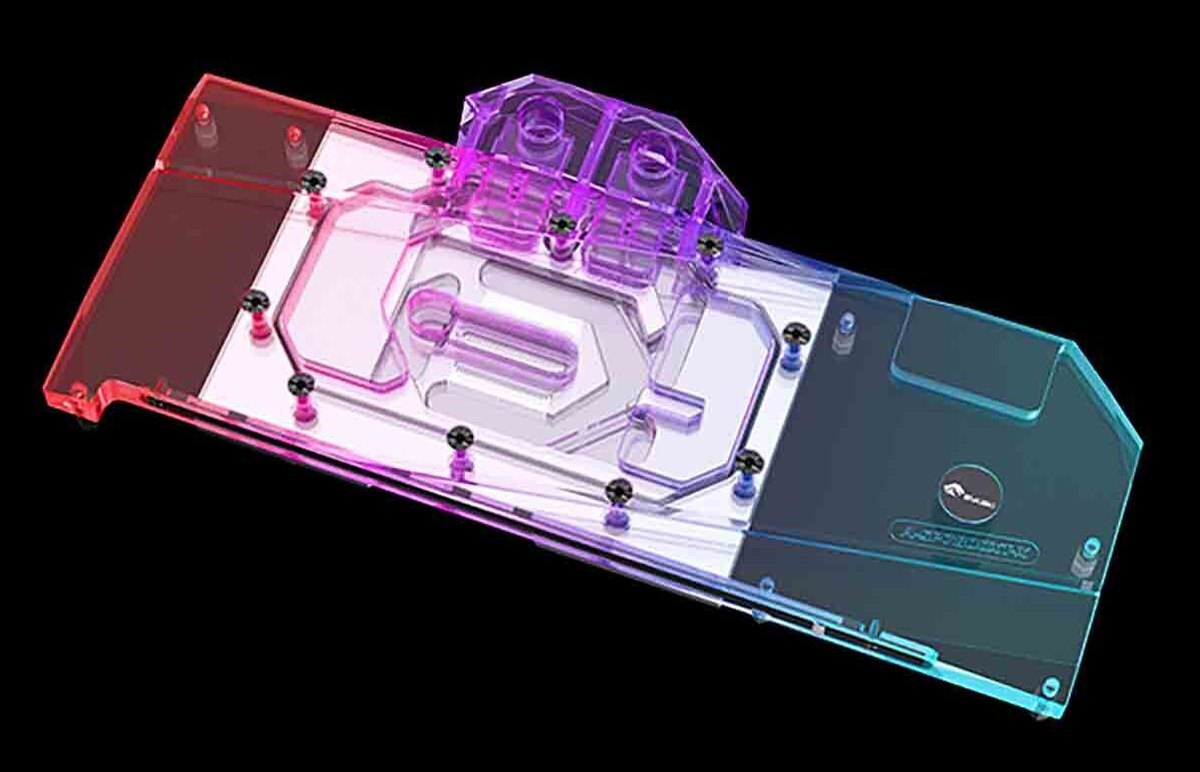
5V addressable lighting
Connect the Bykski RBW lead to a motherboard’s 5V 3-pin ARGB header through a compatible adapter cable. A compatible 5V RBW controller can also drive the lights.
Key Specifications
| Model (SKU) | A-SP7800XT-X |
|---|---|
| Cold plate | T2 copper (Bykski specification) |
| Top | Clear PMMA acrylic |
| Backplate | Black aluminum |
| Coverage | GPU core, memory, and voltage regulators |
| Port thread | G1/4 inlet and outlet |
| Lighting | 5V addressable RGB (Bykski RBW) |
| Water block (L × W × T) | 274.05 × 136.75 × 26.25 mm |
| Backplate (L × W × T) | 273.99 × 106.69 × 3.00 mm |
| Copper plate length | 147 mm |
| Jet microchannels | 0.3 mm |
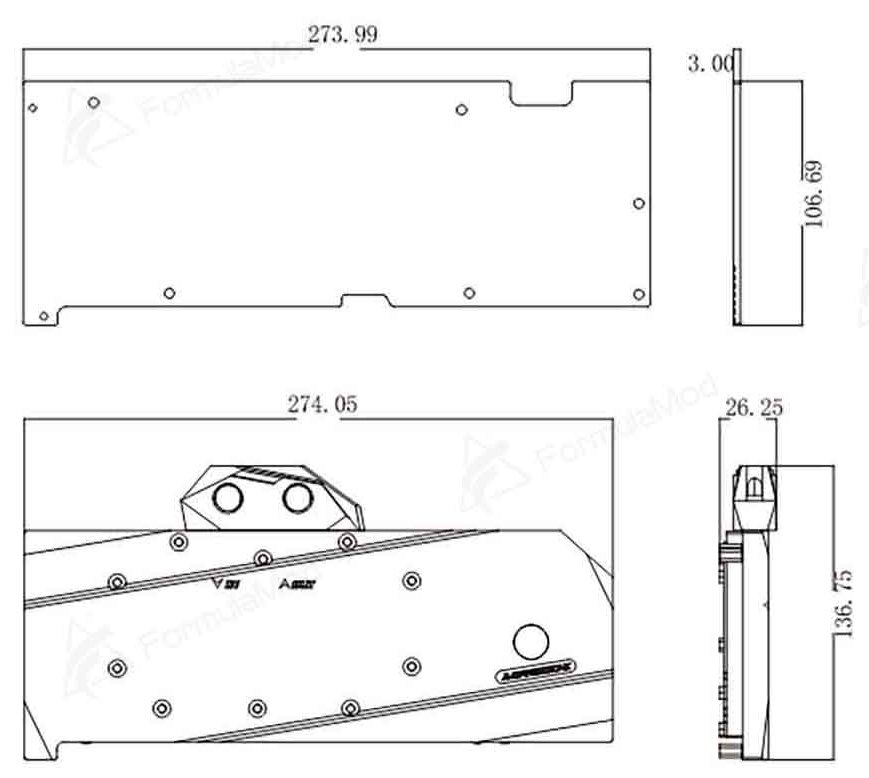
Manufacturer drawing. Backplate above, water block below. Dimensions are in millimeters.
Which Version Do I Need?
Choose a water block by the board layout of your RX 7800 XT.
What's in the Box
Thermal paste is not included (it cannot be shipped by air). Please use your own thermal paste during installation.
Installation & Use
For the rest of the loop, you need a pump and reservoir, radiator and fans, tubing, G1/4 fittings matched to your tubing, and coolant.
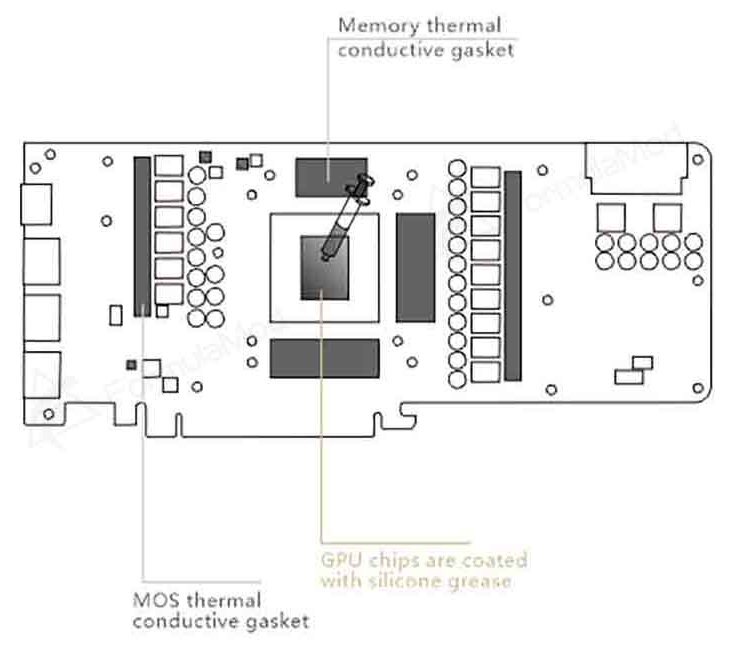
Bykski installation drawing. The memory pad areas are above, below, and to the right of the GPU die. The two MOSFET pad areas are to the left and right.
FAQ
Which RX 7800 XT board does this water block fit?
The confirmed model is the Sapphire NITRO+ RX 7800 XT 16GB, Sapphire part number 11330-01-20G. Compare your PCB and mounting holes before ordering.
What fittings do I need?
Use G1/4 fittings that match the size and type of tubing in your loop.
How do I connect the RBW lighting?
For motherboard control, connect the RBW lead to a 5V 3-pin ARGB header through a compatible adapter cable. You can also use a compatible 5V RBW controller. Connecting the LEDs to a 12V 4-pin RGB header can damage them.
Where do the 1.5 mm thermal pads go?
Bykski’s installation drawing for this model specifies 1.5 mm pads for the three memory areas and the two MOSFET rows shown in the diagram.
- This is a repair or replacement-only item. Returns are not accepted in principle on compatibility issues or if the block has had water/fluid run through it.
- The manufacturer reserves the right to alter the block design to expand compatibility or upgrade/modify the product. The delivered item may not 100% match the pictured item.
- Not responsible for any damage caused by or when using this product. Please use it at your own risk.








