


Barrow
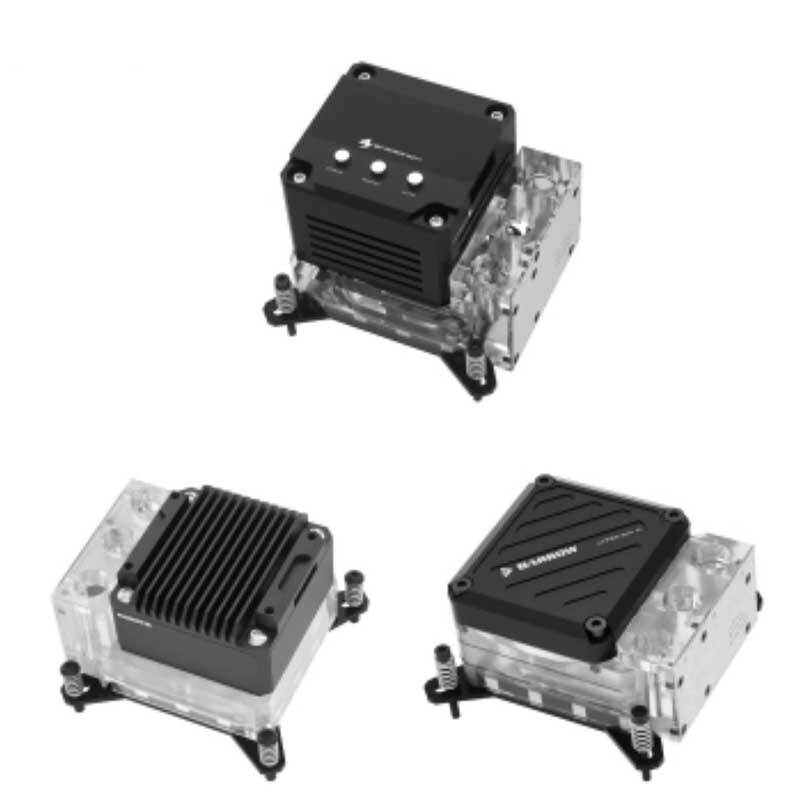


Intel CPU Water Block Pump Combo with Reservoir — Barrow, 17 W or 10 W
Intel CPU water block with a built-in pump and reservoir
This Barrow combo combines a CPU water block, pump, and reservoir for a custom liquid cooling loop on supported Intel desktop platforms, including LGA1700. The pump and reservoir mount at the CPU, freeing up space elsewhere in the case. Choose a 17 W or 10 W pump and connect the unit with G1/4 fittings.
Compatibility
Barrow lists these Intel platforms for both pump options.
- ✓Intel LGA115x
- ✓Intel LGA1200
- ✓Intel LGA1700
- ✓Intel X99 (LGA2011-v3)
- ✓Intel X299 (LGA2066)
Check your motherboard’s exact socket and the mounting hardware it requires before ordering.
Design Highlights
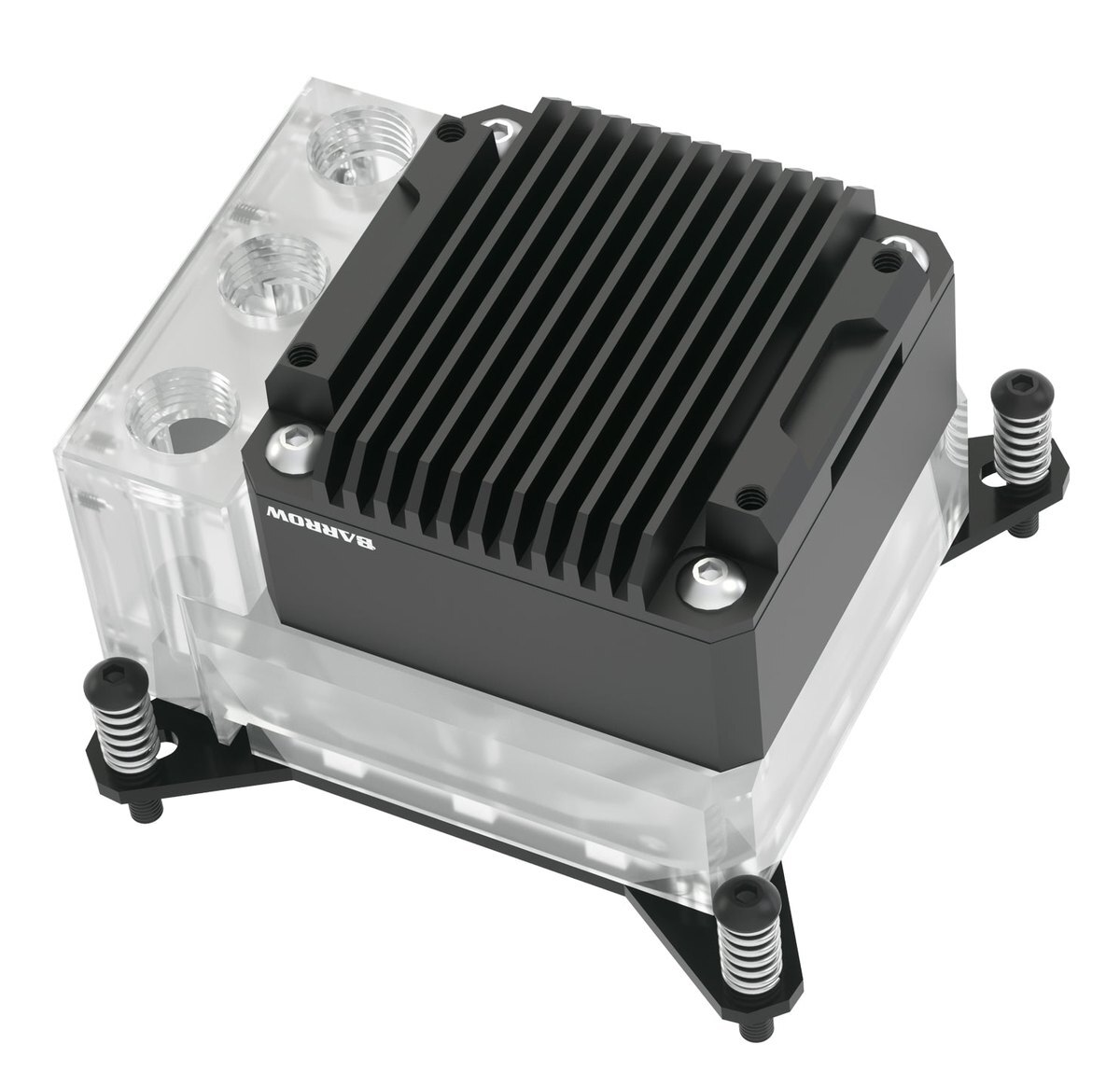
LTPRK-04I shown with a black cover and acrylic body.
Mount the pump and reservoir at the CPU
The pump and reservoir sit above the cold plate. The G1/4 inlet and outlet connect to the loop, and a separate port lets you add coolant.
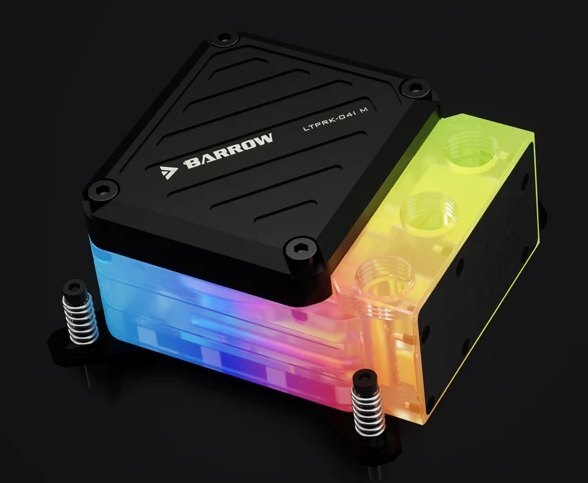
LTPRK-04I M with the black cover and acrylic body lit.
A lower-profile 10 W option
Barrow’s drawings show an overall height of 50.4 mm for the 10 W assembly and 64.1 mm for the 17 W assembly.
For lighting on an acrylic version, use a motherboard sync adapter with a 5 V 3-pin ARGB header.
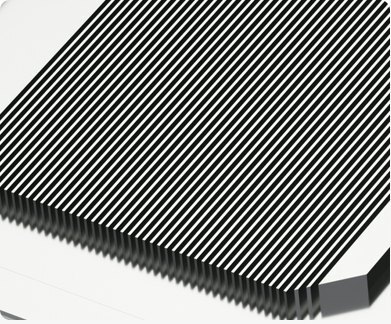
Copper cold plate
A 58 × 58 mm copper plate contacts the CPU. Coolant flows through the plate’s jet microchannels and carries heat to the radiator.
Key Specifications
| Pump options | 17 W or 10 W |
|---|---|
| Cold plate | 58 × 58 mm copper with up to 49 microchannels |
| Body and cover | Acrylic or POM body with an aluminum alloy pump cover |
| 17 W configurations | Black or silver cover, each with acrylic or POM |
| 10 W configurations | Black cover with acrylic or POM White cover with acrylic |
| Port threads | G1/4 inlet, outlet, and fill port |
| 17 W overall dimensions (W × D × H) | 94 × 91.5 × 64.1 mm |
| 10 W overall dimensions (W × D × H) | 91.5 × 91.5 × 50.4 mm |
| 10 W port spacing | 22.2 mm between adjacent port centers |
| 10 W pump voltage and current | 12 V DC, 0.8 A |
| 10 W pump maximums | 450 L/h flow, 3 m head, 4,000 RPM |
| Acrylic lighting | 5 V 3-pin ARGB motherboard sync via adapter |
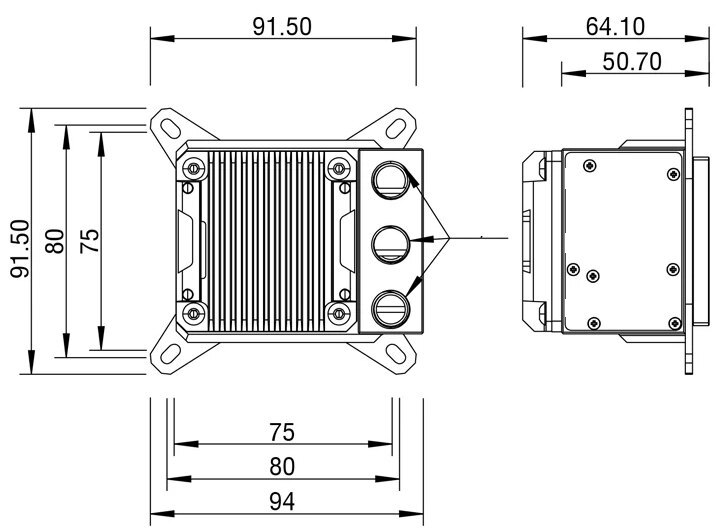
Barrow’s LTPRK-04I drawing. Dimensions are in millimeters.
Which Version Do I Need?
Match your Intel socket first, then compare the pump options and the space above the CPU.
What's in the Box
Thermal paste is not included (it cannot be shipped by air). Please use your own thermal paste during installation.
Installation & Use
You also need a radiator, radiator fans, G1/4 fittings, matching tubing, a loop filter, and coolant.
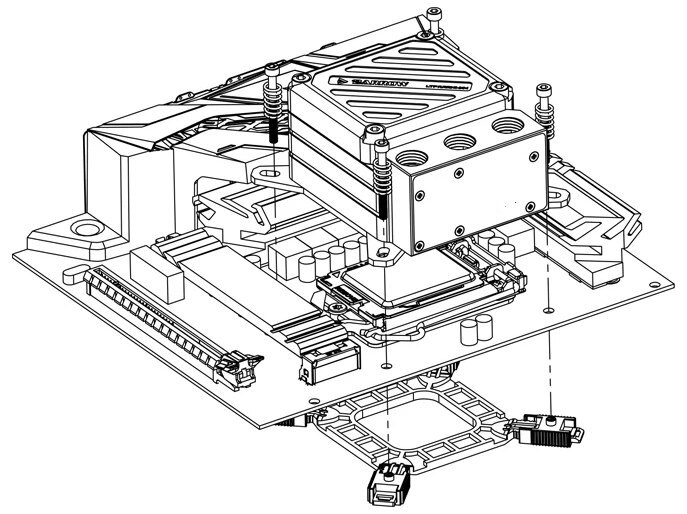
Barrow’s LGA115x mounting example for the LTPRK-04I M.
FAQ
What Intel sockets does the combo fit?
Both versions fit LGA115x, LGA1200, and LGA1700. Barrow also lists Intel X99 and X299 platforms.
Do I need a separate radiator?
Yes. The combo supplies the CPU block, pump, and reservoir. Complete the loop with a radiator, fans, G1/4 fittings, tubing, a filter, and coolant.
Which pump option is shorter?
Barrow’s drawings show 50.4 mm for the 10 W assembly and 64.1 mm for the 17 W assembly. Allow extra space for fittings and tubing.
Which ports do I use for the tubing?
Connect the loop to inlet B and outlet C. Port A is for filling.
Which header controls lighting on the acrylic version?
Use the sync adapter with a 5 V 3-pin ARGB header. A 12 V 4-pin RGB header is incompatible.








