


Bykski


ASUS TUF RTX 4090 OG / ROG Strix LC RTX 4090 Water Block with Backplate | Bykski N-AS4090TUFOG-X-V2
Full-cover GPU water block for select ASUS graphics cards
The Bykski N-AS4090TUFOG-X-V2 replaces the stock cooler on supported cards such as the ASUS TUF Gaming GeForce RTX 4090 OG. Its copper cold plate transfers heat from the GPU core, memory, and voltage regulators to a custom liquid cooling loop. This version comes with a black aluminum backplate and has no lighting.
Compatibility
Match your ASUS model number and PCB layout to the supported versions below.
- ✓ASUS TUF Gaming GeForce RTX 4090 24GB OG (TUF-RTX4090-24G-OG-GAMING)
- ✓ASUS ROG Strix LC GeForce RTX 4090 24GB (ROG-STRIX-LC-RTX4090-24G-GAMING)
- ✓ASUS TUF Gaming GeForce RTX 4070 Ti SUPER 16GB OG OC (TUF-RTX4070TIS-O16G-OG-GAMING)
Not compatible:
- ✗ASUS TUF Gaming GeForce RTX 4090 (non-OG)
- ✗ASUS ROG Strix GeForce RTX 4090 (air-cooled models without LC)
Before ordering, check your exact card model, PCB component layout, and mounting holes against Bykski’s reference layout.
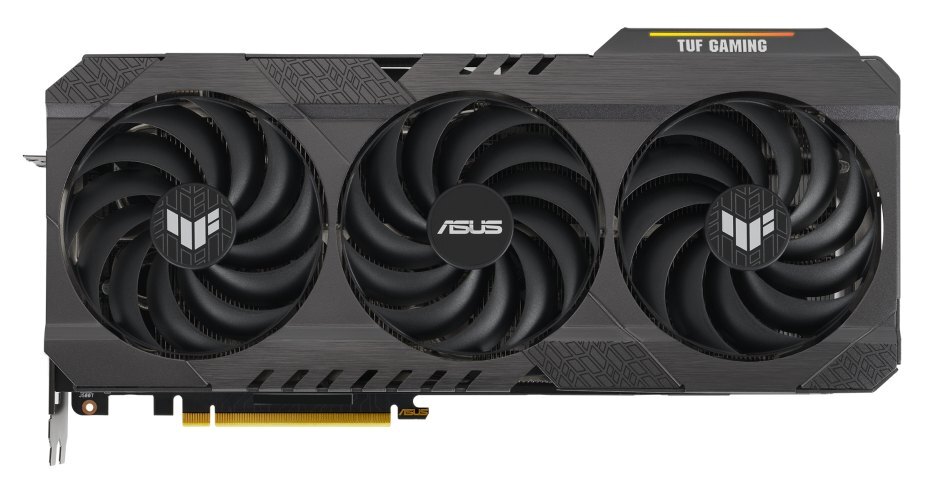
ASUS product image of the TUF Gaming RTX 4090 OG with its stock cooler.
Design Highlights
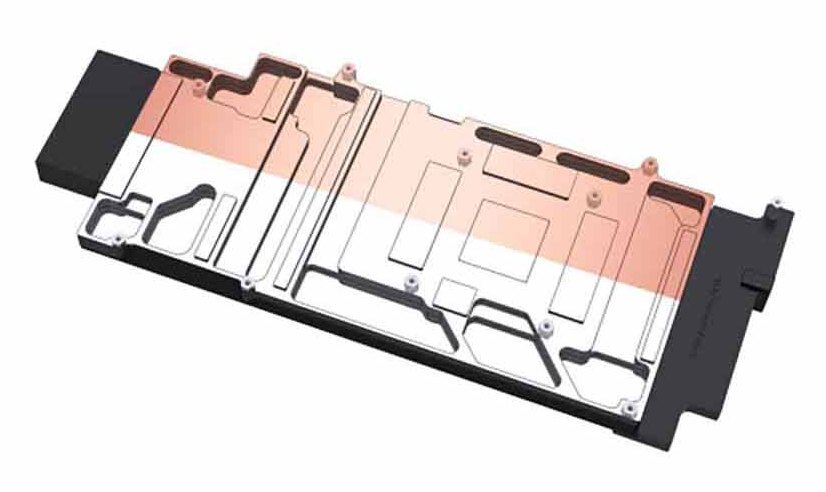
Full-cover copper cold plate
The cold plate spans the GPU core, memory, and voltage regulators. Corresponding contact areas line up with these components on the supported PCB.
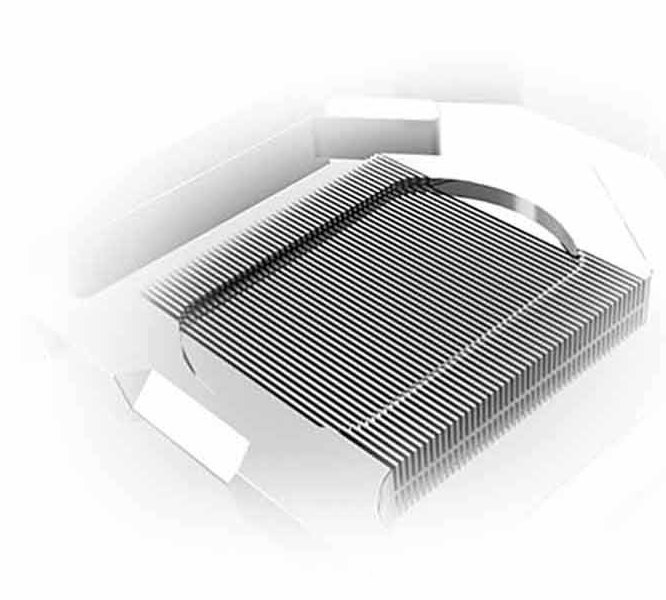
Jet microchannels
Coolant passes between the fine fins in the cold plate to pick up heat from the GPU.
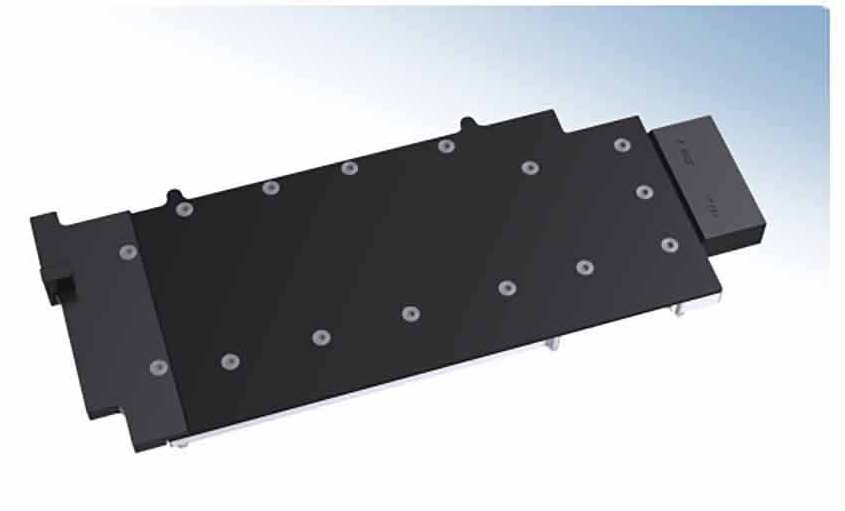
Metal and POM housing
The V2 has a solid black housing. The separate aluminum backplate mounts behind the card and stays outside the coolant path.
Key Specifications
| Model | N-AS4090TUFOG-X-V2 |
|---|---|
| Cooling coverage | GPU core, memory, and voltage regulators |
| Cold plate | Nickel-plated T2 copper |
| Jet microchannels | 0.3 mm |
| Housing | Metal and POM |
| Water block (L × W × T) | 312.89 × 125.23 × 27.29 mm |
| Backplate (L × W × T) | 266.95 × 135.47 × 6.00 mm |
| Backplate | Black aluminum, passive |
| Lighting | None |
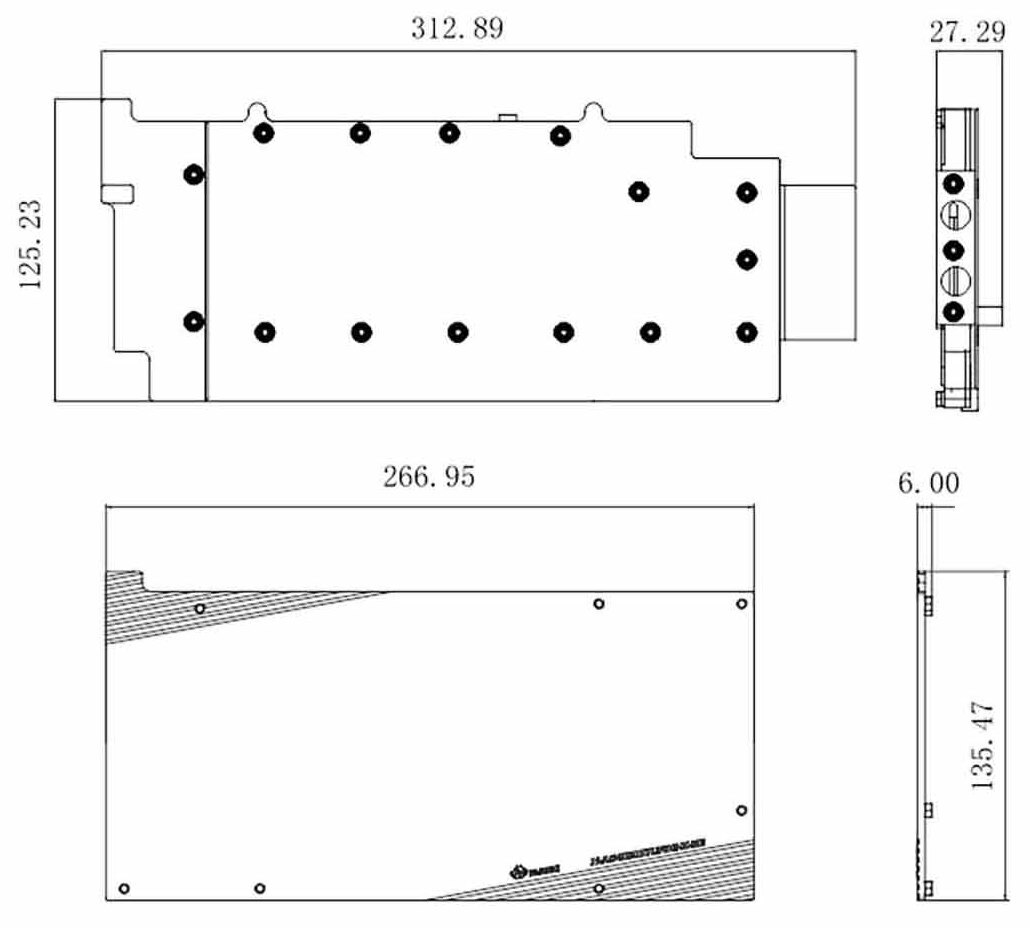
Water block above, backplate below. Dimensions are in millimeters.
Which Version Do I Need?
Start with your card’s PCB layout, then choose the block and lighting you want.
What's in the Box
Supply your own G1/4 plugs for any unused ports.
Thermal paste is not included (it cannot be shipped by air). Please use your own thermal paste during installation.
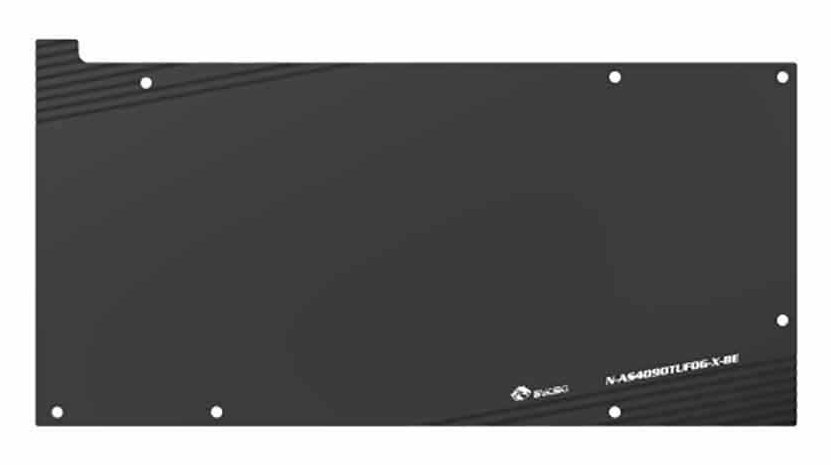
Included backplate.
Installation & Use
You also need a pump, radiator, fittings, tubing, and coolant.
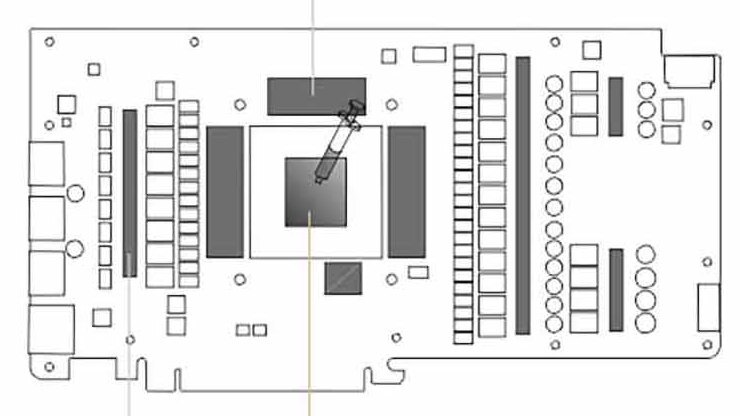
Bykski’s example PCB. The outer shaded areas show pad placement, and the GPU die in the center takes thermal paste.
FAQ
Does this block fit any ASUS TUF RTX 4090?
Check for the 24GB OG model listed above and confirm its PCB. The standard TUF RTX 4090 uses a different block.
Will this fit a ROG Strix RTX 4090?
Match your card to the ROG Strix LC 24GB model in the compatibility list. Air-cooled ROG Strix cards use a different block.
Which ASUS TUF RTX 4070 Ti SUPER fits?
The supported model is the TUF Gaming GeForce RTX 4070 Ti SUPER 16GB OG OC. Match the full model number and PCB before ordering.
Does this V2 have RGB lighting?
The V2 sold here has no lighting.
Does coolant flow through the backplate?
The included aluminum backplate is passive and sits behind the PCB, outside the coolant path.








