


Barrow


Intel & AMD CPU Water Block – Barrow LTYK3-04I / LTYK3A-04 V2 Classic Edition
Classic Edition CPU water block for Intel and AMD custom loops
The Barrow Classic Edition is a CPU water block for desktop custom liquid cooling loops. Choose LTYK3-04I for compatible Intel boards such as LGA1700 or LTYK3A-04 V2 for AMD boards such as AM5. The nickel-plated copper cold plate transfers heat from the processor to coolant flowing through the block’s jet microchannels.
Compatibility
Select the version that matches your motherboard.
- ✓Intel LTYK3-04I · LGA115x, LGA1200, LGA1700, X99 and X299
- ✓AMD LTYK3A-04 V2 · AM3, AM4 and AM5
Check your motherboard’s socket or platform before ordering, then choose the bracket color for that version.
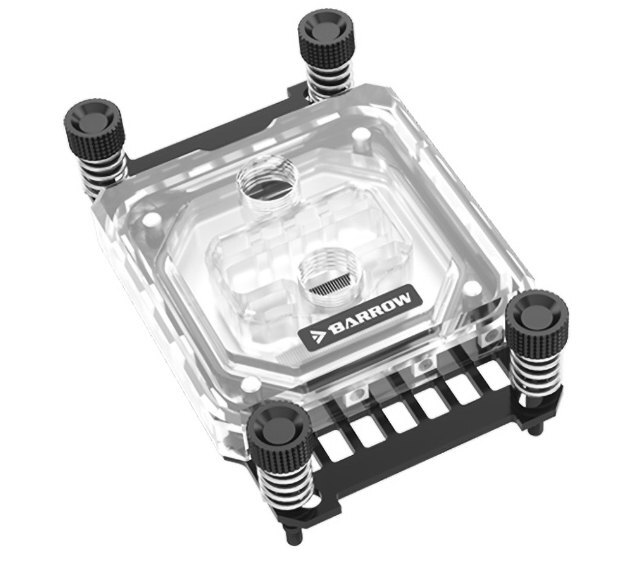
AMD LTYK3A-04 V2 with the black mounting bracket.
Design Highlights
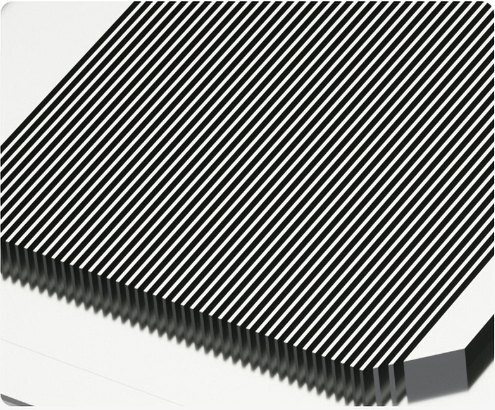
Jet microchannels
Barrow machines up to 49 microchannels into the cold plate to increase the surface area in contact with coolant.
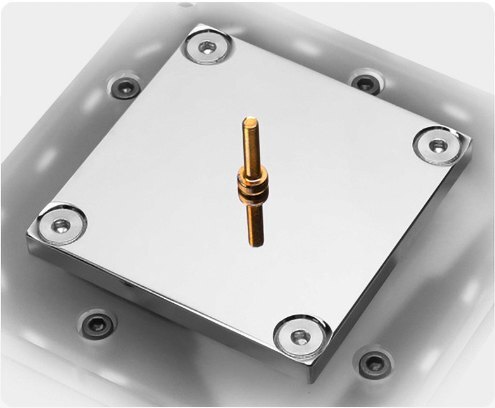
Nickel-plated copper cold plate
The copper cold plate sits against the CPU. Its mirror nickel finish helps protect the surface from oxidation.
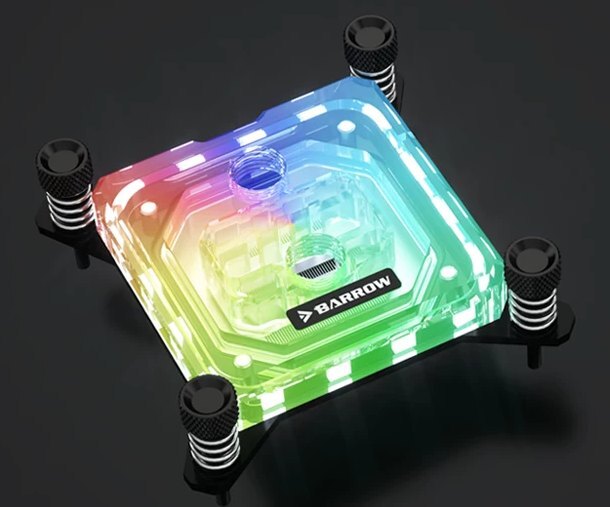
Clear acrylic with addressable lighting
The clear top lets you see the coolant chamber and the LEDs. Set lighting effects with the manual controller or use a compatible adapter cable to sync the lighting with your motherboard.
Key Specifications
| Intel model | LTYK3-04I |
|---|---|
| AMD model | LTYK3A-04 V2 |
| Top | Clear acrylic |
| Cold plate | 58 × 58 mm, nickel-plated copper |
| Jet microchannels | Up to 49, with 0.4 mm slot width and 0.2 mm spacing |
| Ports | G1/4 inlet and outlet |
| Port spacing | 28.85 mm center to center |
| Block thickness | 21.60 mm (both versions) |
| AMD block (W × L × T) | 69.60 × 105.30 × 21.60 mm, including bracket |
| Lighting | Barrow LRC 2.0, 5V 3-pin ARGB |
| Bracket options | Black with black screws or white with silver screws |
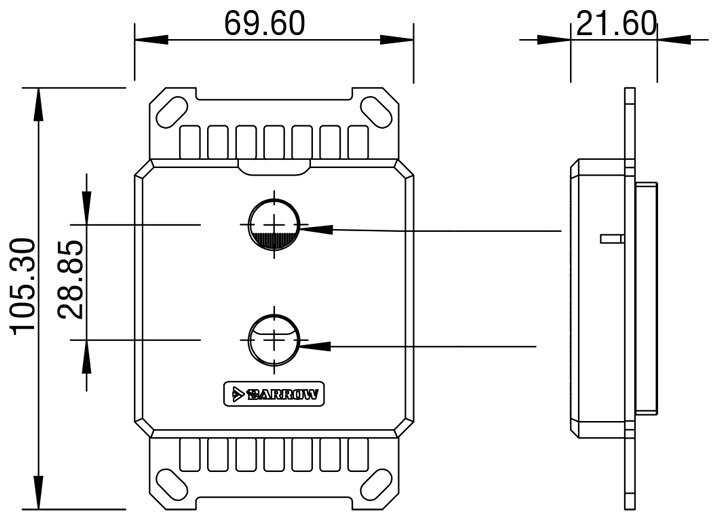
Barrow’s AMD dimension drawing in millimeters. The inlet is closest to the badge.
Which Version Do I Need?
What's in the Box
Thermal paste is not included (it cannot be shipped by air). Please use your own thermal paste during installation.
Installation & Use
For the rest of the loop, use a pump, reservoir, radiator and fans, G1/4 fittings, tubing, coolant and an inline filter.
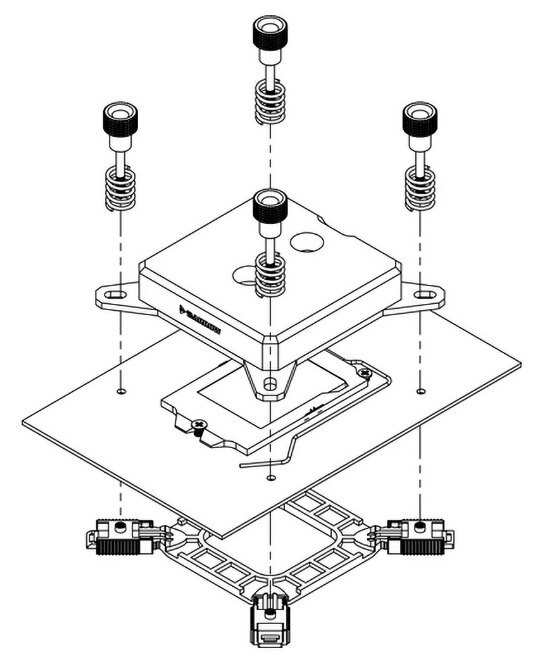
Barrow’s Intel LGA115x example shows the adjustable backplate below the motherboard.
FAQ
Is this CPU water block universal?
The Classic Edition comes in two socket-specific versions. Choose LTYK3-04I for supported Intel sockets such as LGA1700, or LTYK3A-04 V2 for supported AMD sockets such as AM5.
Can I sync the lighting with my motherboard?
Yes. Use a compatible Barrow lighting adapter cable with a 5V 3-pin ARGB header. The included manual controller can run the lighting without motherboard sync.
Which G1/4 port is the inlet?
The inlet is the port closest to the Barrow badge. Use the other port for the outlet. Correct flow direction matters for cooling performance.
Where should I put the inline filter?
Place the filter in the line feeding the water block to help keep debris out of the microchannels.
- In case of upgrading to the appearance and structure, no further notice, the real object shall prevail








